Waste handling, segregation, vehicles, exposure and spill response.
Search by function, activity, role or workflow action.
Browse by operating domain
Dedicated workspace
Link a spill report to corrective action and retain waste handling and environmental evidence in their source modules.
Use the standard User Guide button in the topbar whenever you need help. All industry instructions are maintained here.
01START HEREYour workflow from setup to closureWho does what, in which order, and how source controls apply.
Set up access and working scope
The organization administrator selects the industry, enables available workspaces and assigns roles with organization-unit scope. Additional workspaces can be disabled from Industry workspaces; the default workspace cannot be disabled. Disabling retains records and history. Package entitlements still control available functions.
Activity workflow
Create the activity with its operating context, location, owner, planned dates and internal, contractor or mixed workforce.
Open Detail, complete the readiness checks, resolve failed checks and attach evidence that passes scanning. Use Work controls to link saved records from the correct organization unit.
Submit for review. A reviewer independent of the creator and owner approves the activity.
Start within the approved date window. Permit-required work also needs a directly linked active PTW within its validity window.
Complete the work, attach completion evidence and request verification. An independent reviewer closes it after directly linked PTW and CAPA are resolved.
Open shared modules without leaving your industry
Open your industry workspace and select the required module from the grouped menu, such as HIRARC, Permit to work, CAPA or Assets & certificates. Resources → Shared services lists the available connections.
The register opens within the industry page. Select Open workspace to review a record and follow its linked Work Package, JSA, permit or other source record in the same industry context.
Use New record, Add, Edit or Renew where available. The original form opens in a modal. Select the correct site and organization unit; registers follow the module’s filters and your authorized scope.
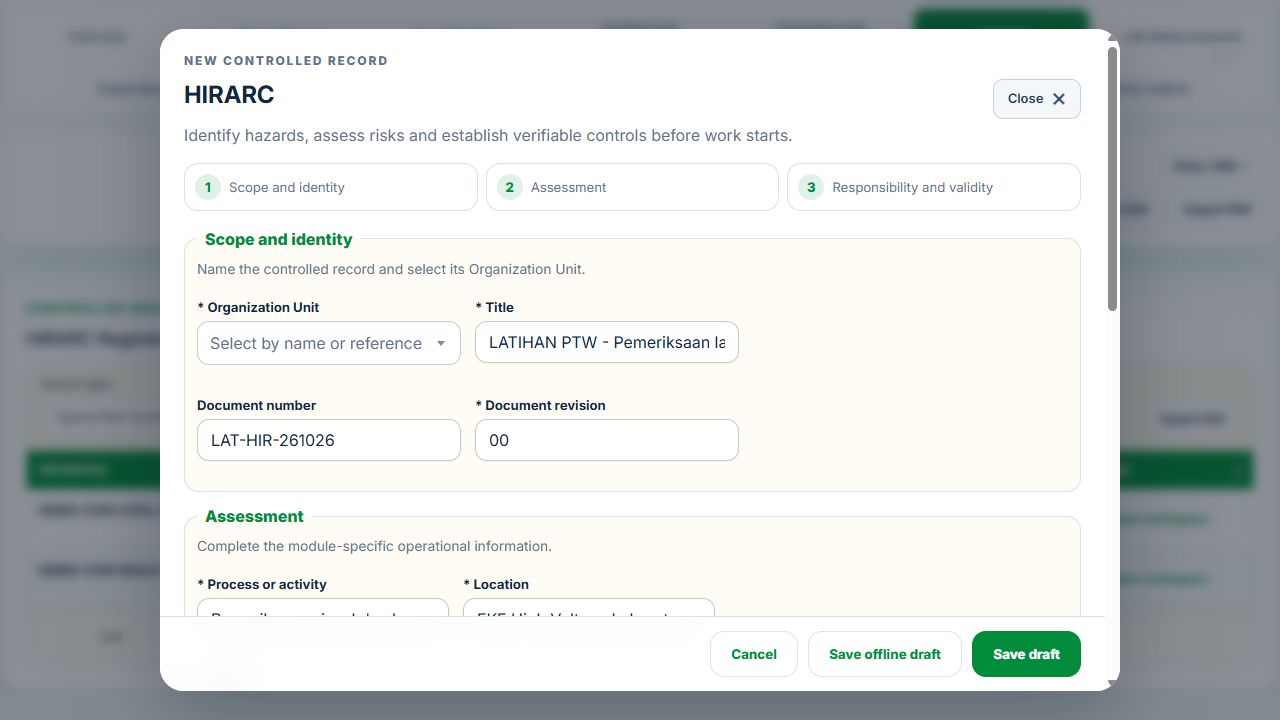
Save or submit through the form’s existing controls. Required evidence, assignment, status and independent approval still apply. Use Close at the upper right to dismiss the form; closing a modal does not close the business record.
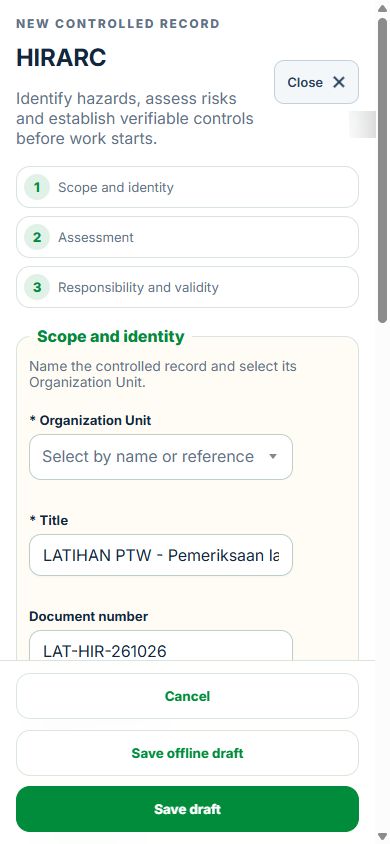
Use the record’s Print / PDF control for its controlled document. Printing and downloads open separately. On mobile the same forms fill the screen, with scrollable content and accessible Close controls.
Desktop · Original HIRARC form and Close controlMobile · Same fields and actions, full-screen form
How linked controls work
Work controls shows the source record, current status, direct links and dependencies reached through a Work Package or PTW. A typed reference does not create a relationship. Activity approval does not approve a Work Package, verify LOTO or activate a permit. Follow each source record's own approval and release workflow; reopen Detail to refresh its status.
Use Add and Edit to open the permitted form. Detail holds evidence, linked records, workflow and history. On mobile, table rows become labeled cards with the same actions.
Waste Management & Recycling: operating workflow
Choose Collection & Transport, Recycling & MRF, Scheduled Waste & Hazardous Recovery, or Landfill & Waste Treatment in the topbar. Selection changes the operating focus immediately; shared source records, permissions, licence scope and package entitlements still apply.
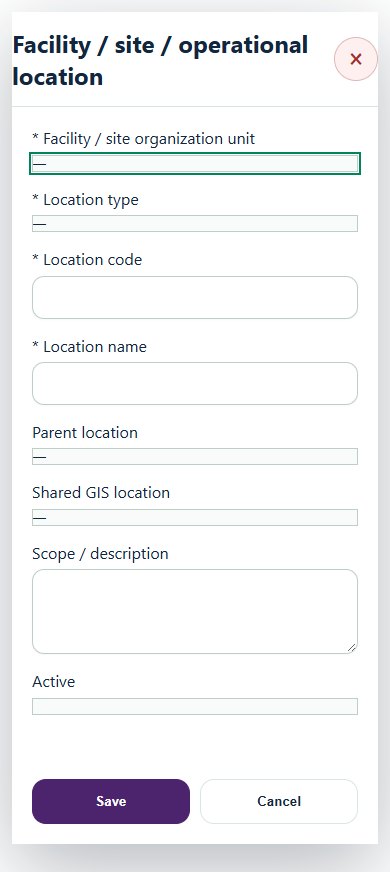
Create the facility root, routes, generator points, storage, quarantine zones, cells and monitoring points under the existing organization unit. Link GIS coordinates through the shared location register.
Approve the operating profile, capacity and jurisdiction assessment. Classify each waste stream through a qualified assessment linked to its Environment record. A photograph or driver description alone is not a classification decision.
Review generator, transporter and receiver identities, exact permitted waste codes, activities, validity and licence conditions. Link the actual Environmental Permit and legal obligation when a licence is required. A collection licence does not grant recovery authority.
Prepare vehicle inspection, route / fatigue controls and current driver competency. Upload a clean weighbridge ticket, choose the calibrated scale, and record gross, tare and UTC time in Loads. The net quantity is stored in the existing Environment consignment ledger.
Inspect the load. Conditional or quarantine decisions hold the load until independently accepted with documented resolved conditions and receiver evidence. Rejected or held loads cannot enter recovery batches.
In Recovery batches, allocate accepted load quantities. Several loads can enter one batch, and one load can be split across batches without exceeding its original weight. Record recovered output, residual and explained process loss with destination receipts. These must balance the input before independent verification; unfinished batches remain work in progress.
Independently reconcile the final load once every allocated batch is verified and the whole load is accounted for. Environment receives the final recovery / disposal entry. Record the actual eSWIS reference and acknowledgement separately; internal completion is not an official submission.
Monitor Inventory & ageing. Each threshold needs a versioned assessment, effective dates and its generator or licensed facility basis. Missing limits display Assessment required. Review landfill gas, leachate, groundwater, e-waste / battery, organics and aftercare controls for the relevant operation.
Use shared Equipment for certificates and renewals. A failed critical check restricts Equipment and creates scheduled maintenance. Link its actual Work Package and complete HIRARC, JSA, PTW and LOTO as applicable. Independent repair evidence and source closure are required before return to service.
For confined entry, name the issuer, supervisor, gas tester, attendant and entrants with current competency. Link the exact Equipment, Work Package, PTW, LOTO and detector; record every entry and exit. Exit remains recordable when gas expires. Independent headcount and clearance precede source restoration and closure.
Approve monitoring points and dated parameter limits, schedule samples, upload the laboratory report and link or create the one Environmental Monitoring result. Source approval precedes independent sample verification. Qualitative and below-detection results remain distinct; historical limit revisions are retained.
Use the shared notification inbox for review, certificate, sampling and load deadlines. Critical exceptions remain visible even when percentages are high. Six-month TRIR and LTIFR require complete verified site-month exposure reports.
Integration inbox stages observations or mapped review drafts from weighbridge, GPS, laboratory, IoT, CMMS and eSWIS exports. It does not claim a live third-party connection or send operating commands. Use the Reports tab for scoped CSV and PDF output, and SITI for a scoped read-only summary.
The overview shows sampling completion, verified quality results, entry controls, restricted assets, events, six-month hours and GIS. Missing evidence is not zero performance. TRIR and LTIFR require every site-month in scope to have verified hours. All charts link to source registers.
Integration inbox accepts read-only observations and mapped draft records from SCADA, LIMS, GIS, HR/LMS and CMMS. Review staged data before creating a draft; duplicate external IDs with changed data are rejected. This does not connect to or control plant equipment. Review and sample reminders appear in the existing notification inbox when the industry scheduler runs.
02Waste Management & RecyclingOverview, scope and navigationStart with the right operating context.
How to use this section
Open the enabled industry from the navigation rail or the mobile More menu. Expand the grouped top menu to choose the next stage of work.
Select the organization unit and available project, factory or site context. KPI cards, graphs, maps and registers reflect the scope supported by that workspace.
Follow a KPI or source link to the underlying record. A missing or incomplete reporting value is not an assumed zero.
On mobile, registers become labeled cards. Use the same Detail, Edit and permitted workflow controls from each card.
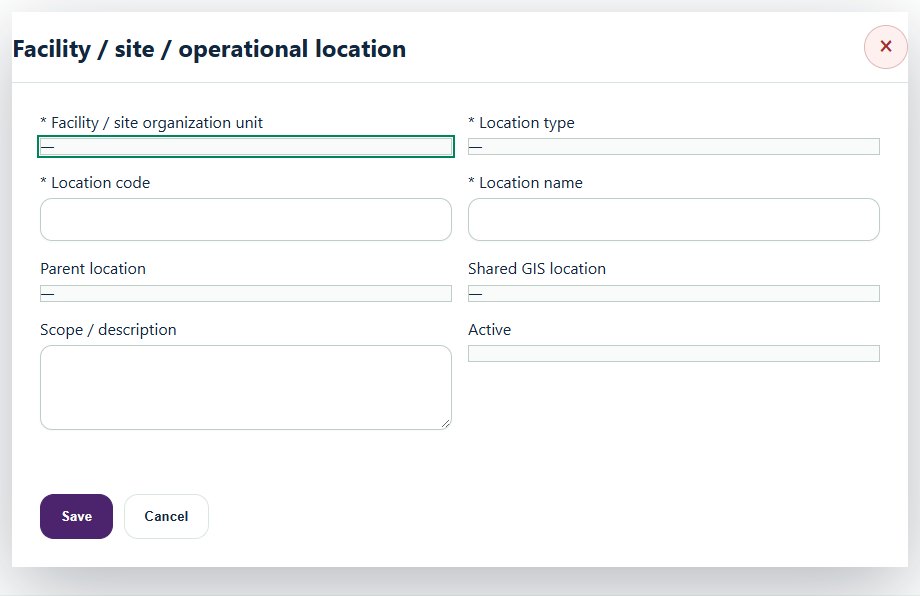
Desktop · Facility / site / operational locationMobile · Facility / site / operational location
03Waste Management & RecyclingOperator, facility & operating scopePrepare a source-linked assurance record and obtain independent acceptance.
How to use this section
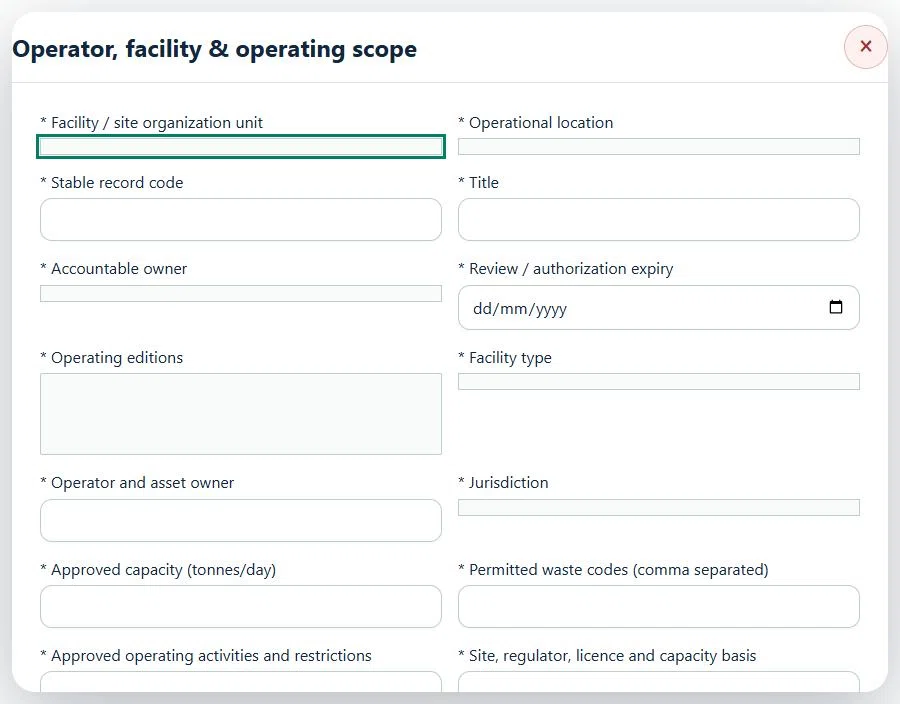
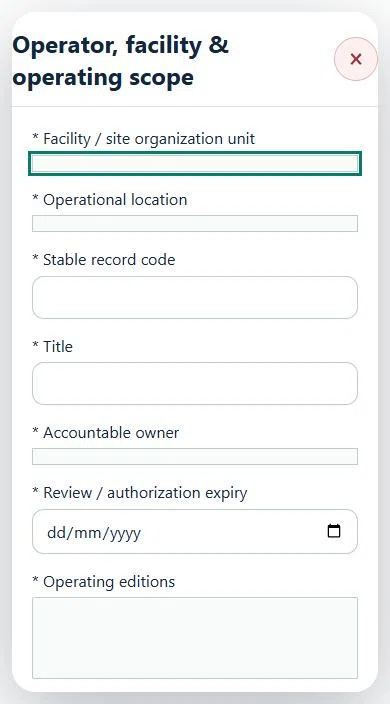
Select the operating context, owner and review due date. Record: Operating editions; Facility type; Operator and asset owner; Jurisdiction; Approved capacity (tonnes/day); Permitted waste codes (comma separated); Approved operating activities and restrictions; Site, regulator, licence and capacity basis.
Link the relevant saved source records and any required accepted dependencies. Save the draft and attach supporting evidence in Detail.
Submit for independent review; resolve rejected or incomplete evidence before resubmitting. Acceptance does not approve or release the linked source work.
Use a new revision for changes to accepted records. Follow source links to resolve expired evidence, changed sources or failed prerequisites before progressing work.
Desktop · Operator, facility & operating scope · Highlight: * Facility / site organization unitMobile · Operator, facility & operating scope · Highlight: * Facility / site organization unit
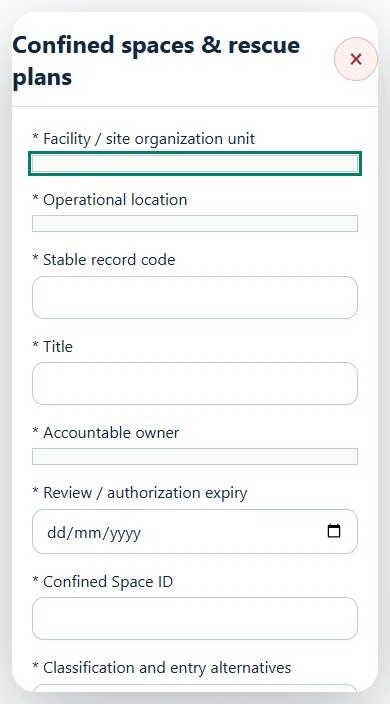
04Waste Management & RecyclingConfined spaces & rescue plansPrepare a source-linked assurance record and obtain independent acceptance.
How to use this section
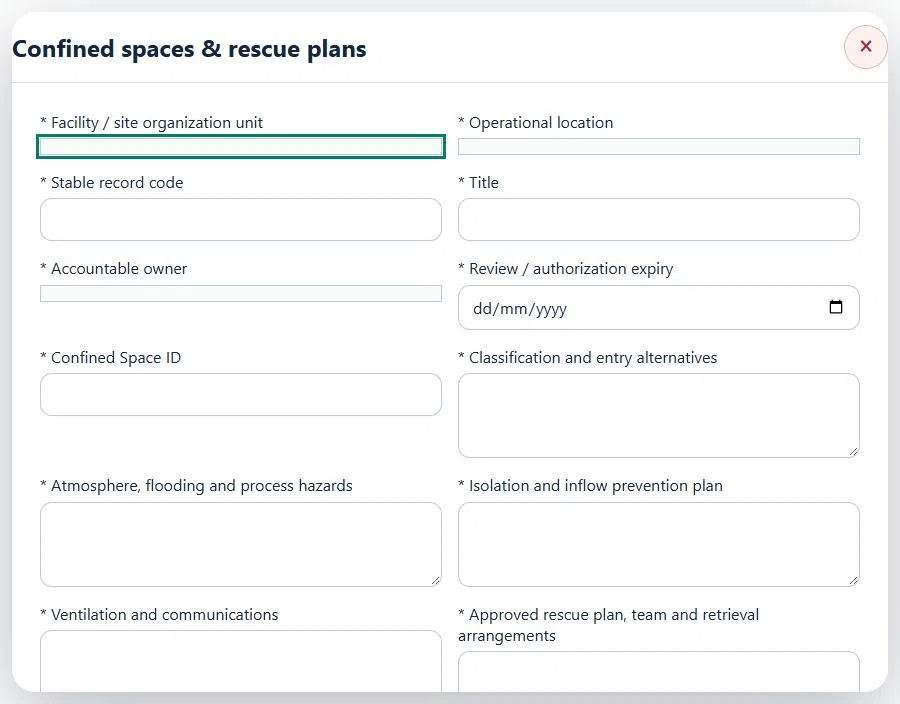
Select the operating context, owner and review due date. Record: Confined Space ID; Classification and entry alternatives; Atmosphere, flooding and process hazards; Isolation and inflow prevention plan; Ventilation and communications; Approved rescue plan, team and retrieval arrangements; Approved gas limits, frequency and stop-work procedure; Approved O₂ minimum (%); Approved O₂ maximum (%); Approved LEL maximum (%); Approved H₂S maximum (ppm); Approved CO maximum (ppm); Maximum test age (minutes).
Link the relevant saved source records and any required accepted dependencies. Save the draft and attach supporting evidence in Detail.
Submit for independent review; resolve rejected or incomplete evidence before resubmitting. Acceptance does not approve or release the linked source work.
Use a new revision for changes to accepted records. Follow source links to resolve expired evidence, changed sources or failed prerequisites before progressing work.
Desktop · Confined spaces & rescue plans · Highlight: * Facility / site organization unitMobile · Confined spaces & rescue plans · Highlight: * Facility / site organization unit
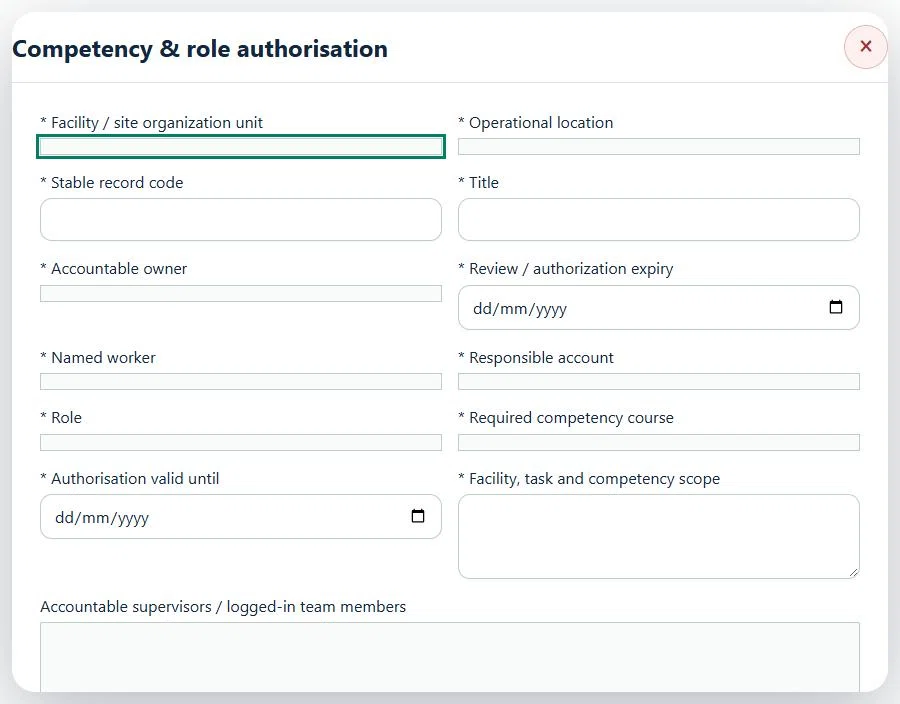
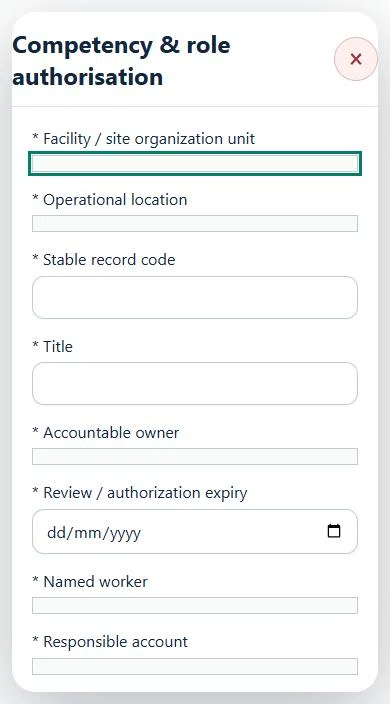
05Waste Management & RecyclingCompetency & role authorisationPrepare a source-linked assurance record and obtain independent acceptance.
How to use this section
Select the operating context, owner and review due date. Record: Named worker; Responsible account; Role; Required competency course; Authorisation valid until; Facility, task and competency scope.
Link the relevant saved source records and any required accepted dependencies. Save the draft and attach supporting evidence in Detail.
Submit for independent review; resolve rejected or incomplete evidence before resubmitting. Acceptance does not approve or release the linked source work.
Use a new revision for changes to accepted records. Follow source links to resolve expired evidence, changed sources or failed prerequisites before progressing work.
Desktop · Competency & role authorisation · Highlight: * Facility / site organization unitMobile · Competency & role authorisation · Highlight: * Facility / site organization unit
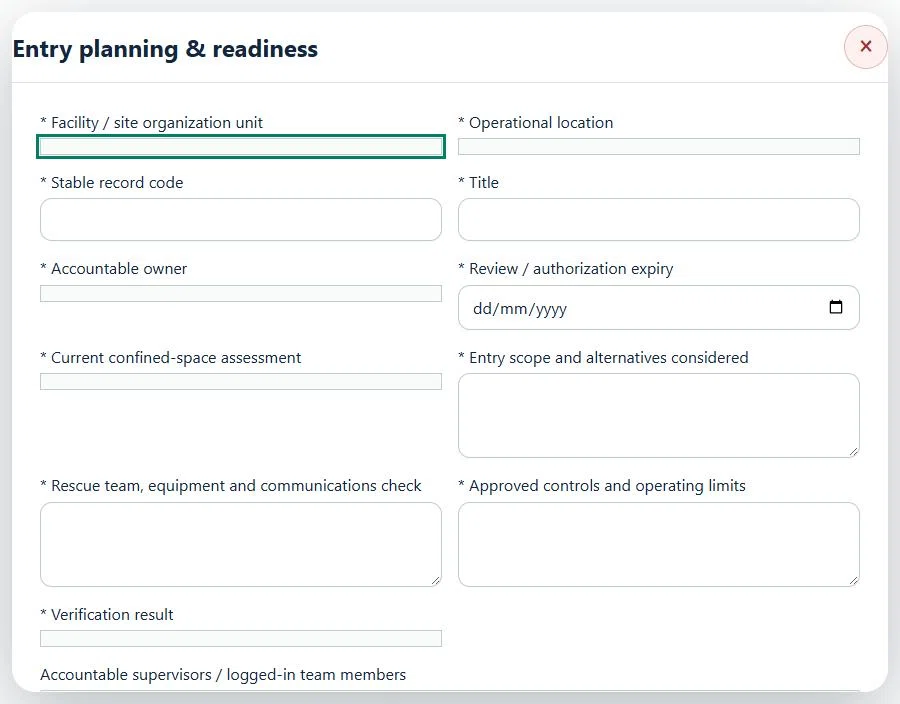
06Waste Management & RecyclingEntry planning & readinessPrepare a source-linked assurance record and obtain independent acceptance.
How to use this section
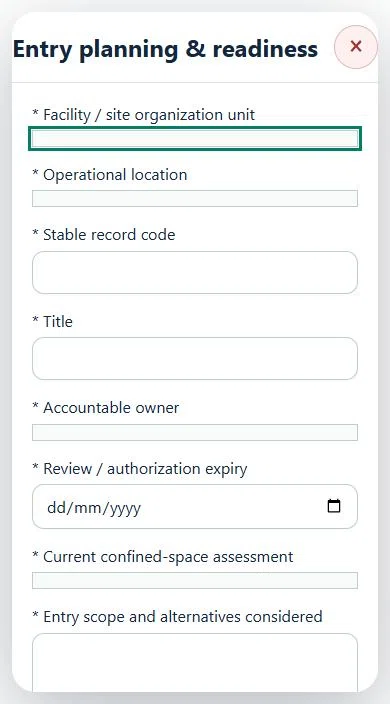
Select the operating context, owner and review due date. Record: Current confined-space assessment; Entry scope and alternatives considered; Rescue team, equipment and communications check; Approved controls and operating limits; Verification result.
Link the relevant saved source records and any required accepted dependencies. Save the draft and attach supporting evidence in Detail.
Submit for independent review; resolve rejected or incomplete evidence before resubmitting. Acceptance does not approve or release the linked source work.
Use a new revision for changes to accepted records. Follow source links to resolve expired evidence, changed sources or failed prerequisites before progressing work.
Desktop · Entry planning & readiness · Highlight: * Facility / site organization unitMobile · Entry planning & readiness · Highlight: * Facility / site organization unit
Entry planning & readiness
Record these details: Task boundary and approved procedure · Approved work window / coordination reference
Readiness checks
Current HIRARC / JSA checked
Competency and employer authority verified
Current asset and operating evidence checked
A directly linked, active PTW within its validity window is required before this activity starts.
07Waste Management & RecyclingGas detection & calibration assurancePrepare a source-linked assurance record and obtain independent acceptance.
How to use this section
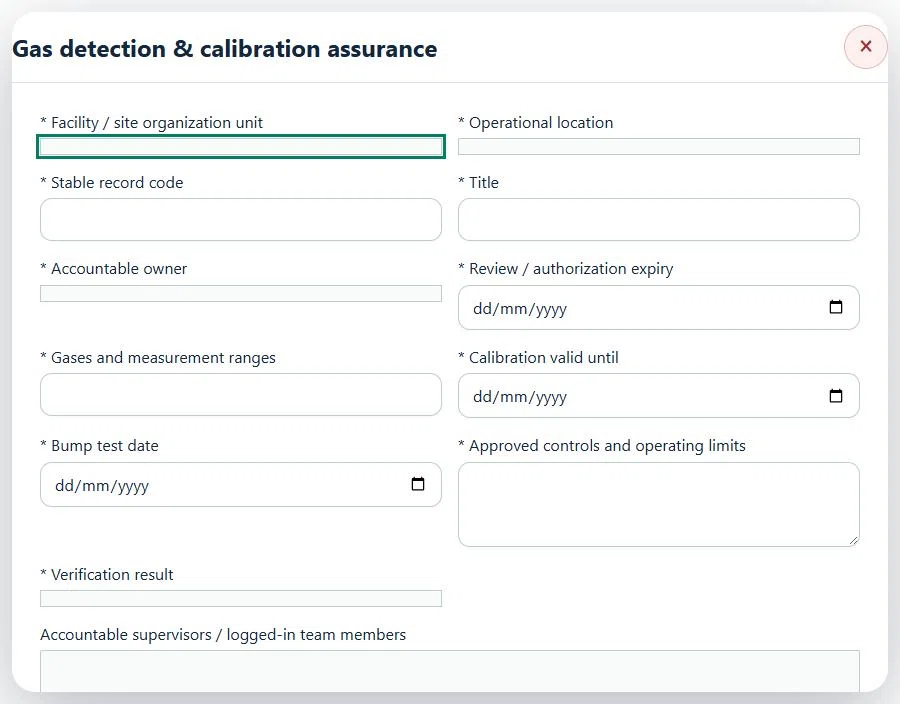
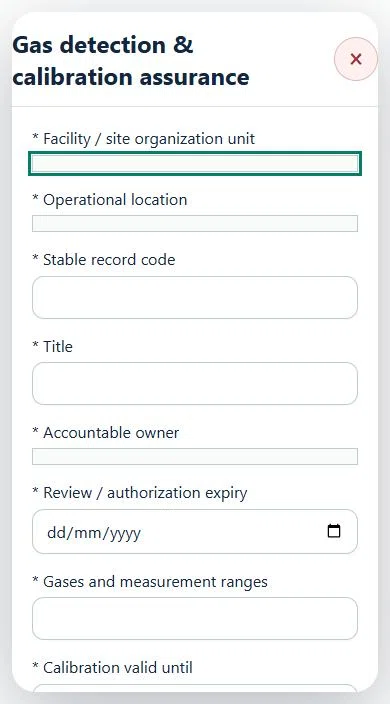
Select the operating context, owner and review due date. Record: Gases and measurement ranges; Calibration valid until; Bump test date; Approved controls and operating limits; Verification result.
Link the relevant saved source records and any required accepted dependencies. Save the draft and attach supporting evidence in Detail.
Submit for independent review; resolve rejected or incomplete evidence before resubmitting. Acceptance does not approve or release the linked source work.
Use a new revision for changes to accepted records. Follow source links to resolve expired evidence, changed sources or failed prerequisites before progressing work.
Desktop · Gas detection & calibration assurance · Highlight: * Facility / site organization unitMobile · Gas detection & calibration assurance · Highlight: * Facility / site organization unit
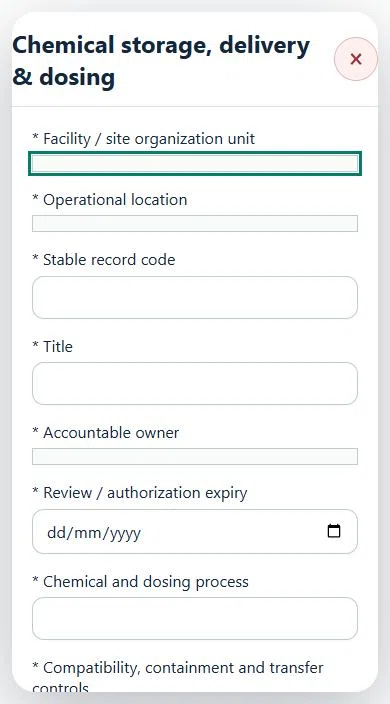
08Waste Management & RecyclingChemical storage, delivery & dosingPrepare a source-linked assurance record and obtain independent acceptance.
How to use this section
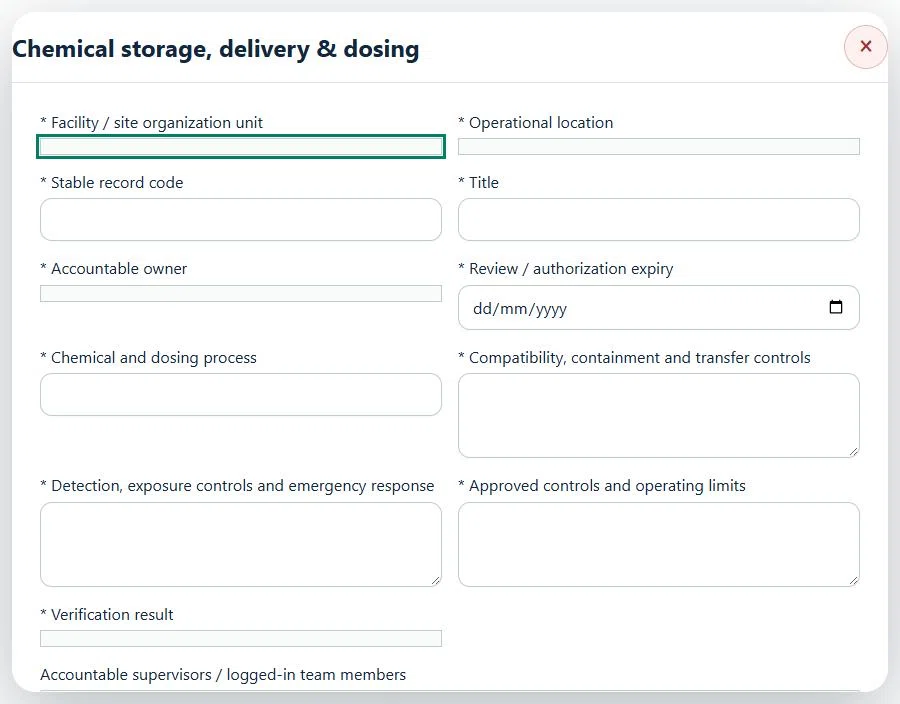
Select the operating context, owner and review due date. Record: Chemical and dosing process; Compatibility, containment and transfer controls; Detection, exposure controls and emergency response; Approved controls and operating limits; Verification result.
Link the relevant saved source records and any required accepted dependencies. Save the draft and attach supporting evidence in Detail.
Submit for independent review; resolve rejected or incomplete evidence before resubmitting. Acceptance does not approve or release the linked source work.
Use a new revision for changes to accepted records. Follow source links to resolve expired evidence, changed sources or failed prerequisites before progressing work.
Desktop · Chemical storage, delivery & dosing · Highlight: * Facility / site organization unitMobile · Chemical storage, delivery & dosing · Highlight: * Facility / site organization unit
Chemical storage, delivery & dosing
Record these details: Task boundary and approved procedure · Approved work window / coordination reference
Readiness checks
Current HIRARC / JSA checked
Competency and employer authority verified
Current asset and operating evidence checked
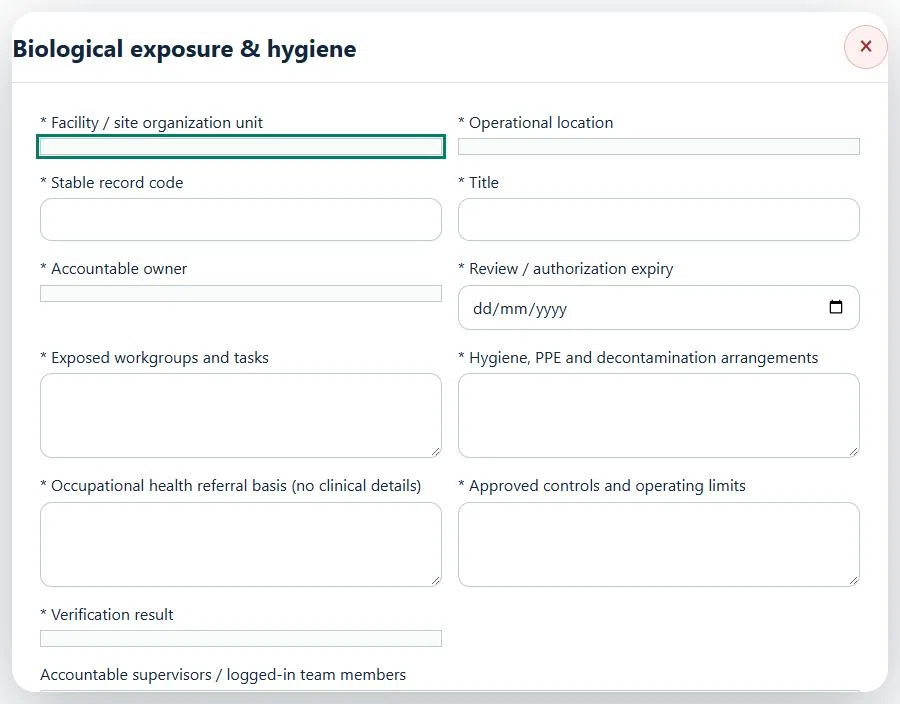
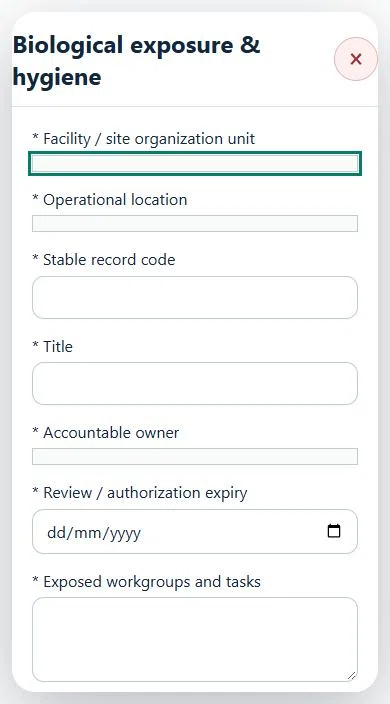
09Waste Management & RecyclingBiological exposure & hygienePrepare a source-linked assurance record and obtain independent acceptance.
How to use this section
Select the operating context, owner and review due date. Record: Exposed workgroups and tasks; Hygiene, PPE and decontamination arrangements; Occupational health referral basis (no clinical details); Approved controls and operating limits; Verification result.
Link the relevant saved source records and any required accepted dependencies. Save the draft and attach supporting evidence in Detail.
Submit for independent review; resolve rejected or incomplete evidence before resubmitting. Acceptance does not approve or release the linked source work.
Use a new revision for changes to accepted records. Follow source links to resolve expired evidence, changed sources or failed prerequisites before progressing work.
Desktop · Biological exposure & hygiene · Highlight: * Facility / site organization unitMobile · Biological exposure & hygiene · Highlight: * Facility / site organization unit
Biological exposure & hygiene
Record these details: Task boundary and approved procedure · Approved work window / coordination reference
Readiness checks
Current HIRARC / JSA checked
Competency and employer authority verified
Current asset and operating evidence checked
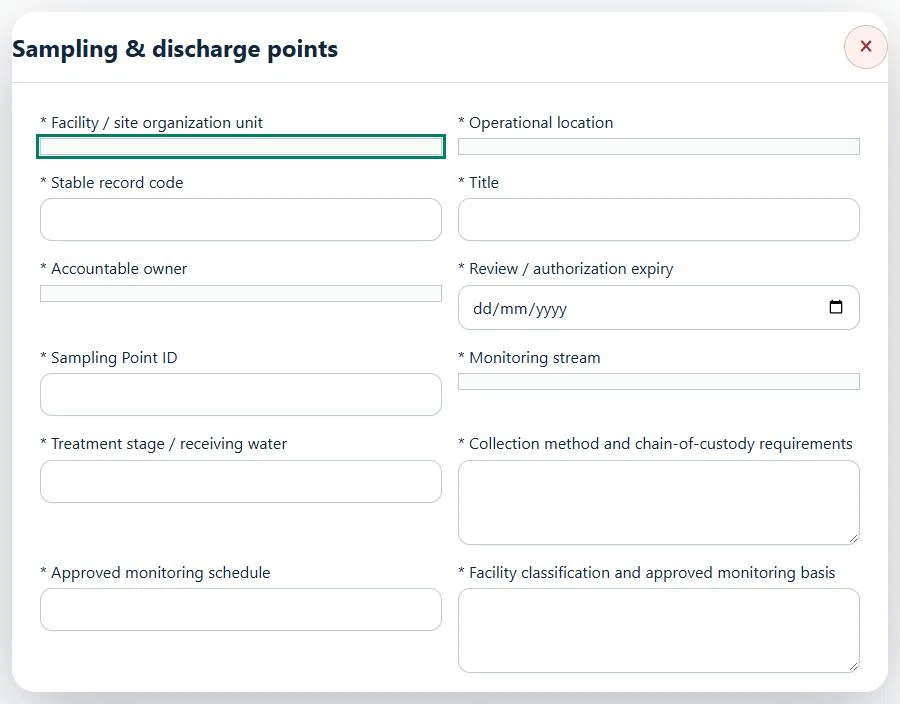
10Waste Management & RecyclingSampling & discharge pointsPrepare a source-linked assurance record and obtain independent acceptance.
How to use this section
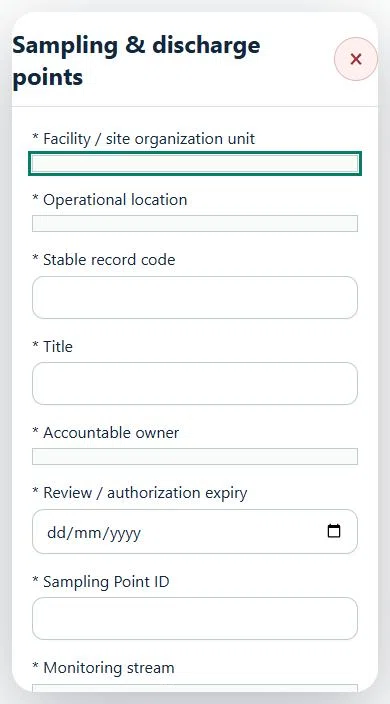
Select the operating context, owner and review due date. Record: Sampling Point ID; Monitoring stream; Treatment stage / receiving water; Collection method and chain-of-custody requirements; Approved monitoring schedule; Facility classification and approved monitoring basis.
Link the relevant saved source records and any required accepted dependencies. Save the draft and attach supporting evidence in Detail.
Submit for independent review; resolve rejected or incomplete evidence before resubmitting. Acceptance does not approve or release the linked source work.
Use a new revision for changes to accepted records. Follow source links to resolve expired evidence, changed sources or failed prerequisites before progressing work.
Desktop · Sampling & discharge points · Highlight: * Facility / site organization unitMobile · Sampling & discharge points · Highlight: * Facility / site organization unit
11Waste Management & RecyclingParameter limits & versionsPrepare a source-linked assurance record and obtain independent acceptance.
How to use this section
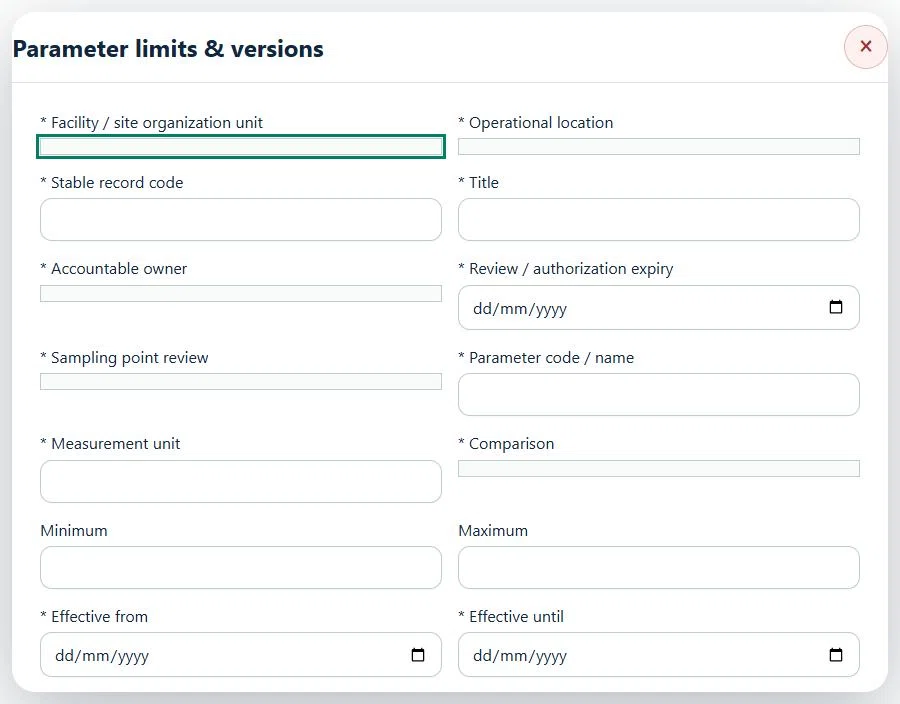
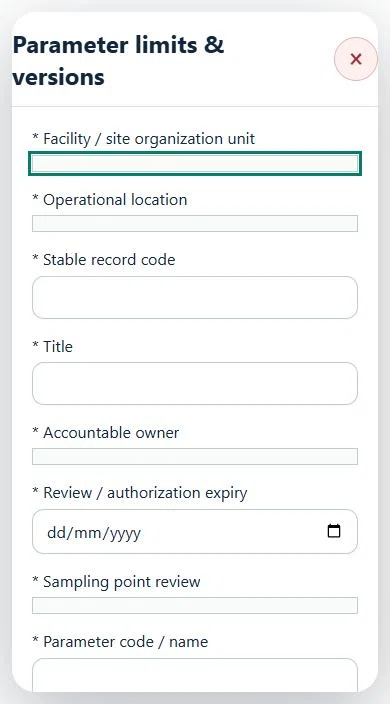
Select the operating context, owner and review due date. Record: Sampling point review; Parameter code / name; Measurement unit; Comparison; Minimum; Maximum; Effective from; Effective until; Approved analytical method; Approved limit reference and version; Basis.
Link the relevant saved source records and any required accepted dependencies. Save the draft and attach supporting evidence in Detail.
Submit for independent review; resolve rejected or incomplete evidence before resubmitting. Acceptance does not approve or release the linked source work.
Use a new revision for changes to accepted records. Follow source links to resolve expired evidence, changed sources or failed prerequisites before progressing work.
Desktop · Parameter limits & versions · Highlight: * Facility / site organization unitMobile · Parameter limits & versions · Highlight: * Facility / site organization unit
12Waste Management & RecyclingWater quality deviation responsePrepare a source-linked assurance record and obtain independent acceptance.
How to use this section
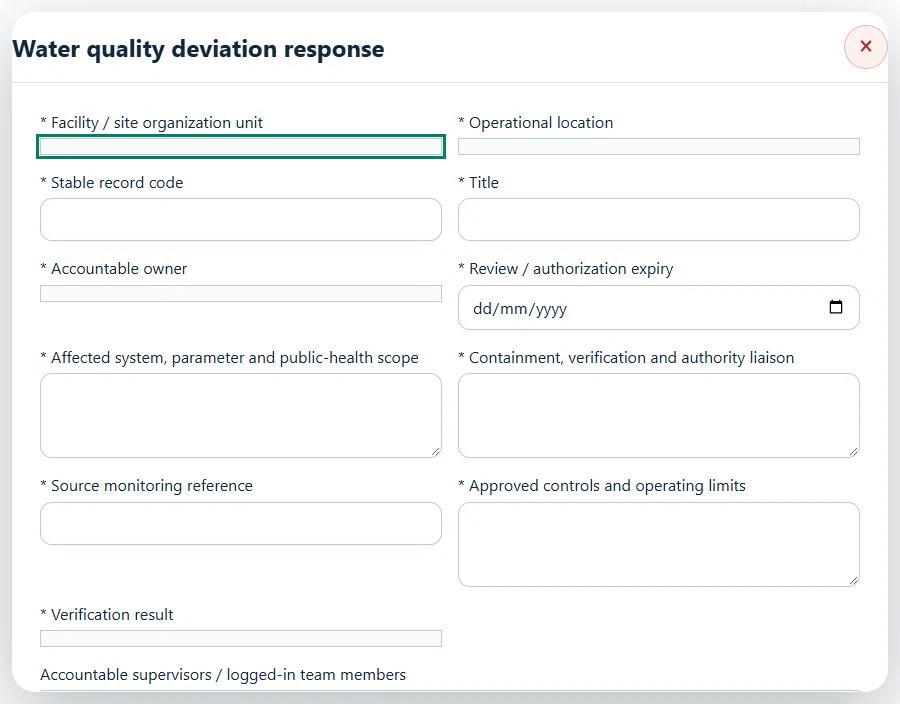
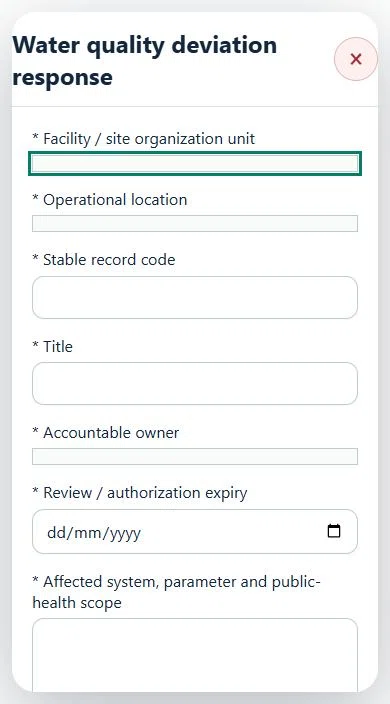
Select the operating context, owner and review due date. Record: Affected system, parameter and public-health scope; Containment, verification and authority liaison; Source monitoring reference; Approved controls and operating limits; Verification result.
Link the relevant saved source records and any required accepted dependencies. Save the draft and attach supporting evidence in Detail.
Submit for independent review; resolve rejected or incomplete evidence before resubmitting. Acceptance does not approve or release the linked source work.
Use a new revision for changes to accepted records. Follow source links to resolve expired evidence, changed sources or failed prerequisites before progressing work.
Desktop · Water quality deviation response · Highlight: * Facility / site organization unitMobile · Water quality deviation response · Highlight: * Facility / site organization unit
13Waste Management & RecyclingCritical asset integrityPrepare a source-linked assurance record and obtain independent acceptance.
How to use this section
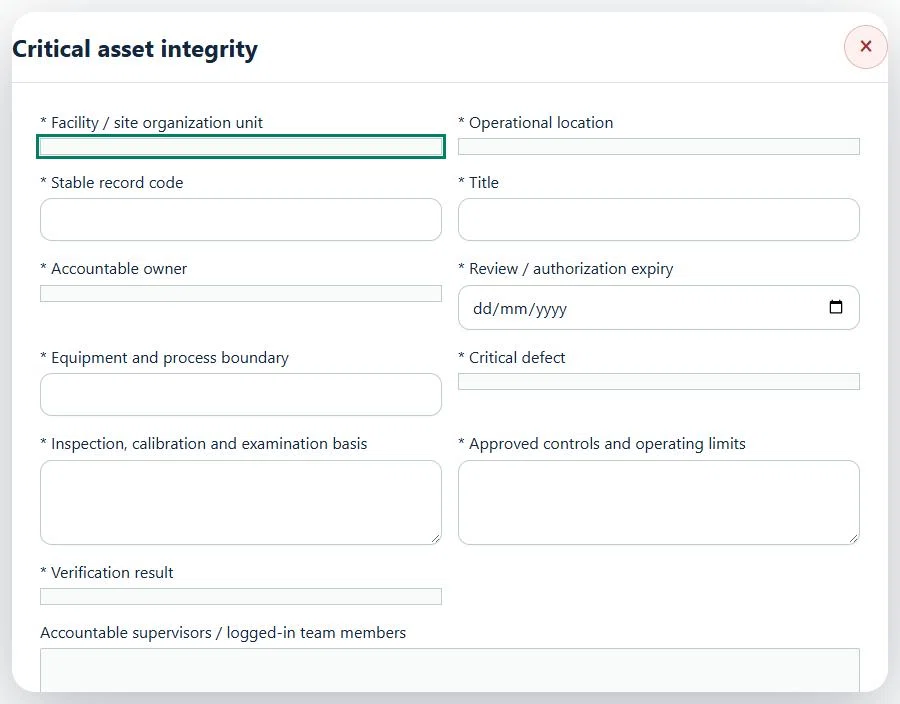
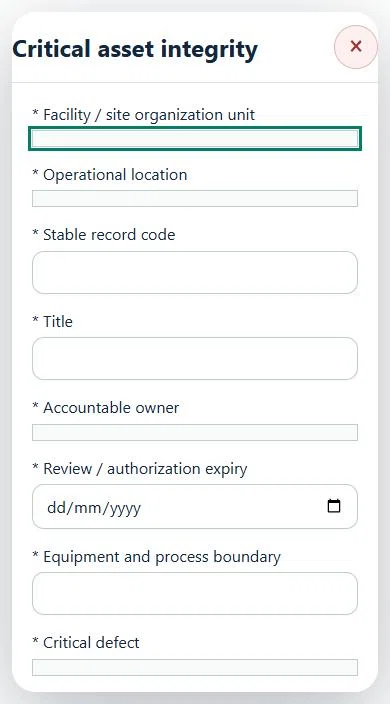
Select the operating context, owner and review due date. Record: Equipment and process boundary; Critical defect; Inspection, calibration and examination basis; Approved controls and operating limits; Verification result.
Link the relevant saved source records and any required accepted dependencies. Save the draft and attach supporting evidence in Detail.
Submit for independent review; resolve rejected or incomplete evidence before resubmitting. Acceptance does not approve or release the linked source work.
Use a new revision for changes to accepted records. Follow source links to resolve expired evidence, changed sources or failed prerequisites before progressing work.
Desktop · Critical asset integrity · Highlight: * Facility / site organization unitMobile · Critical asset integrity · Highlight: * Facility / site organization unit
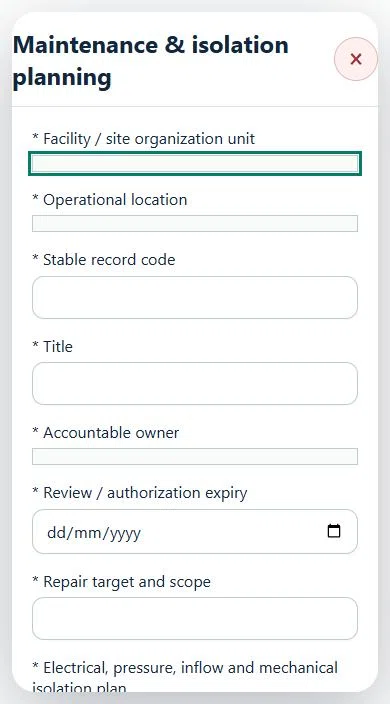
14Waste Management & RecyclingMaintenance & isolation planningPrepare a source-linked assurance record and obtain independent acceptance.
How to use this section
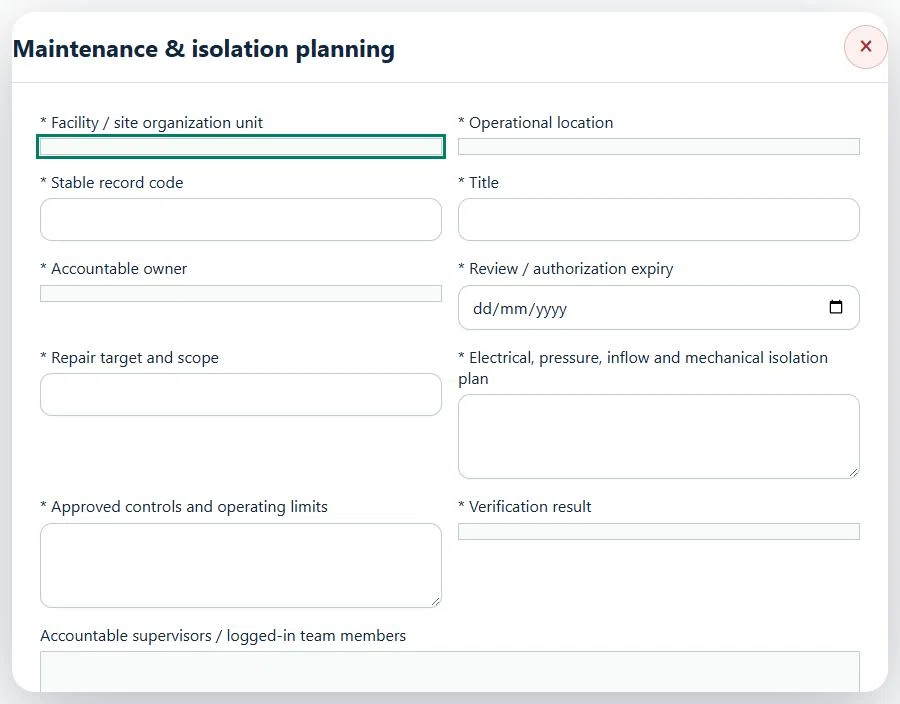
Select the operating context, owner and review due date. Record: Repair target and scope; Electrical, pressure, inflow and mechanical isolation plan; Approved controls and operating limits; Verification result.
Link the relevant saved source records and any required accepted dependencies. Save the draft and attach supporting evidence in Detail.
Submit for independent review; resolve rejected or incomplete evidence before resubmitting. Acceptance does not approve or release the linked source work.
Use a new revision for changes to accepted records. Follow source links to resolve expired evidence, changed sources or failed prerequisites before progressing work.
Desktop · Maintenance & isolation planning · Highlight: * Facility / site organization unitMobile · Maintenance & isolation planning · Highlight: * Facility / site organization unit
Maintenance & isolation planning
Record these details: Task boundary and approved procedure · Approved work window / coordination reference
Readiness checks
Current HIRARC / JSA checked
Competency and employer authority verified
Current asset and operating evidence checked
A directly linked, active PTW within its validity window is required before this activity starts.
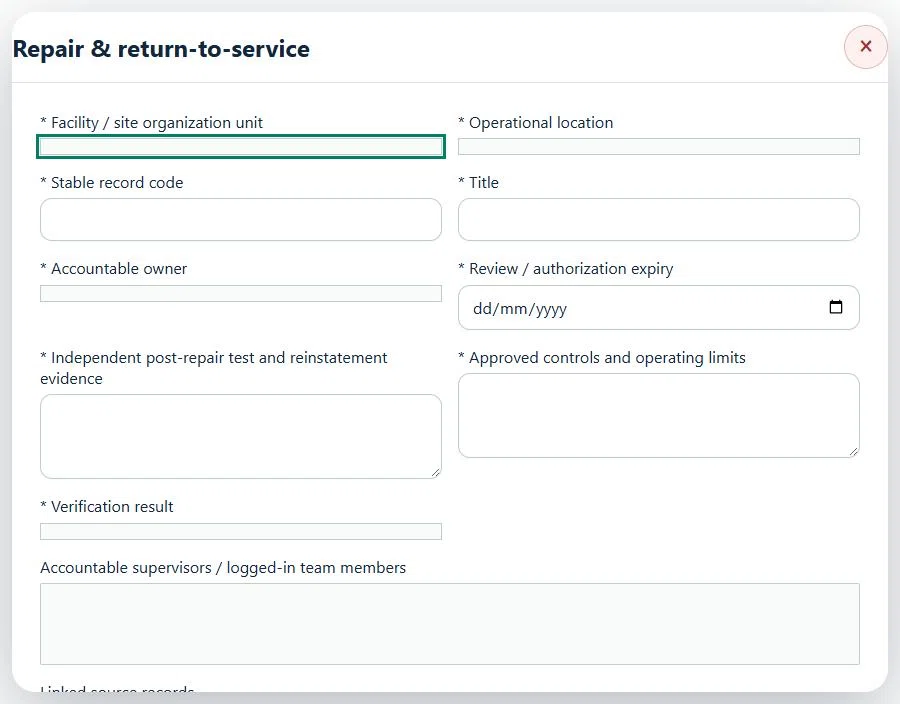
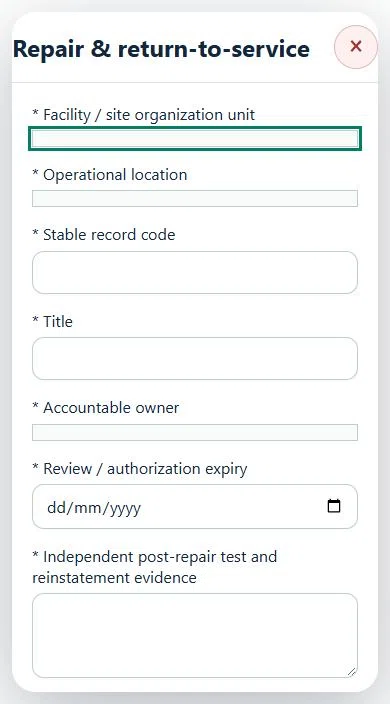
15Waste Management & RecyclingRepair & return-to-servicePrepare a source-linked assurance record and obtain independent acceptance.
How to use this section
Select the operating context, owner and review due date. Record: Independent post-repair test and reinstatement evidence; Approved controls and operating limits; Verification result.
Link the relevant saved source records and any required accepted dependencies. Save the draft and attach supporting evidence in Detail.
Submit for independent review; resolve rejected or incomplete evidence before resubmitting. Acceptance does not approve or release the linked source work.
Use a new revision for changes to accepted records. Follow source links to resolve expired evidence, changed sources or failed prerequisites before progressing work.
Desktop · Repair & return-to-service · Highlight: * Facility / site organization unitMobile · Repair & return-to-service · Highlight: * Facility / site organization unit
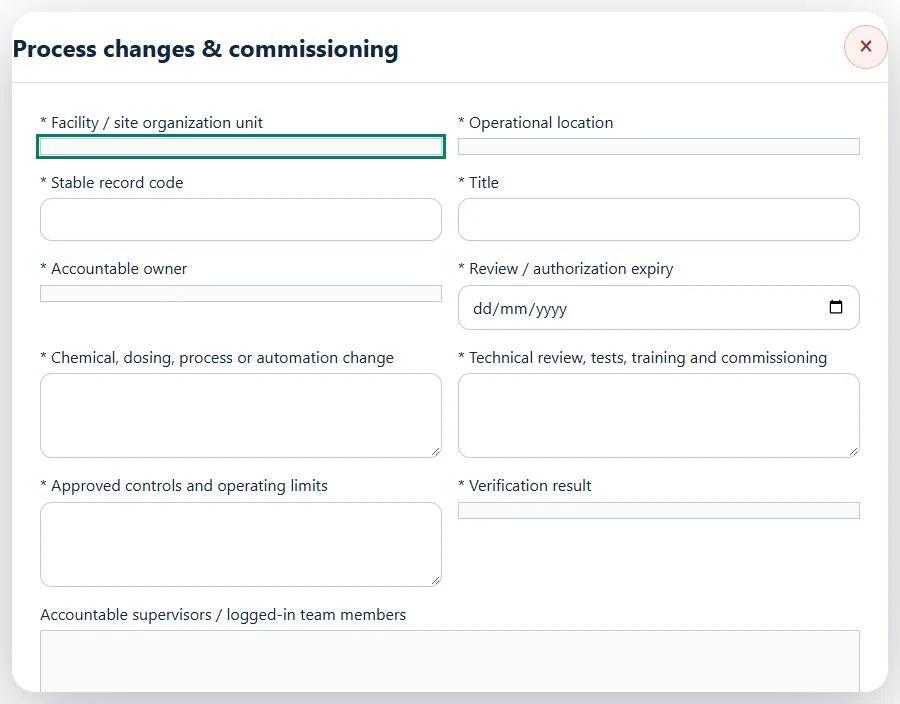
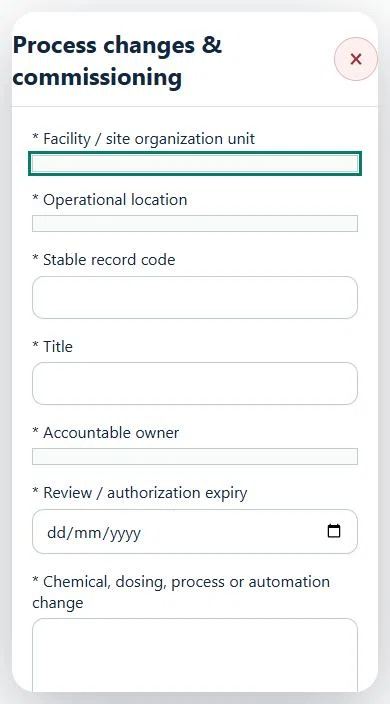
16Waste Management & RecyclingProcess changes & commissioningPrepare a source-linked assurance record and obtain independent acceptance.
How to use this section
Select the operating context, owner and review due date. Record: Chemical, dosing, process or automation change; Technical review, tests, training and commissioning; Approved controls and operating limits; Verification result.
Link the relevant saved source records and any required accepted dependencies. Save the draft and attach supporting evidence in Detail.
Submit for independent review; resolve rejected or incomplete evidence before resubmitting. Acceptance does not approve or release the linked source work.
Use a new revision for changes to accepted records. Follow source links to resolve expired evidence, changed sources or failed prerequisites before progressing work.
Desktop · Process changes & commissioning · Highlight: * Facility / site organization unitMobile · Process changes & commissioning · Highlight: * Facility / site organization unit
Process changes & commissioning
Record these details: Task boundary and approved procedure · Approved work window / coordination reference
Readiness checks
Current HIRARC / JSA checked
Competency and employer authority verified
Current asset and operating evidence checked
A directly linked, active PTW within its validity window is required before this activity starts.
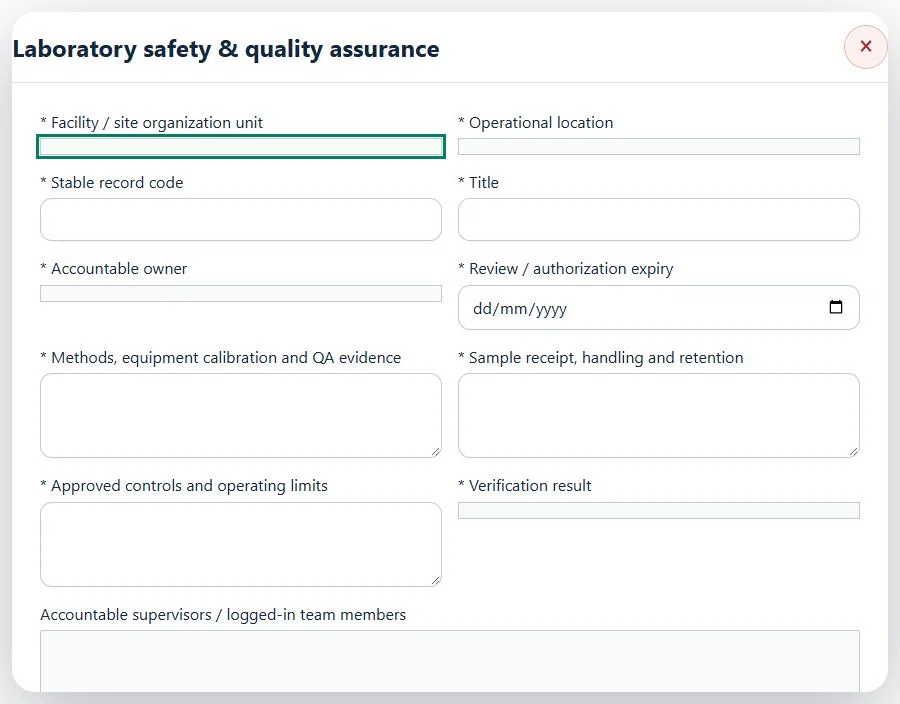
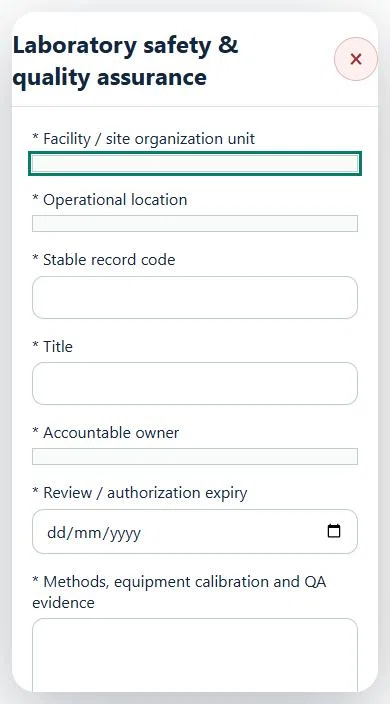
17Waste Management & RecyclingLaboratory safety & quality assurancePrepare a source-linked assurance record and obtain independent acceptance.
How to use this section
Select the operating context, owner and review due date. Record: Methods, equipment calibration and QA evidence; Sample receipt, handling and retention; Approved controls and operating limits; Verification result.
Link the relevant saved source records and any required accepted dependencies. Save the draft and attach supporting evidence in Detail.
Submit for independent review; resolve rejected or incomplete evidence before resubmitting. Acceptance does not approve or release the linked source work.
Use a new revision for changes to accepted records. Follow source links to resolve expired evidence, changed sources or failed prerequisites before progressing work.
Desktop · Laboratory safety & quality assurance · Highlight: * Facility / site organization unitMobile · Laboratory safety & quality assurance · Highlight: * Facility / site organization unit
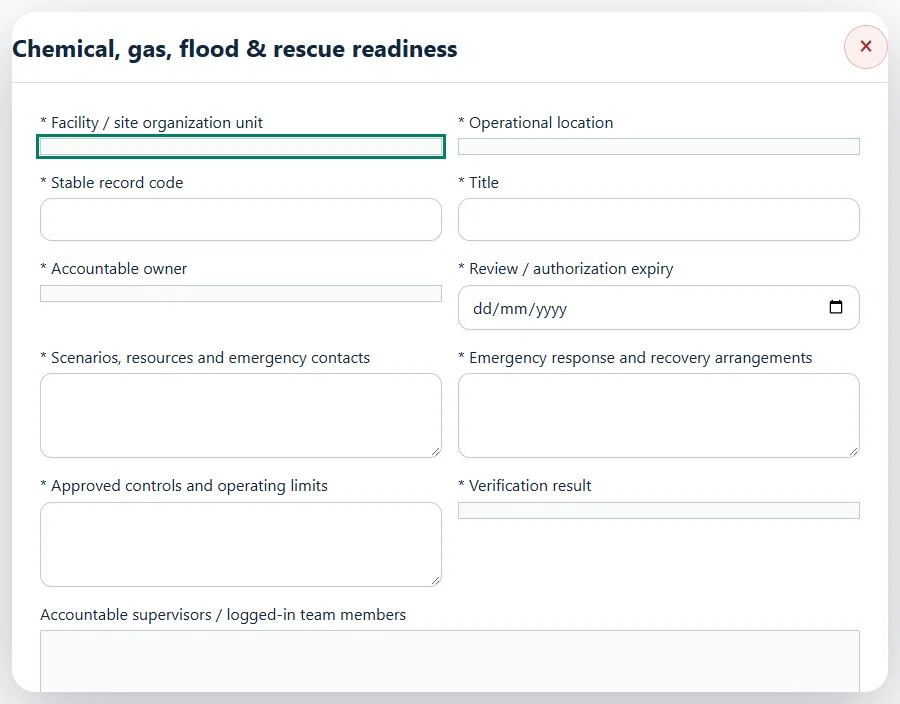
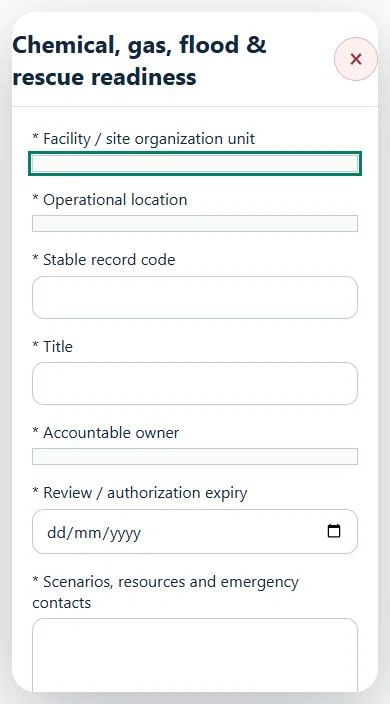
18Waste Management & RecyclingChemical, gas, flood & rescue readinessPrepare a source-linked assurance record and obtain independent acceptance.
How to use this section
Select the operating context, owner and review due date. Record: Scenarios, resources and emergency contacts; Emergency response and recovery arrangements; Approved controls and operating limits; Verification result.
Link the relevant saved source records and any required accepted dependencies. Save the draft and attach supporting evidence in Detail.
Submit for independent review; resolve rejected or incomplete evidence before resubmitting. Acceptance does not approve or release the linked source work.
Use a new revision for changes to accepted records. Follow source links to resolve expired evidence, changed sources or failed prerequisites before progressing work.
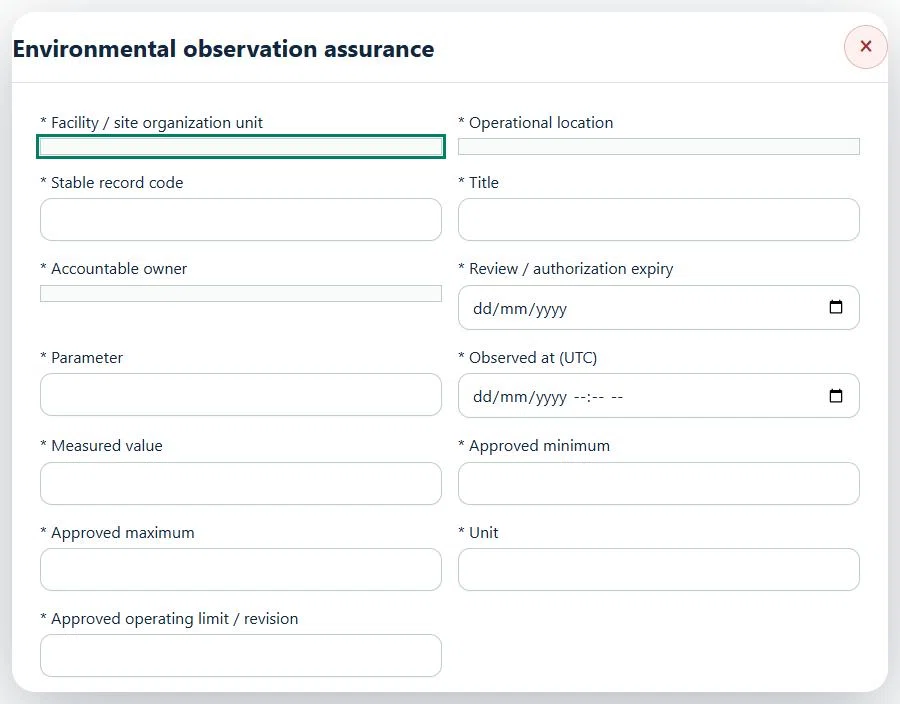
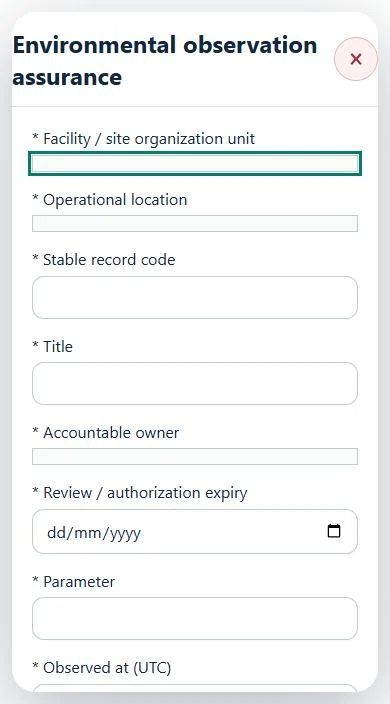
19Waste Management & RecyclingEnvironmental observation assurancePrepare a source-linked assurance record and obtain independent acceptance.
How to use this section
Select the operating context, owner and review due date. Record: Parameter; Observed at (UTC); Measured value; Approved minimum; Approved maximum; Unit; Approved operating limit / revision.
Link the relevant saved source records and any required accepted dependencies. Save the draft and attach supporting evidence in Detail.
Submit for independent review; resolve rejected or incomplete evidence before resubmitting. Acceptance does not approve or release the linked source work.
Use a new revision for changes to accepted records. Follow source links to resolve expired evidence, changed sources or failed prerequisites before progressing work.
Desktop · Environmental observation assurance · Highlight: * Facility / site organization unitMobile · Environmental observation assurance · Highlight: * Facility / site organization unit
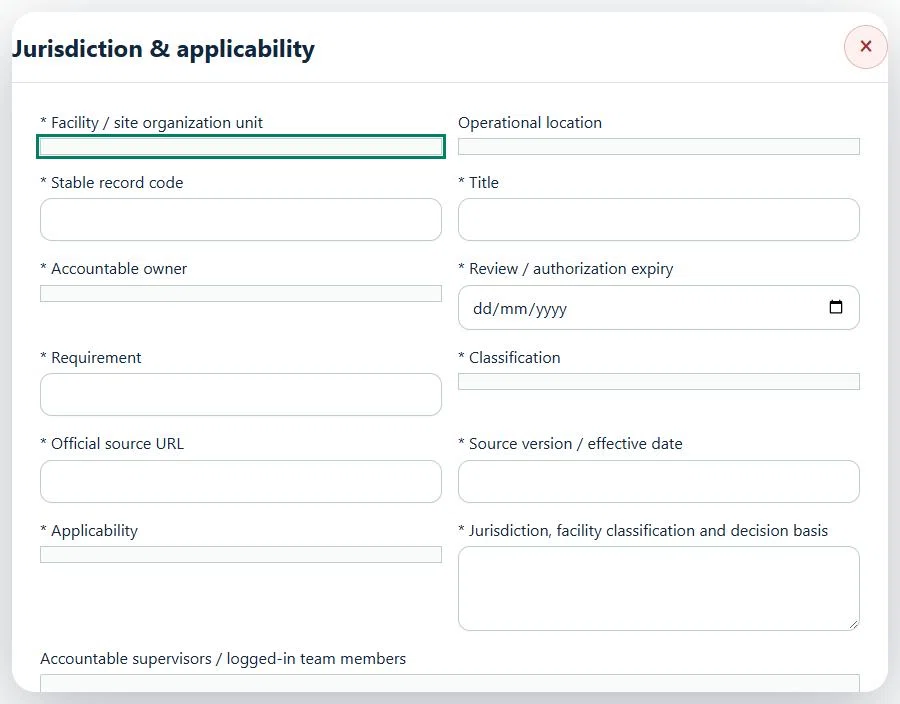
20Waste Management & RecyclingJurisdiction & applicabilityPrepare a source-linked assurance record and obtain independent acceptance.
How to use this section
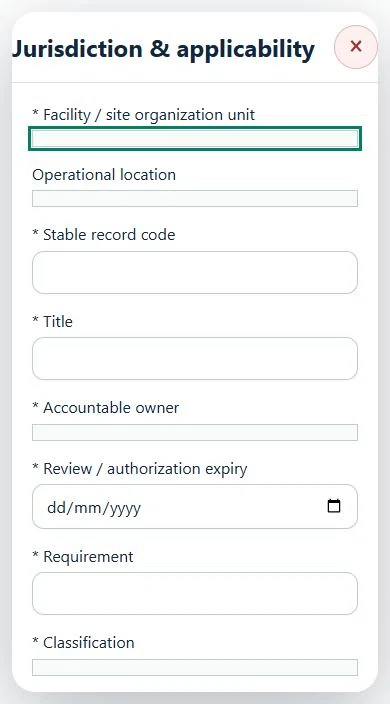
Select the operating context, owner and review due date. Record: Requirement; Classification; Official source URL; Source version / effective date; Applicability; Jurisdiction, facility classification and decision basis.
Link the relevant saved source records and any required accepted dependencies. Save the draft and attach supporting evidence in Detail.
Submit for independent review; resolve rejected or incomplete evidence before resubmitting. Acceptance does not approve or release the linked source work.
Use a new revision for changes to accepted records. Follow source links to resolve expired evidence, changed sources or failed prerequisites before progressing work.
Desktop · Jurisdiction & applicability · Highlight: * Facility / site organization unitMobile · Jurisdiction & applicability · Highlight: * Facility / site organization unit
21Waste Management & RecyclingRegulatory notifications & evidencePrepare a source-linked assurance record and obtain independent acceptance.
How to use this section
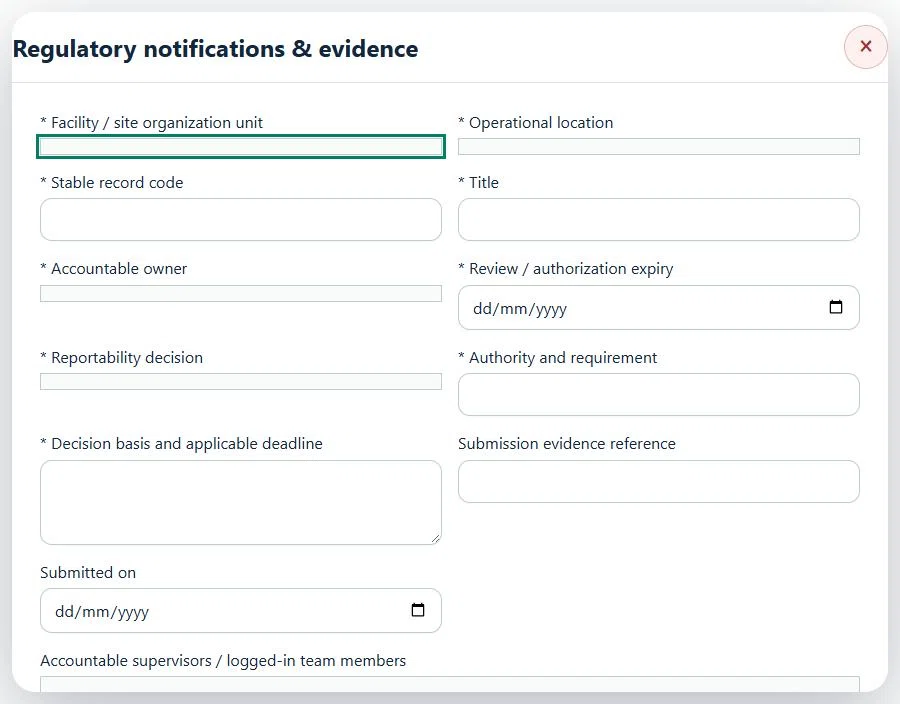
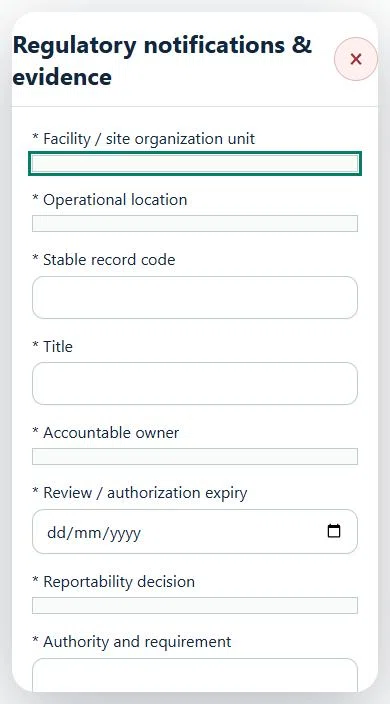
Select the operating context, owner and review due date. Record: Reportability decision; Authority and requirement; Decision basis and applicable deadline; Submission evidence reference; Submitted on.
Link the relevant saved source records and any required accepted dependencies. Save the draft and attach supporting evidence in Detail.
Submit for independent review; resolve rejected or incomplete evidence before resubmitting. Acceptance does not approve or release the linked source work.
Use a new revision for changes to accepted records. Follow source links to resolve expired evidence, changed sources or failed prerequisites before progressing work.
Desktop · Regulatory notifications & evidence · Highlight: * Facility / site organization unitMobile · Regulatory notifications & evidence · Highlight: * Facility / site organization unit
22Waste Management & RecyclingVerified hours & outcomesPrepare a source-linked assurance record and obtain independent acceptance.
How to use this section
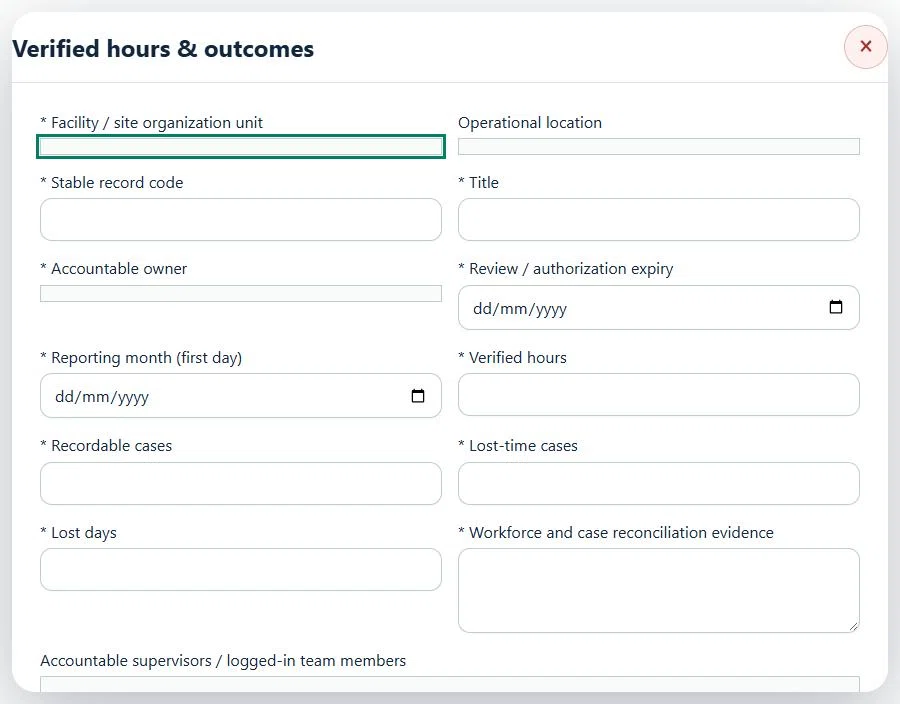
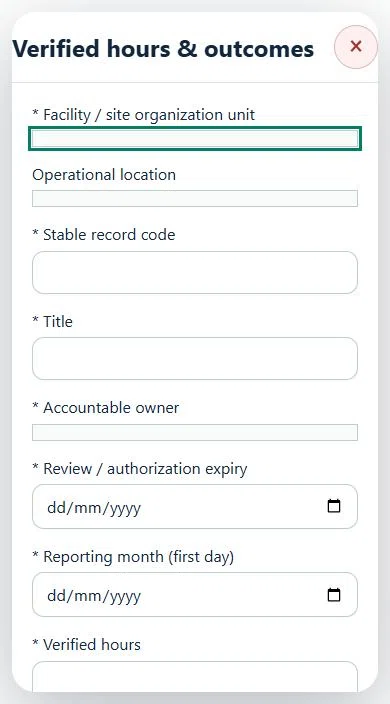
Select the operating context, owner and review due date. Record: Reporting month (first day); Verified hours; Recordable cases; Lost-time cases; Lost days; Workforce and case reconciliation evidence.
Link the relevant saved source records and any required accepted dependencies. Save the draft and attach supporting evidence in Detail.
Submit for independent review; resolve rejected or incomplete evidence before resubmitting. Acceptance does not approve or release the linked source work.
Use a new revision for changes to accepted records. Follow source links to resolve expired evidence, changed sources or failed prerequisites before progressing work.
Desktop · Verified hours & outcomes · Highlight: * Facility / site organization unitMobile · Verified hours & outcomes · Highlight: * Facility / site organization unit
23Waste Management & RecyclingWaste streams & classificationPrepare a source-linked assurance record and obtain independent acceptance.
How to use this section
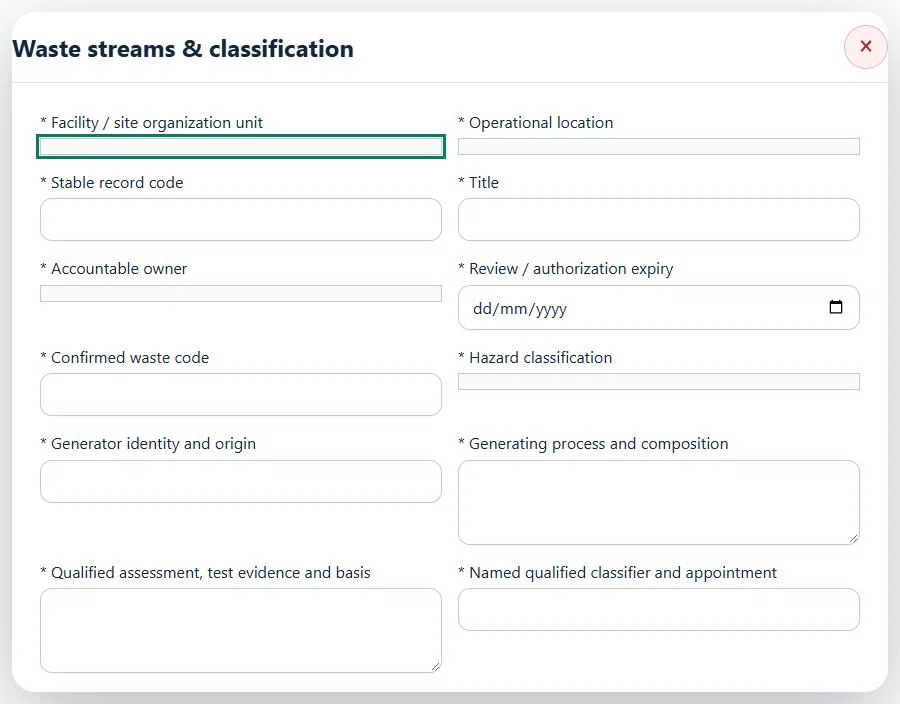
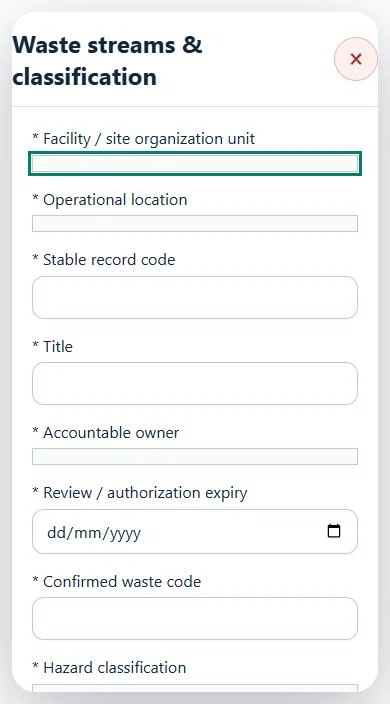
Select the operating context, owner and review due date. Record: Confirmed waste code; Hazard classification; Generator identity and origin; Generating process and composition; Qualified assessment, test evidence and basis; Named qualified classifier and appointment; Incompatibilities, packaging and emergency precautions.
Link the relevant saved source records and any required accepted dependencies. Save the draft and attach supporting evidence in Detail.
Submit for independent review; resolve rejected or incomplete evidence before resubmitting. Acceptance does not approve or release the linked source work.
Use a new revision for changes to accepted records. Follow source links to resolve expired evidence, changed sources or failed prerequisites before progressing work.
Desktop · Waste streams & classification · Highlight: * Facility / site organization unitMobile · Waste streams & classification · Highlight: * Facility / site organization unit
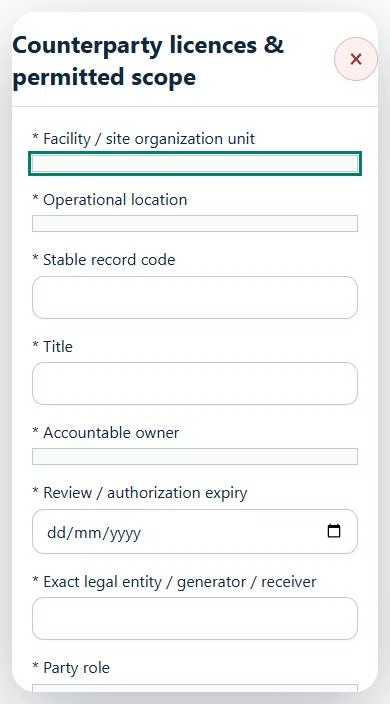
24Waste Management & RecyclingCounterparty licences & permitted scopePrepare a source-linked assurance record and obtain independent acceptance.
How to use this section
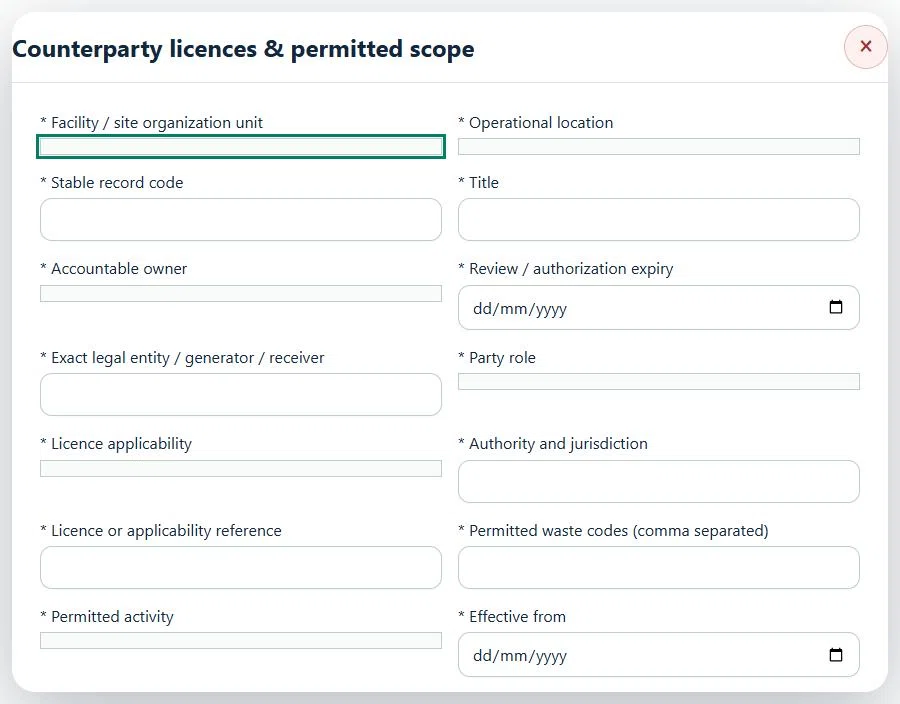
Select the operating context, owner and review due date. Record: Exact legal entity / generator / receiver; Party role; Licence applicability; Authority and jurisdiction; Licence or applicability reference; Permitted waste codes (comma separated); Permitted activity; Effective from; Valid through / review due; Verified licence conditions, capacity and applicability basis.
Link the relevant saved source records and any required accepted dependencies. Save the draft and attach supporting evidence in Detail.
Submit for independent review; resolve rejected or incomplete evidence before resubmitting. Acceptance does not approve or release the linked source work.
Use a new revision for changes to accepted records. Follow source links to resolve expired evidence, changed sources or failed prerequisites before progressing work.
Desktop · Counterparty licences & permitted scope · Highlight: * Facility / site organization unitMobile · Counterparty licences & permitted scope · Highlight: * Facility / site organization unit
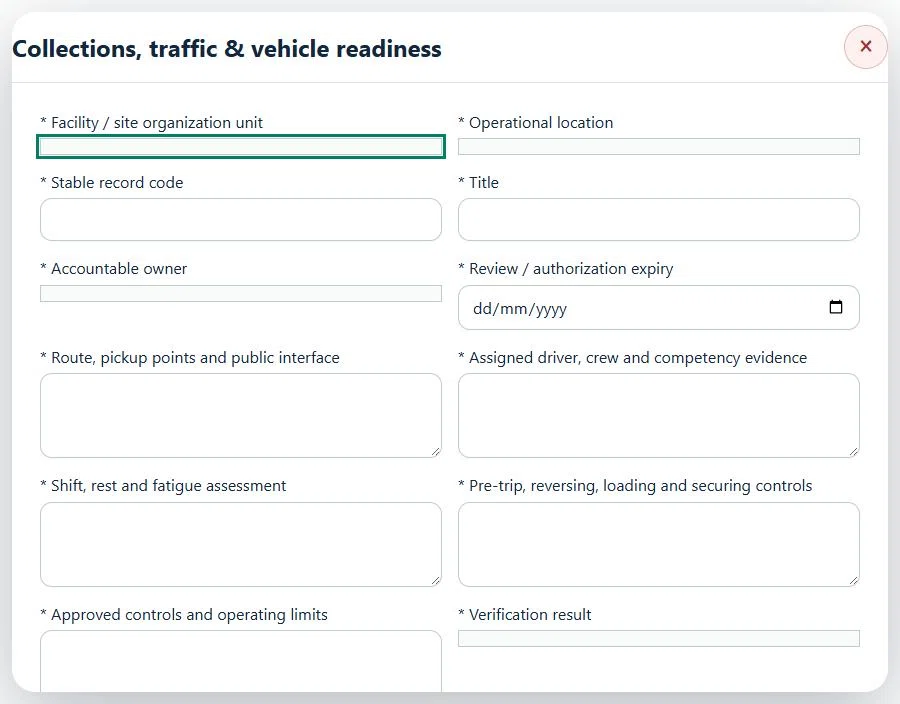
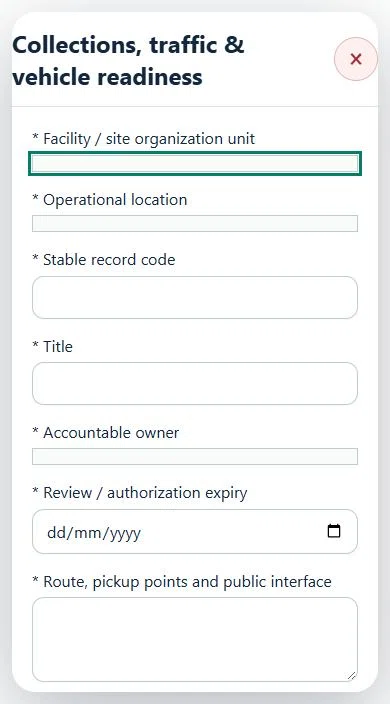
25Waste Management & RecyclingCollections, traffic & vehicle readinessPrepare a source-linked assurance record and obtain independent acceptance.
How to use this section
Select the operating context, owner and review due date. Record: Route, pickup points and public interface; Assigned driver, crew and competency evidence; Shift, rest and fatigue assessment; Pre-trip, reversing, loading and securing controls; Approved controls and operating limits; Verification result.
Link the relevant saved source records and any required accepted dependencies. Save the draft and attach supporting evidence in Detail.
Submit for independent review; resolve rejected or incomplete evidence before resubmitting. Acceptance does not approve or release the linked source work.
Use a new revision for changes to accepted records. Follow source links to resolve expired evidence, changed sources or failed prerequisites before progressing work.
Desktop · Collections, traffic & vehicle readiness · Highlight: * Facility / site organization unitMobile · Collections, traffic & vehicle readiness · Highlight: * Facility / site organization unit
Collections, traffic & vehicle readiness
Record these details: Task boundary and approved procedure · Approved work window / coordination reference
Readiness checks
Current HIRARC / JSA checked
Competency and employer authority verified
Current asset and operating evidence checked
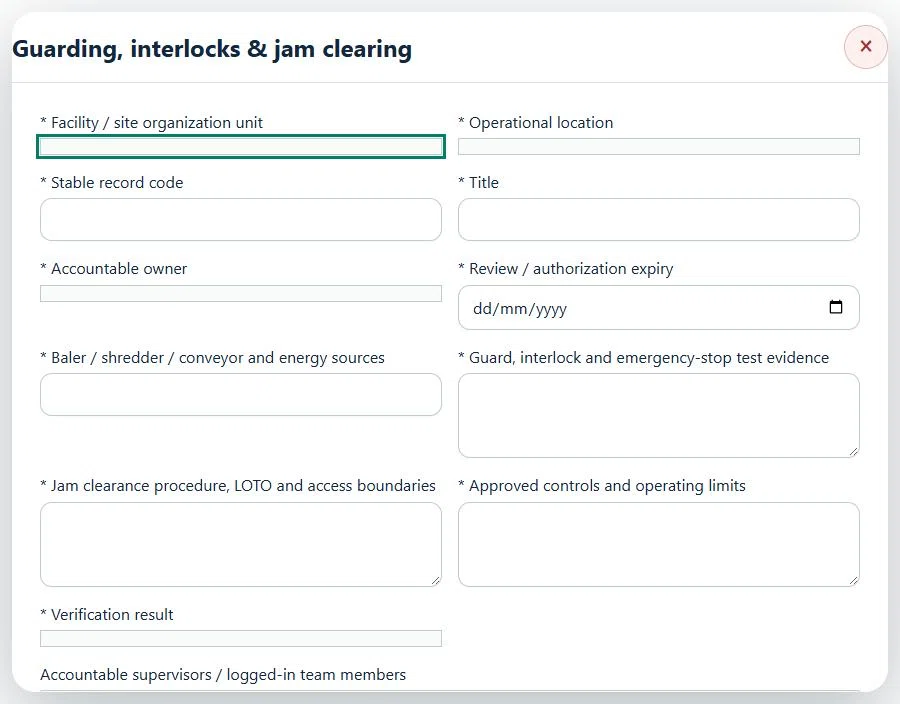
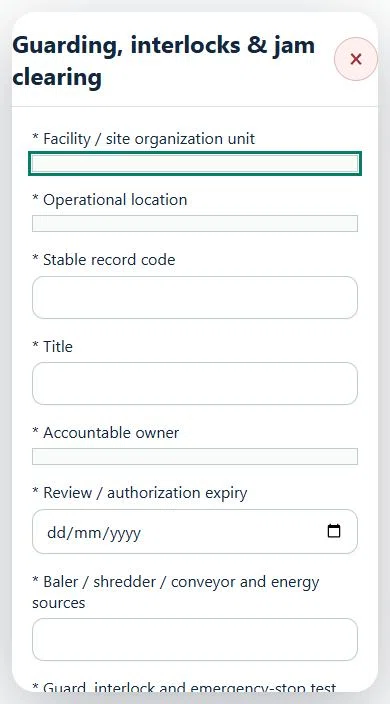
26Waste Management & RecyclingGuarding, interlocks & jam clearingPrepare a source-linked assurance record and obtain independent acceptance.
How to use this section
Select the operating context, owner and review due date. Record: Baler / shredder / conveyor and energy sources; Guard, interlock and emergency-stop test evidence; Jam clearance procedure, LOTO and access boundaries; Approved controls and operating limits; Verification result.
Link the relevant saved source records and any required accepted dependencies. Save the draft and attach supporting evidence in Detail.
Submit for independent review; resolve rejected or incomplete evidence before resubmitting. Acceptance does not approve or release the linked source work.
Use a new revision for changes to accepted records. Follow source links to resolve expired evidence, changed sources or failed prerequisites before progressing work.
Desktop · Guarding, interlocks & jam clearing · Highlight: * Facility / site organization unitMobile · Guarding, interlocks & jam clearing · Highlight: * Facility / site organization unit
Guarding, interlocks & jam clearing
Record these details: Task boundary and approved procedure · Approved work window / coordination reference
Readiness checks
Current HIRARC / JSA checked
Competency and employer authority verified
Current asset and operating evidence checked
A directly linked, active PTW within its validity window is required before this activity starts.
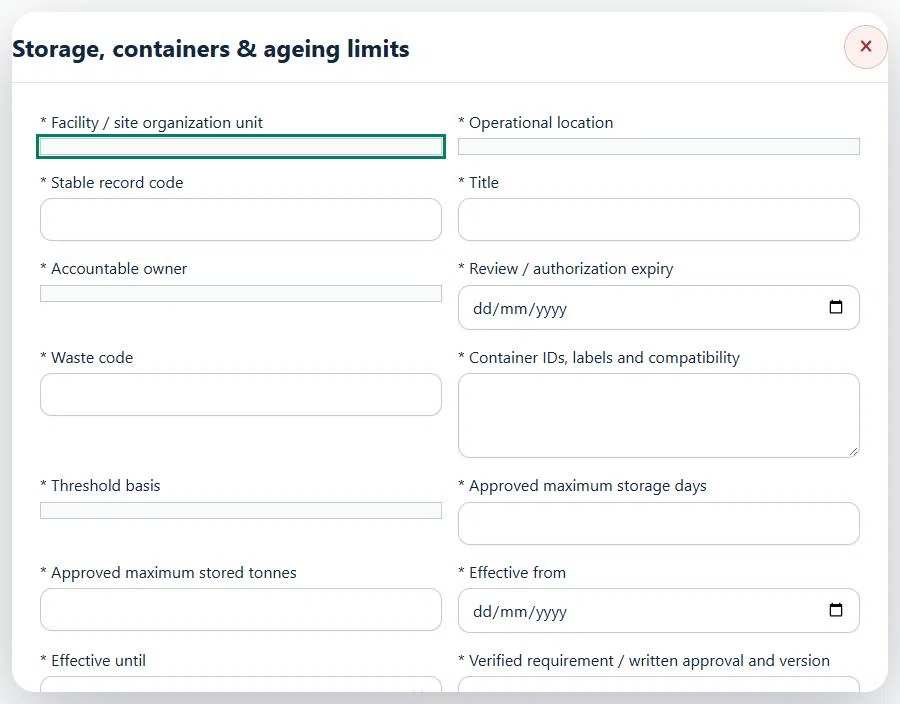
27Waste Management & RecyclingStorage, containers & ageing limitsPrepare a source-linked assurance record and obtain independent acceptance.
How to use this section
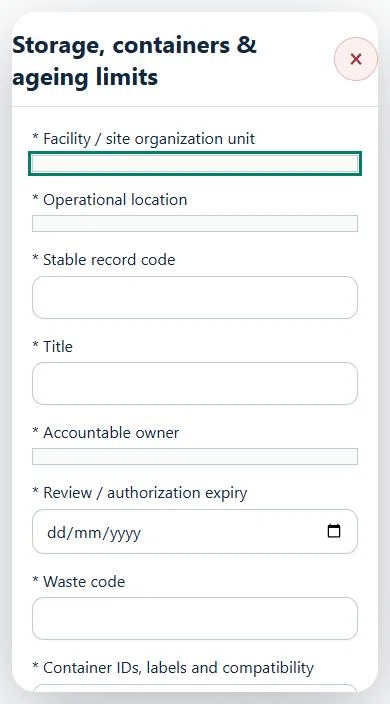
Select the operating context, owner and review due date. Record: Waste code; Container IDs, labels and compatibility; Threshold basis; Approved maximum storage days; Approved maximum stored tonnes; Effective from; Effective until; Verified requirement / written approval and version; Bunding, segregation, spill and fire controls.
Link the relevant saved source records and any required accepted dependencies. Save the draft and attach supporting evidence in Detail.
Submit for independent review; resolve rejected or incomplete evidence before resubmitting. Acceptance does not approve or release the linked source work.
Use a new revision for changes to accepted records. Follow source links to resolve expired evidence, changed sources or failed prerequisites before progressing work.
Desktop · Storage, containers & ageing limits · Highlight: * Facility / site organization unitMobile · Storage, containers & ageing limits · Highlight: * Facility / site organization unit
Storage, containers & ageing limits
Record these details: Task boundary and approved procedure · Approved work window / coordination reference
Readiness checks
Current HIRARC / JSA checked
Competency and employer authority verified
Current asset and operating evidence checked
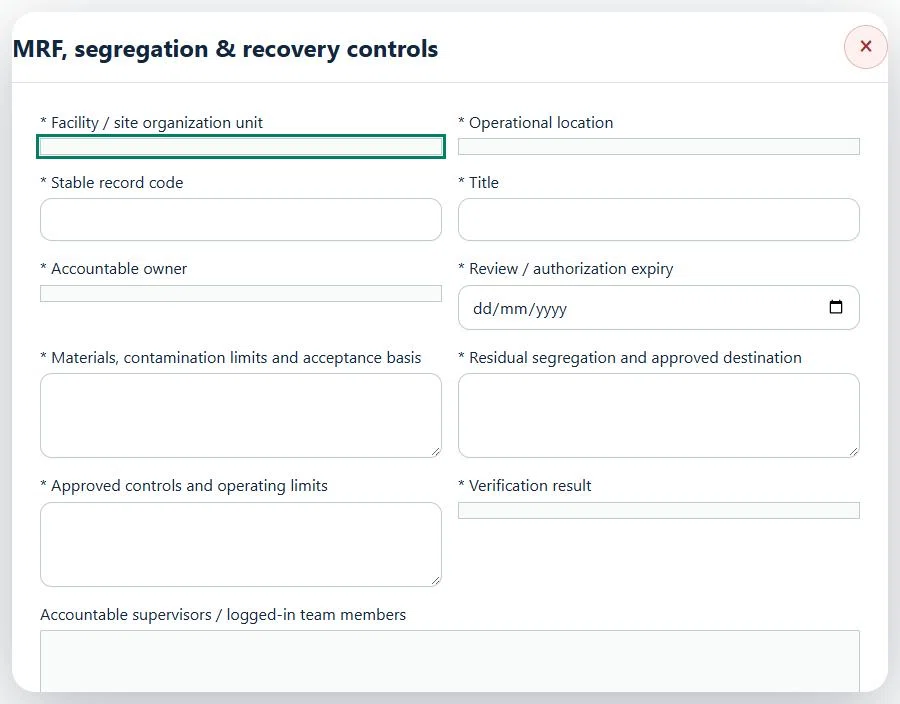
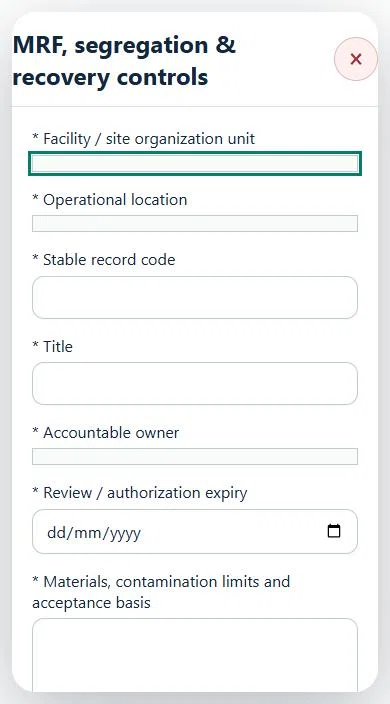
28Waste Management & RecyclingMRF, segregation & recovery controlsPrepare a source-linked assurance record and obtain independent acceptance.
How to use this section
Select the operating context, owner and review due date. Record: Materials, contamination limits and acceptance basis; Residual segregation and approved destination; Approved controls and operating limits; Verification result.
Link the relevant saved source records and any required accepted dependencies. Save the draft and attach supporting evidence in Detail.
Submit for independent review; resolve rejected or incomplete evidence before resubmitting. Acceptance does not approve or release the linked source work.
Use a new revision for changes to accepted records. Follow source links to resolve expired evidence, changed sources or failed prerequisites before progressing work.
Desktop · MRF, segregation & recovery controls · Highlight: * Facility / site organization unitMobile · MRF, segregation & recovery controls · Highlight: * Facility / site organization unit
MRF, segregation & recovery controls
Record these details: Task boundary and approved procedure · Approved work window / coordination reference
Readiness checks
Current HIRARC / JSA checked
Competency and employer authority verified
Current asset and operating evidence checked
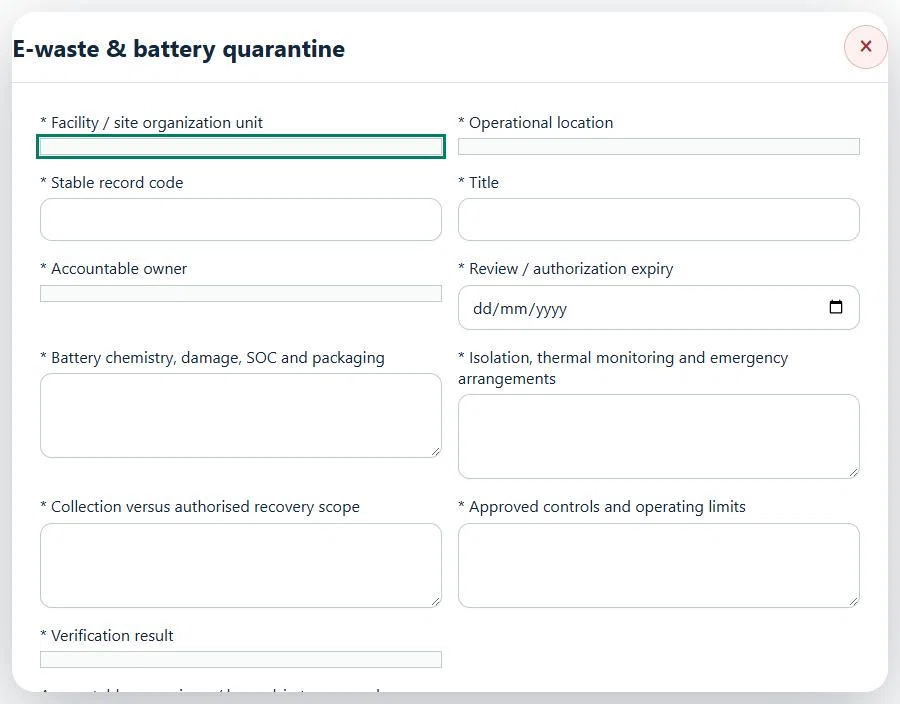
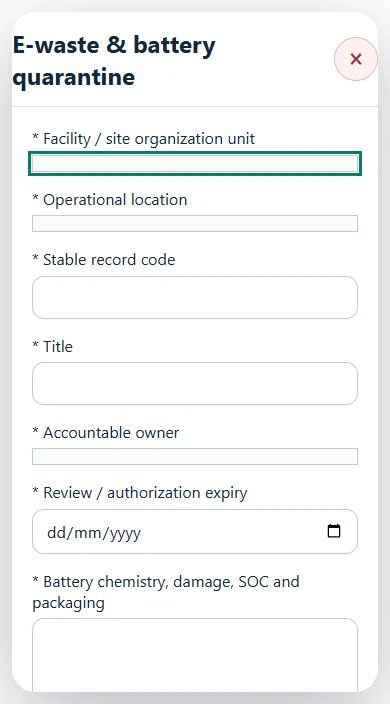
29Waste Management & RecyclingE-waste & battery quarantinePrepare a source-linked assurance record and obtain independent acceptance.
How to use this section
Select the operating context, owner and review due date. Record: Battery chemistry, damage, SOC and packaging; Isolation, thermal monitoring and emergency arrangements; Collection versus authorised recovery scope; Approved controls and operating limits; Verification result.
Link the relevant saved source records and any required accepted dependencies. Save the draft and attach supporting evidence in Detail.
Submit for independent review; resolve rejected or incomplete evidence before resubmitting. Acceptance does not approve or release the linked source work.
Use a new revision for changes to accepted records. Follow source links to resolve expired evidence, changed sources or failed prerequisites before progressing work.
Desktop · E-waste & battery quarantine · Highlight: * Facility / site organization unitMobile · E-waste & battery quarantine · Highlight: * Facility / site organization unit
E-waste & battery quarantine
Record these details: Task boundary and approved procedure · Approved work window / coordination reference
Readiness checks
Current HIRARC / JSA checked
Competency and employer authority verified
Current asset and operating evidence checked
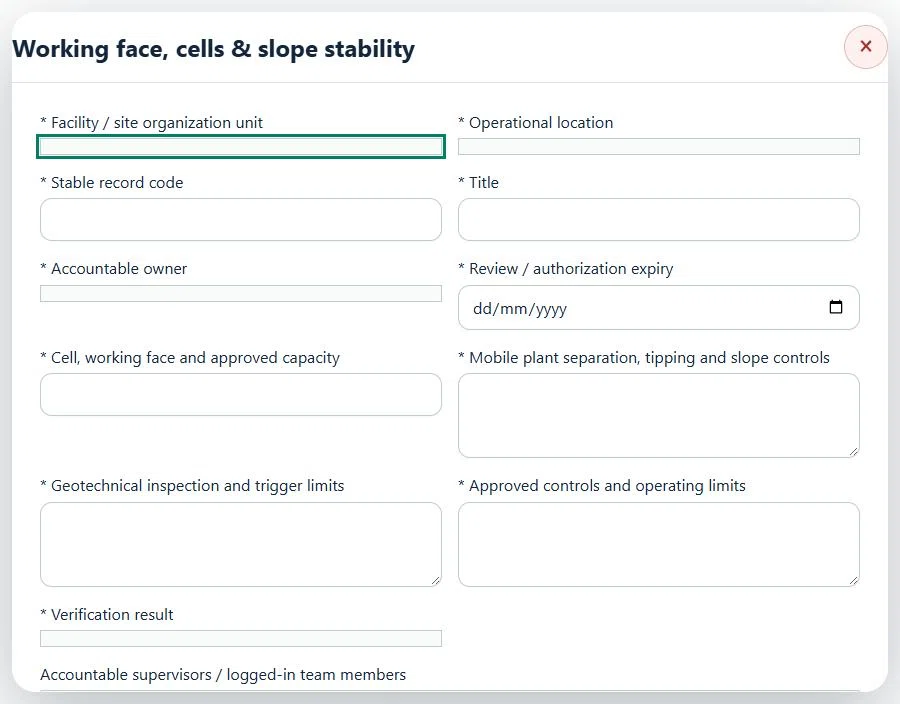
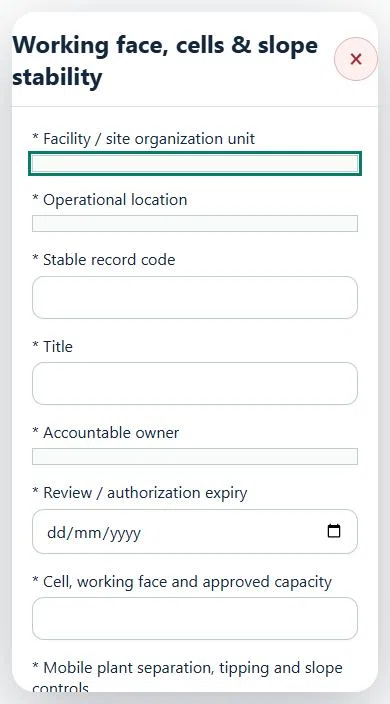
30Waste Management & RecyclingWorking face, cells & slope stabilityPrepare a source-linked assurance record and obtain independent acceptance.
How to use this section
Select the operating context, owner and review due date. Record: Cell, working face and approved capacity; Mobile plant separation, tipping and slope controls; Geotechnical inspection and trigger limits; Approved controls and operating limits; Verification result.
Link the relevant saved source records and any required accepted dependencies. Save the draft and attach supporting evidence in Detail.
Submit for independent review; resolve rejected or incomplete evidence before resubmitting. Acceptance does not approve or release the linked source work.
Use a new revision for changes to accepted records. Follow source links to resolve expired evidence, changed sources or failed prerequisites before progressing work.
Desktop · Working face, cells & slope stability · Highlight: * Facility / site organization unitMobile · Working face, cells & slope stability · Highlight: * Facility / site organization unit
Working face, cells & slope stability
Record these details: Task boundary and approved procedure · Approved work window / coordination reference
Readiness checks
Current HIRARC / JSA checked
Competency and employer authority verified
Current asset and operating evidence checked
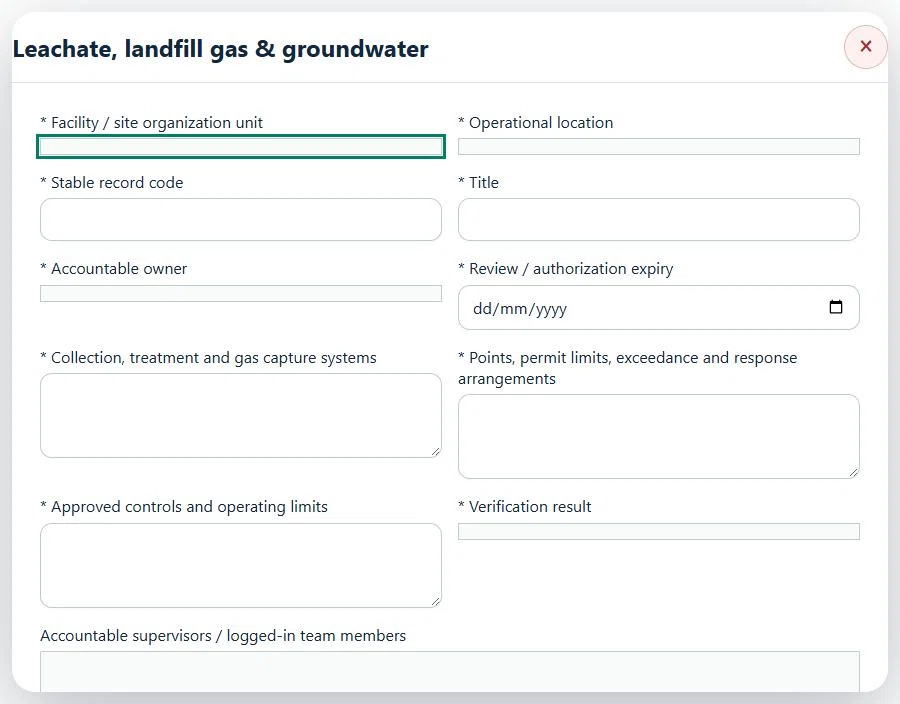
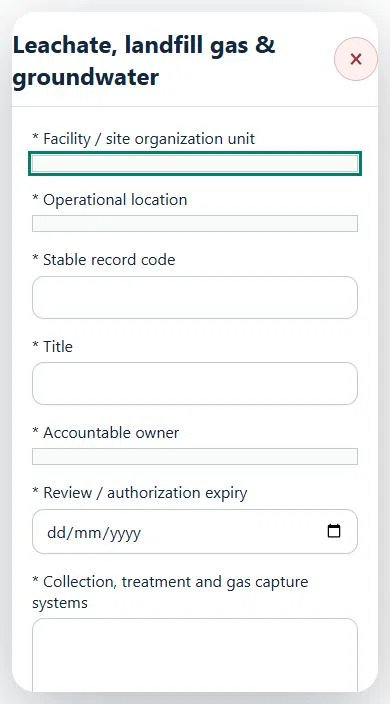
31Waste Management & RecyclingLeachate, landfill gas & groundwaterPrepare a source-linked assurance record and obtain independent acceptance.
How to use this section
Select the operating context, owner and review due date. Record: Collection, treatment and gas capture systems; Points, permit limits, exceedance and response arrangements; Approved controls and operating limits; Verification result.
Link the relevant saved source records and any required accepted dependencies. Save the draft and attach supporting evidence in Detail.
Submit for independent review; resolve rejected or incomplete evidence before resubmitting. Acceptance does not approve or release the linked source work.
Use a new revision for changes to accepted records. Follow source links to resolve expired evidence, changed sources or failed prerequisites before progressing work.
Desktop · Leachate, landfill gas & groundwater · Highlight: * Facility / site organization unitMobile · Leachate, landfill gas & groundwater · Highlight: * Facility / site organization unit
Leachate, landfill gas & groundwater
Record these details: Task boundary and approved procedure · Approved work window / coordination reference
Readiness checks
Current HIRARC / JSA checked
Competency and employer authority verified
Current asset and operating evidence checked
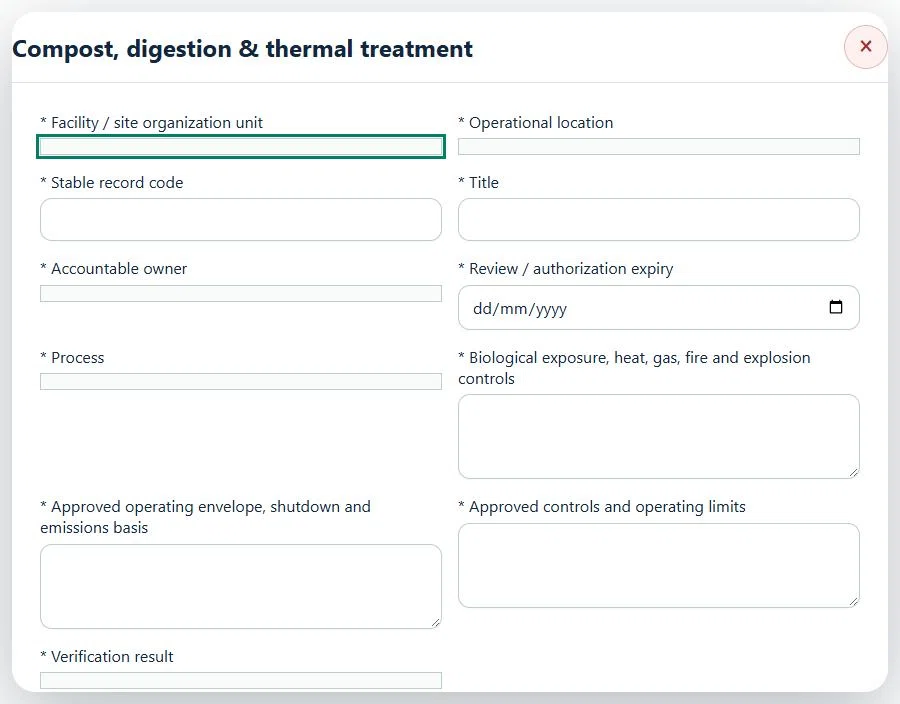
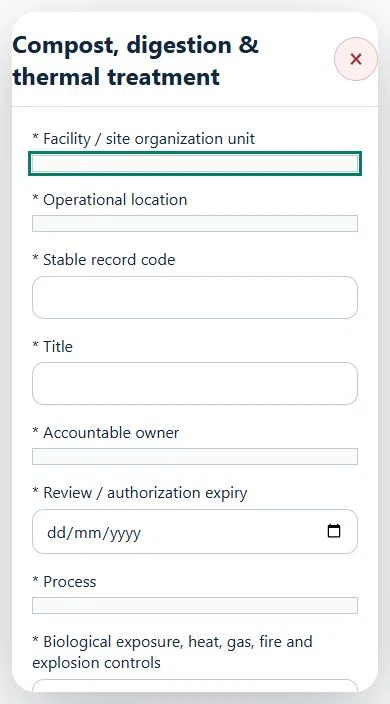
32Waste Management & RecyclingCompost, digestion & thermal treatmentPrepare a source-linked assurance record and obtain independent acceptance.
How to use this section
Select the operating context, owner and review due date. Record: Process; Biological exposure, heat, gas, fire and explosion controls; Approved operating envelope, shutdown and emissions basis; Approved controls and operating limits; Verification result.
Link the relevant saved source records and any required accepted dependencies. Save the draft and attach supporting evidence in Detail.
Submit for independent review; resolve rejected or incomplete evidence before resubmitting. Acceptance does not approve or release the linked source work.
Use a new revision for changes to accepted records. Follow source links to resolve expired evidence, changed sources or failed prerequisites before progressing work.
Desktop · Compost, digestion & thermal treatment · Highlight: * Facility / site organization unitMobile · Compost, digestion & thermal treatment · Highlight: * Facility / site organization unit
Compost, digestion & thermal treatment
Record these details: Task boundary and approved procedure · Approved work window / coordination reference
Readiness checks
Current HIRARC / JSA checked
Competency and employer authority verified
Current asset and operating evidence checked
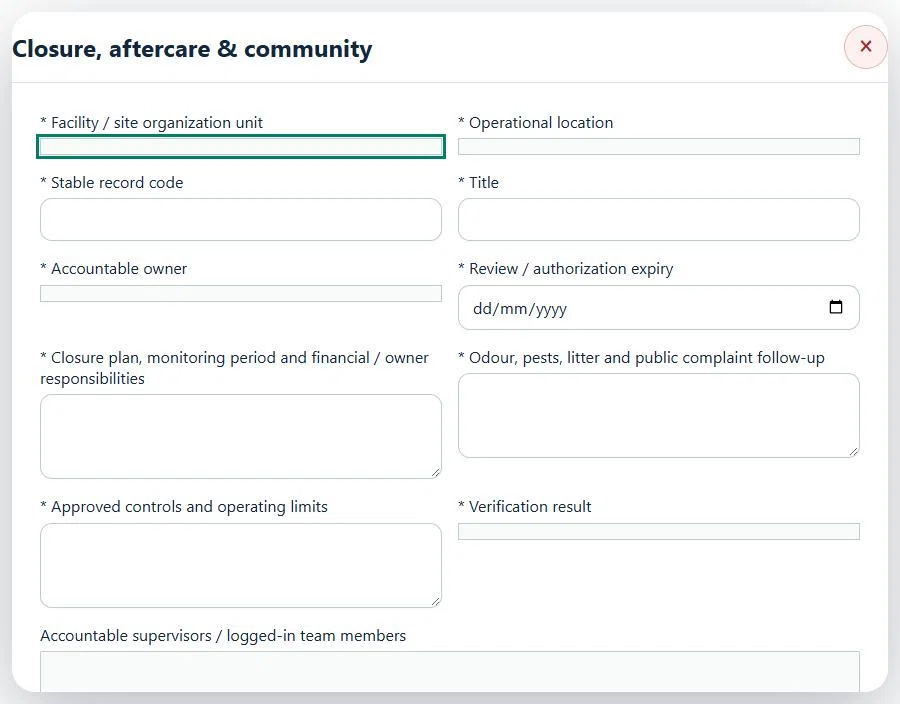
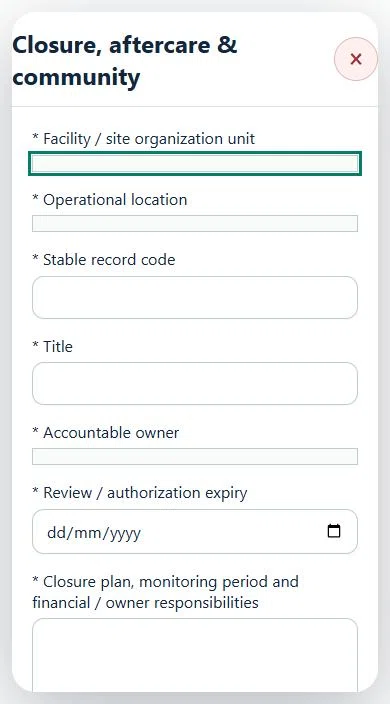
33Waste Management & RecyclingClosure, aftercare & communityPrepare a source-linked assurance record and obtain independent acceptance.
How to use this section
Select the operating context, owner and review due date. Record: Closure plan, monitoring period and financial / owner responsibilities; Odour, pests, litter and public complaint follow-up; Approved controls and operating limits; Verification result.
Link the relevant saved source records and any required accepted dependencies. Save the draft and attach supporting evidence in Detail.
Submit for independent review; resolve rejected or incomplete evidence before resubmitting. Acceptance does not approve or release the linked source work.
Use a new revision for changes to accepted records. Follow source links to resolve expired evidence, changed sources or failed prerequisites before progressing work.
Desktop · Closure, aftercare & community · Highlight: * Facility / site organization unitMobile · Closure, aftercare & community · Highlight: * Facility / site organization unit
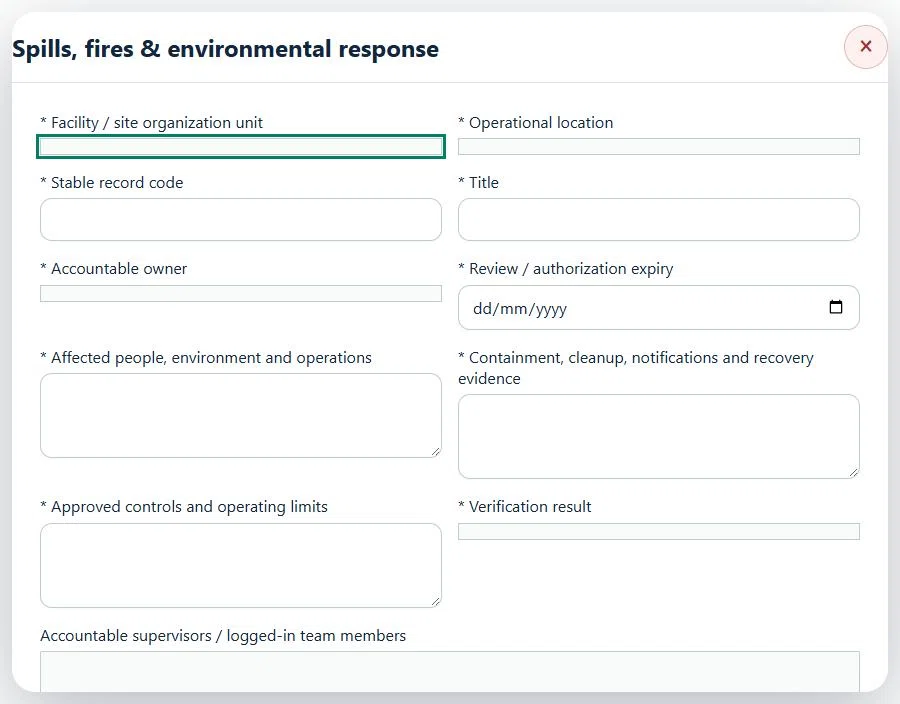
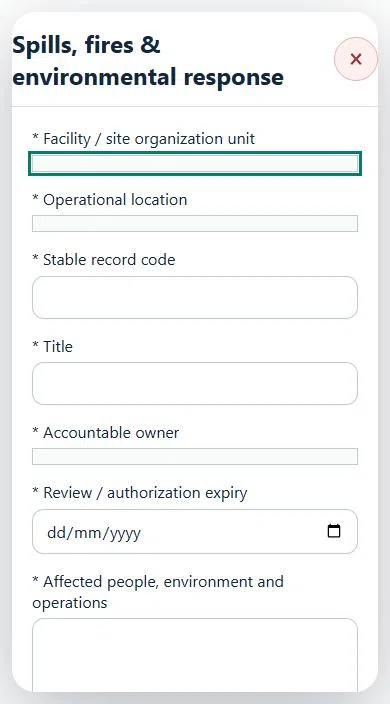
34Waste Management & RecyclingSpills, fires & environmental responsePrepare a source-linked assurance record and obtain independent acceptance.
How to use this section
Select the operating context, owner and review due date. Record: Affected people, environment and operations; Containment, cleanup, notifications and recovery evidence; Approved controls and operating limits; Verification result.
Link the relevant saved source records and any required accepted dependencies. Save the draft and attach supporting evidence in Detail.
Submit for independent review; resolve rejected or incomplete evidence before resubmitting. Acceptance does not approve or release the linked source work.
Use a new revision for changes to accepted records. Follow source links to resolve expired evidence, changed sources or failed prerequisites before progressing work.
Desktop · Spills, fires & environmental response · Highlight: * Facility / site organization unitMobile · Spills, fires & environmental response · Highlight: * Facility / site organization unit
Spills, fires & environmental response
Record these details: Task boundary and approved procedure · Approved work window / coordination reference
Readiness checks
Current HIRARC / JSA checked
Competency and employer authority verified
Current asset and operating evidence checked
35Waste Management & RecyclingAssets, certificates, calendar and reportingUse one source record across industry views.
How to use this section
Assets & equipment is a filtered view of Equipment. Use its shared Add, Edit and Detail forms, certificate records and approval workflow.
Certificates & compliance summarizes source certificates and linked legal obligations. Amend the source record instead of entering a duplicate certificate.
All industries use Equipment Certificates & renewals: required types, PIC reminders, draft evidence, independent verification and retained replacement history. Use Maintenance & work controls for internal, contractor or mixed repair work and controlled return to service.
Use Calendar & recurring work to plan due dates. A new cycle creates a fresh draft and requires fresh readiness checks and approval.
Apply the desired scope and filters before exporting CSV or PDF. Open Action Inbox for assigned reviews and follow-up.