Ward & care-area readiness
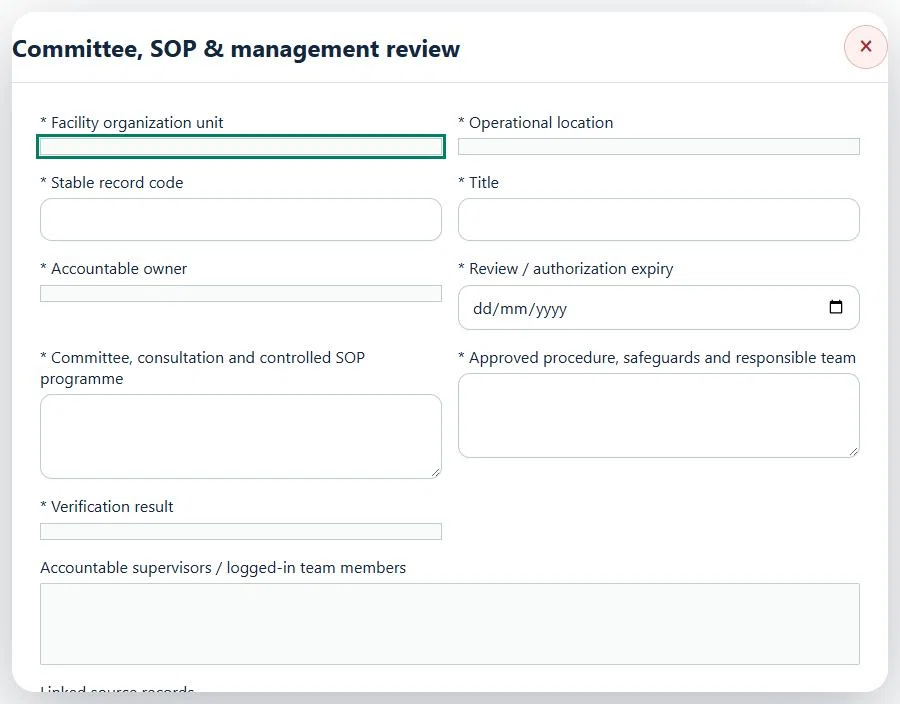
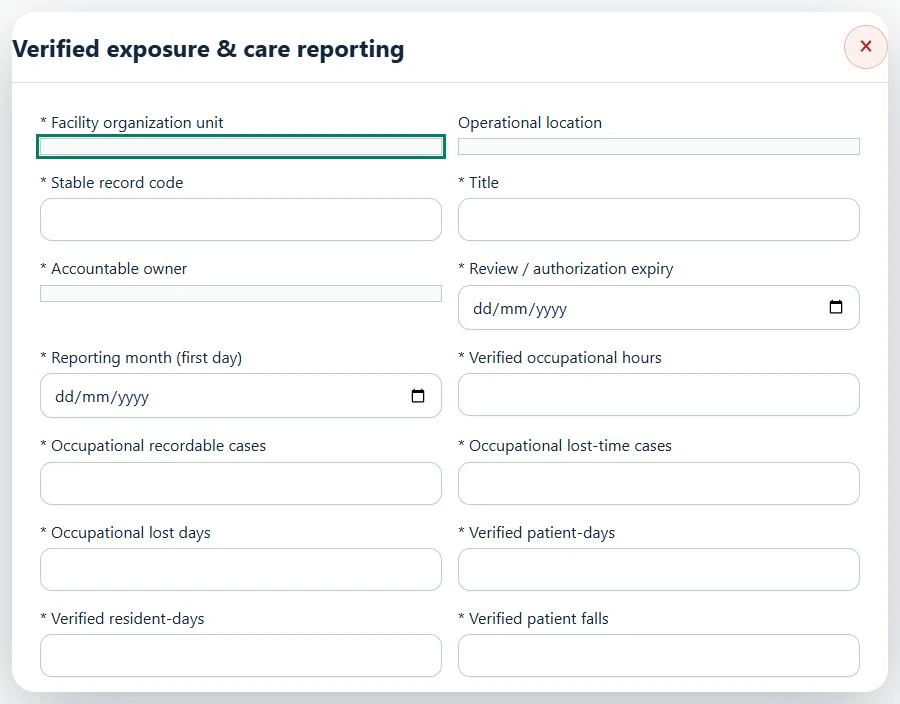
Record these details: Scope / procedure reference
Readiness checks
- Assigned team, location and source controls verified
 HSE.myUser Guide
HSE.my · PUBLIC USER GUIDE
Staff exposure, sharps, biological hazards, clinical waste and facility maintenance.
Search by function, activity, role or workflow action.
Record a sharps incident, assign corrective action and keep confidential health follow-up in its restricted source module.
Use the standard User Guide button in the topbar whenever you need help. All industry instructions are maintained here.
The organization administrator selects the industry, enables available workspaces and assigns roles with organization-unit scope. Additional workspaces can be disabled from Industry workspaces; the default workspace cannot be disabled. Disabling retains records and history. Package entitlements still control available functions.
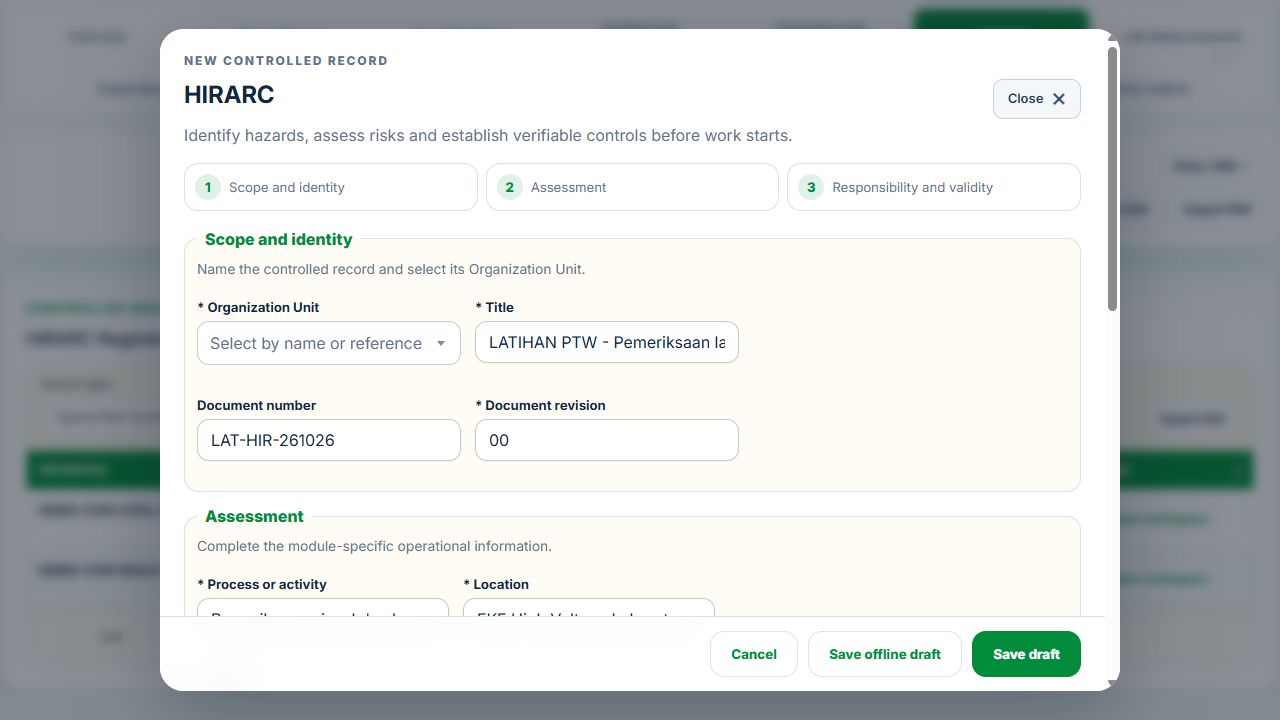
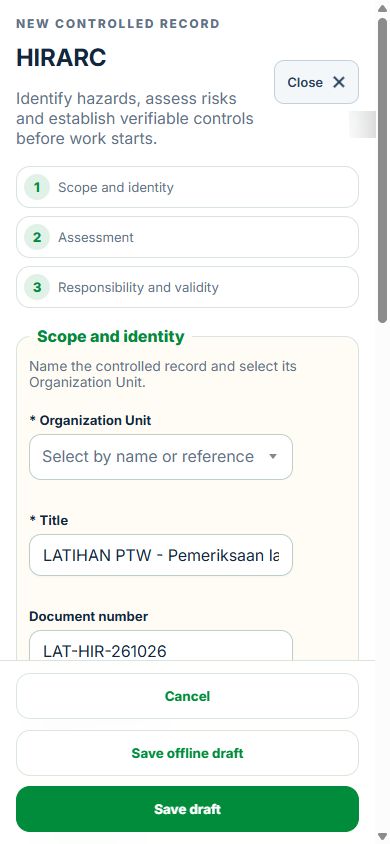
Work controls shows the source record, current status, direct links and dependencies reached through a Work Package or PTW. A typed reference does not create a relationship. Activity approval does not approve a Work Package, verify LOTO or activate a permit. Follow each source record's own approval and release workflow; reopen Detail to refresh its status.
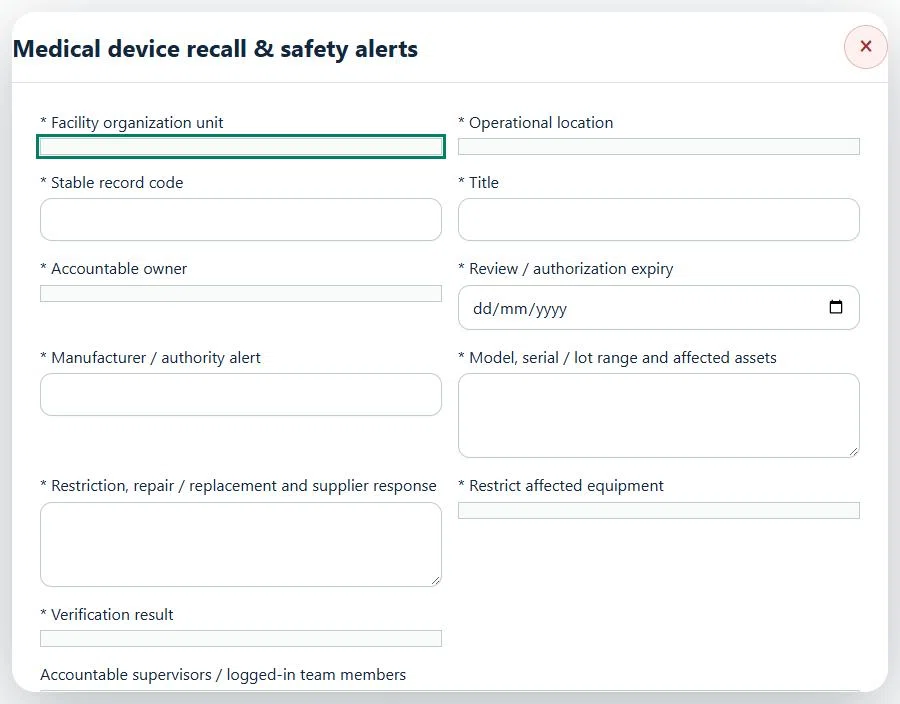
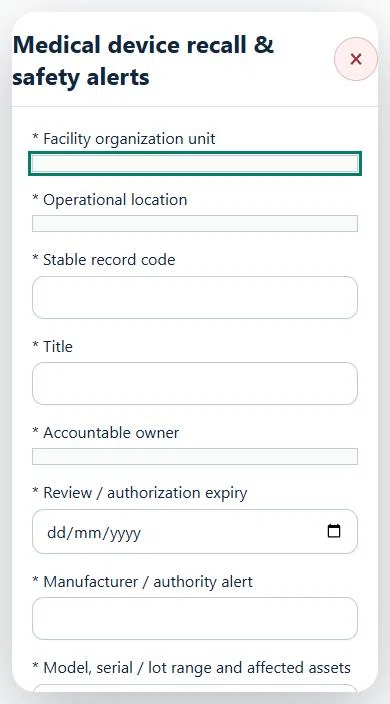
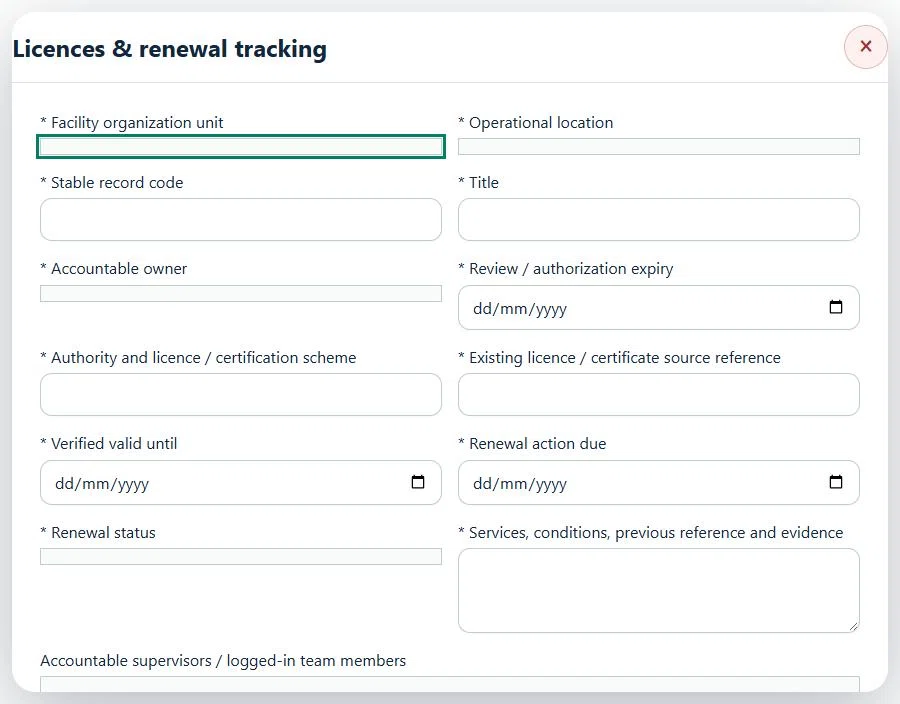
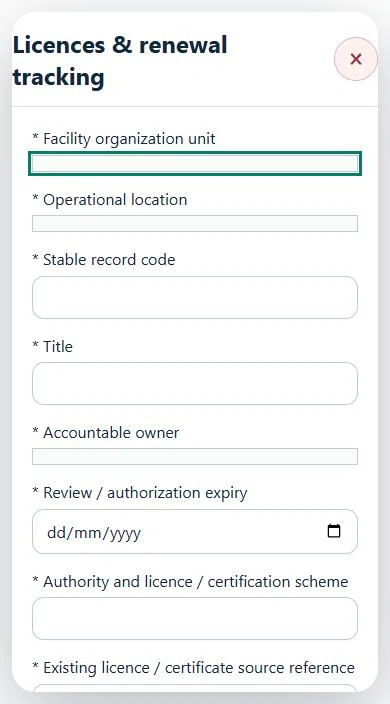
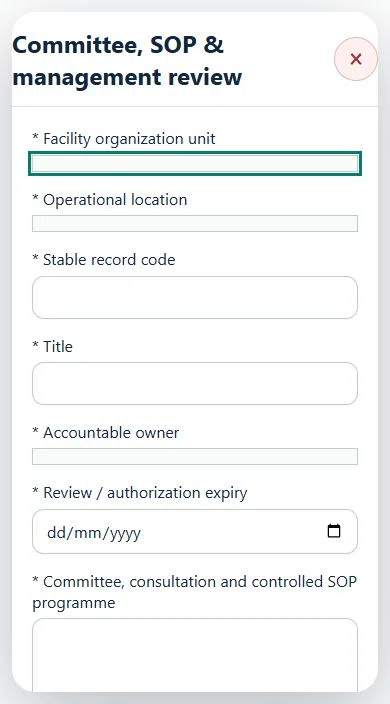
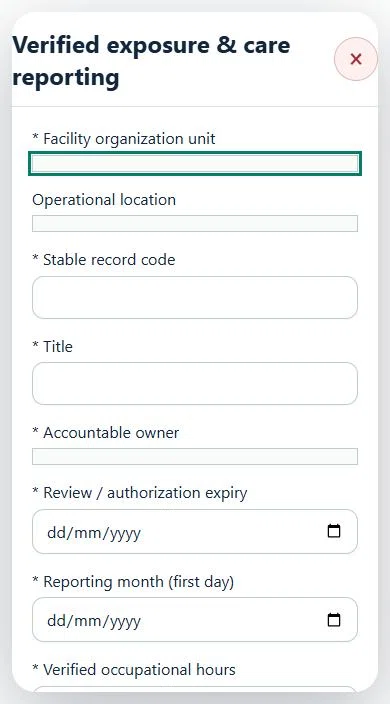
Use Add and Edit to open the permitted form. Detail holds evidence, linked records, workflow and history. On mobile, table rows become labeled cards with the same actions.
Select Hospital & Clinical, Clinic & Ambulatory Care, or Aged Care & Nursing Home beneath the workspace title. The selection opens automatically and changes the overview priorities. All three profiles share the same source records and permission rules.
If the external basemap is unavailable, expand Locations & coordinates. The failed basemap is hidden automatically. GIS markers, coordinates and source-location links remain available.
Enable a revocable location QR link for non-confidential facility hazard reporting. Existing receipt and status-check workflows apply. Patient names, diagnoses and treatment details belong in the authorised clinical system. Import only mapped, de-identified HIS summaries or HR/LMS, CMMS and BMS operational data. Imports remain pending until reconciled; they cannot approve work or release equipment.
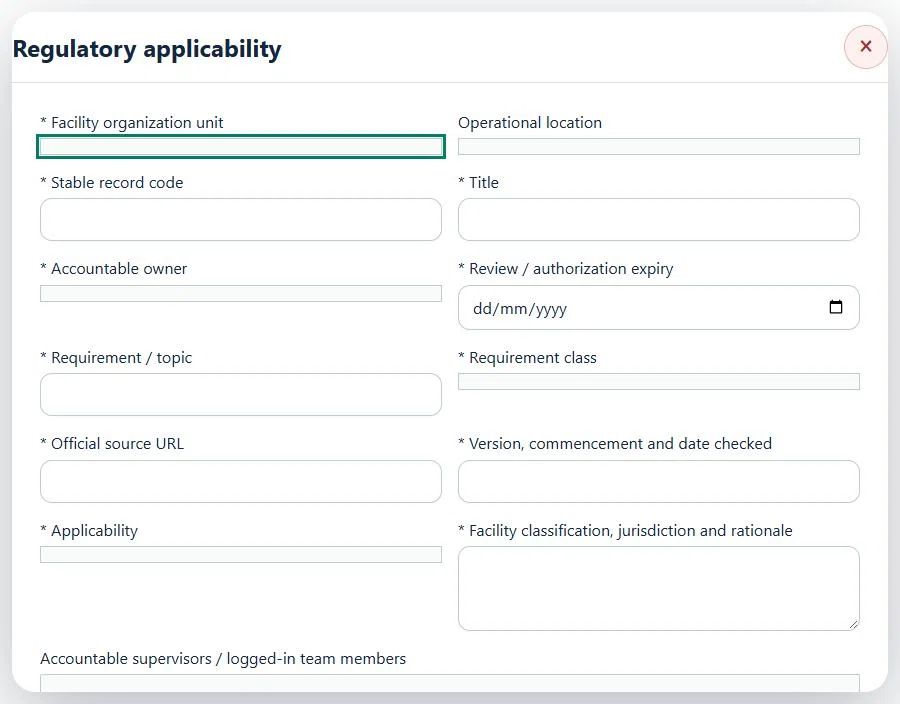
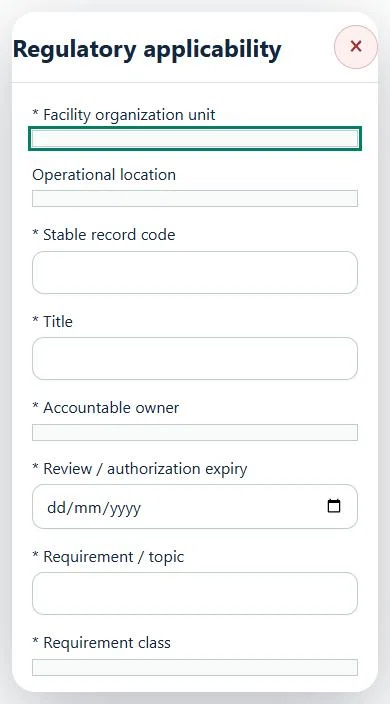
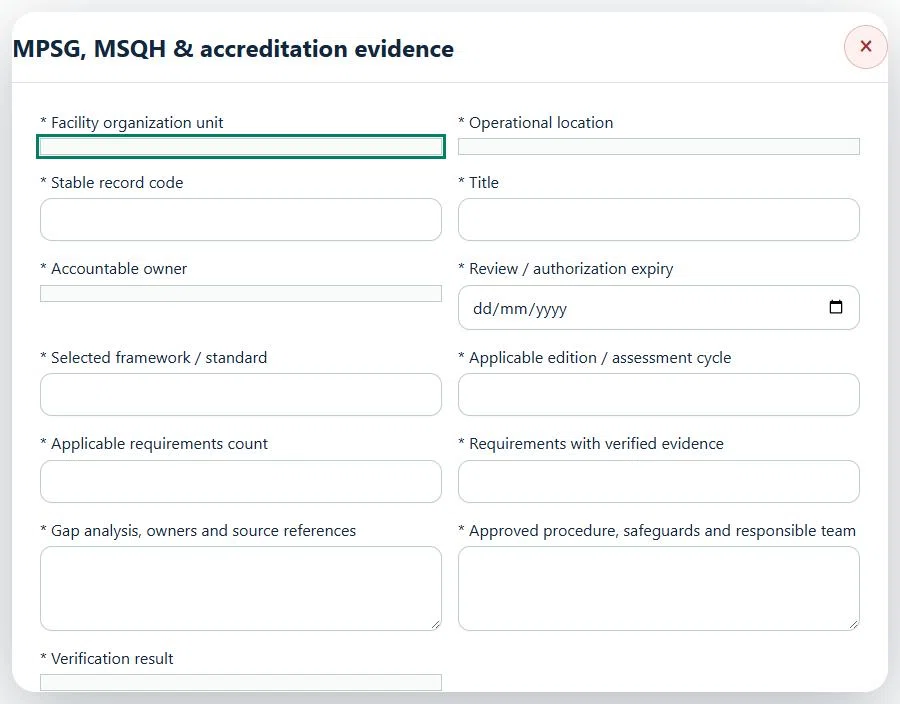
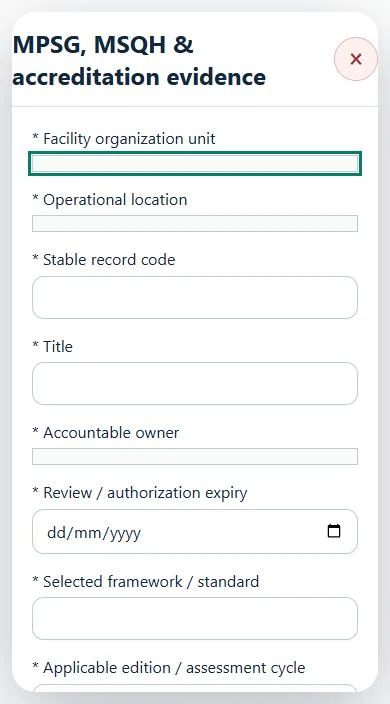
Screen CKAPS, JKM, DOSH, DOE, MDA, fire, radiation, privacy and quality requirements against the actual services and jurisdiction. MPSG/MSQH reviews retain the chosen edition and linked audit/CAPA evidence. Act 802 remains pending official commencement verification until an authorised assessor documents the current source and applicability. Protected narratives and history are encrypted at rest, permissions are rechecked on access, and ordinary reports and SITI summaries exclude protected cases. Follow the organisation’s approved clinical-record retention and legal-hold policy; this workspace does not automatically erase care records.
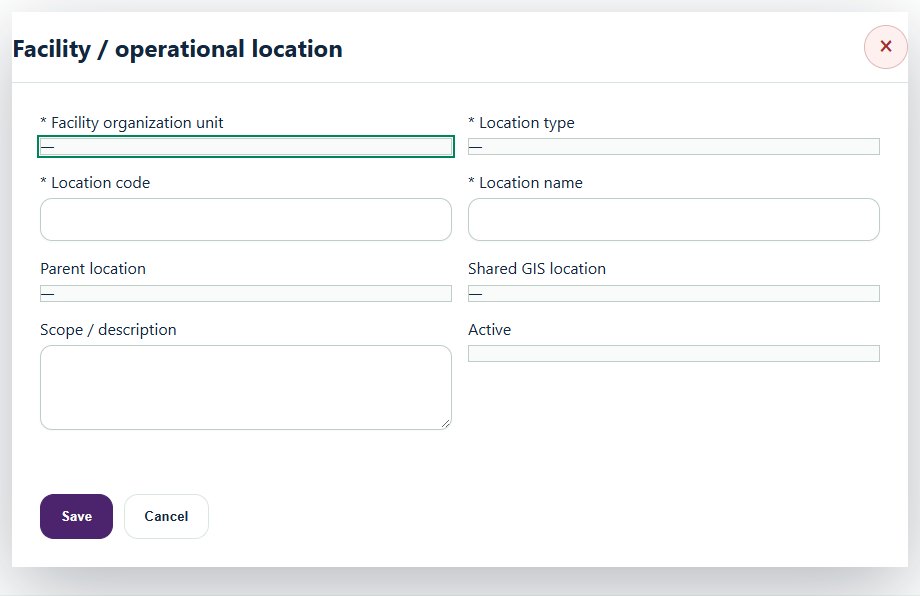
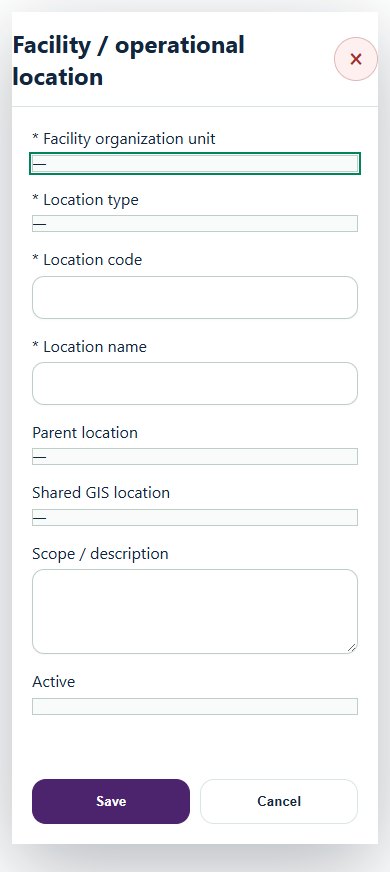
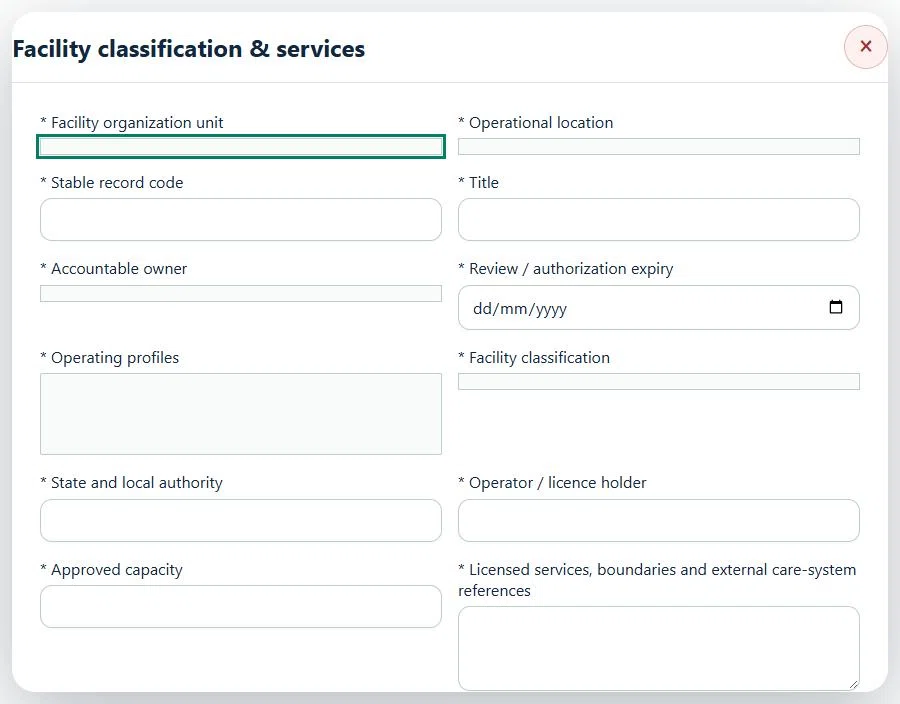
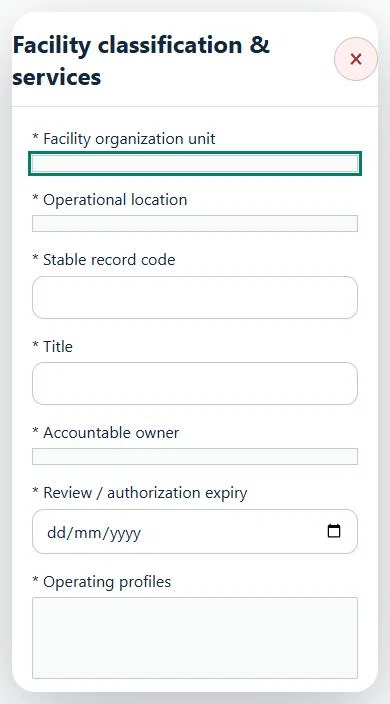
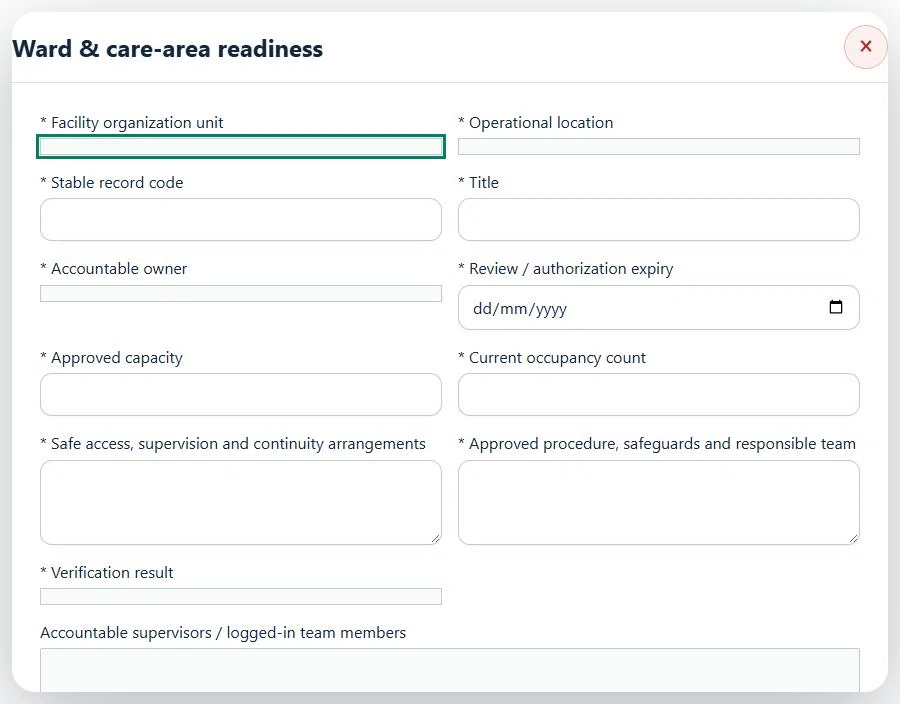
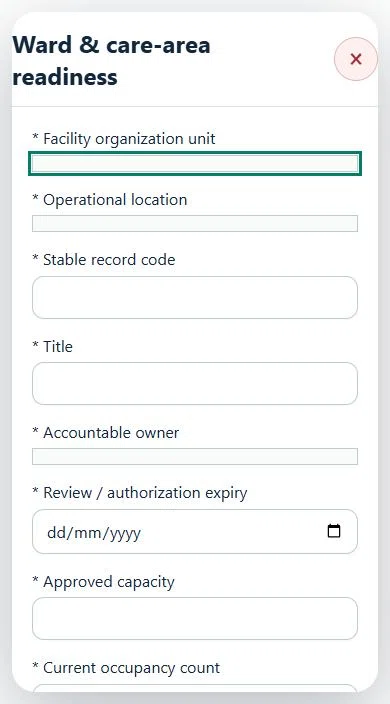
Record these details: Scope / procedure reference
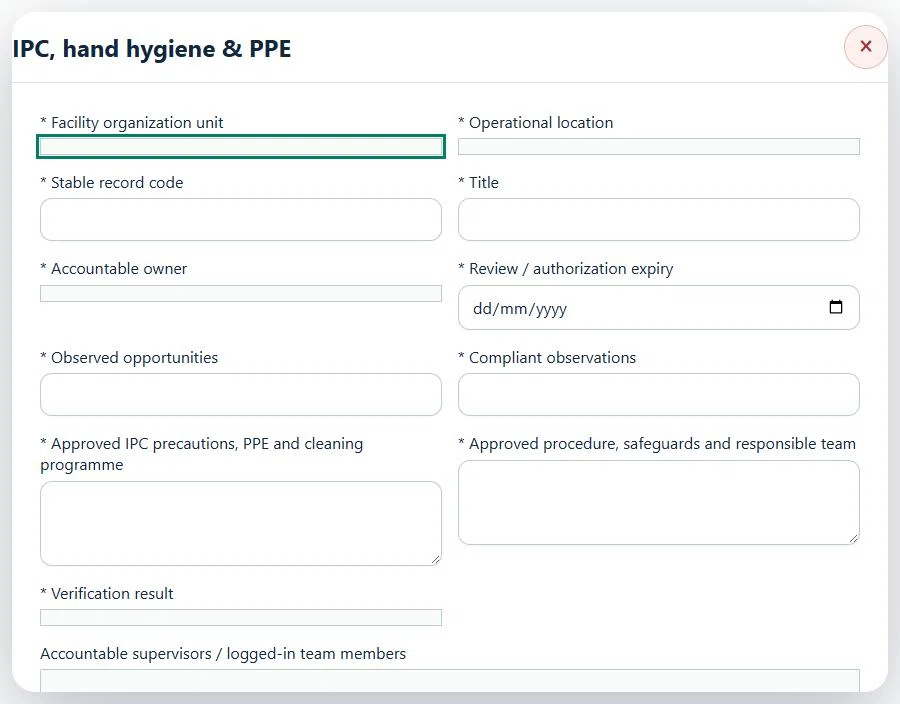
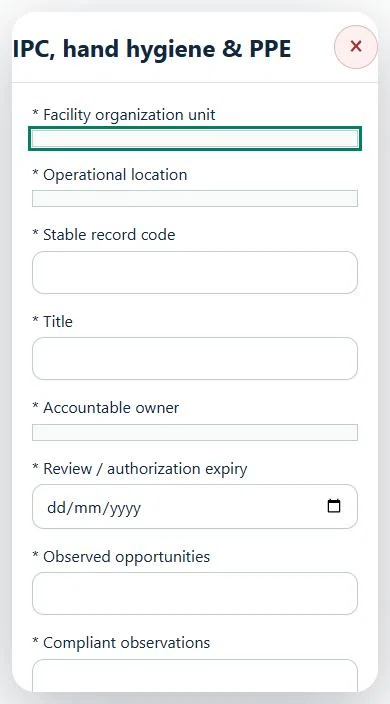
Record these details: Scope / procedure reference
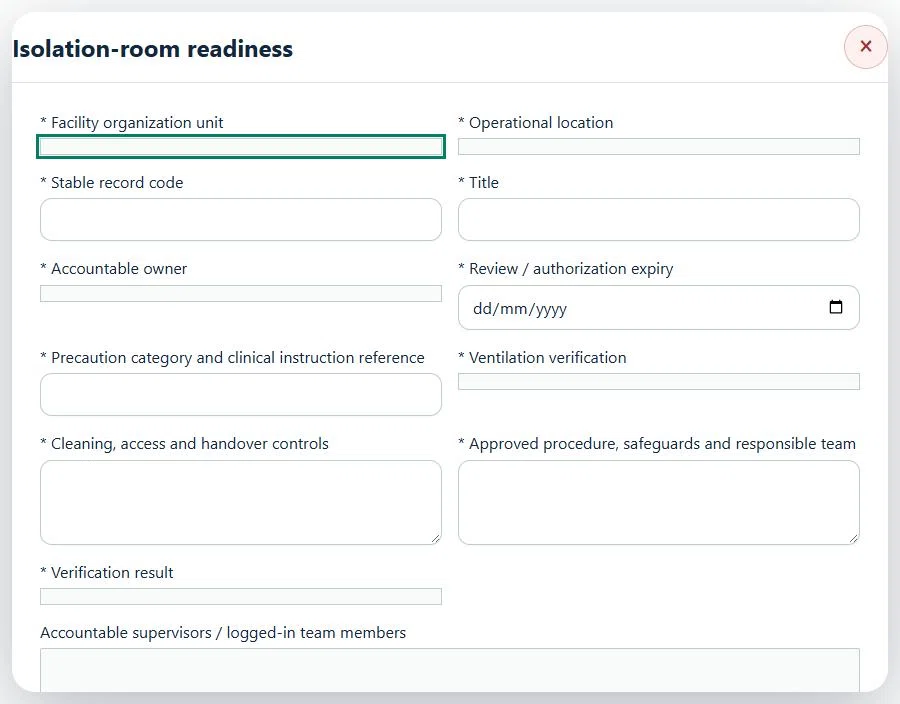
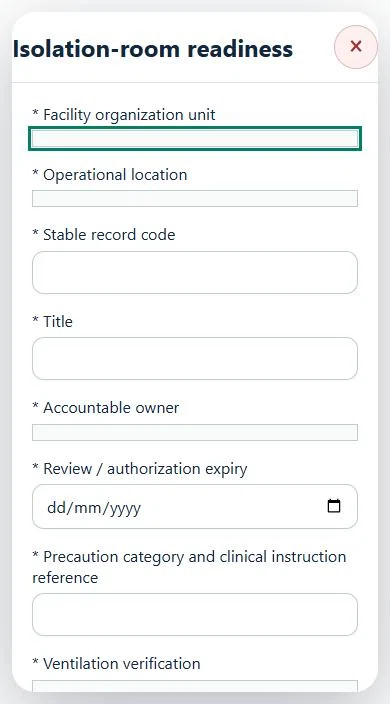
Record these details: Scope / procedure reference
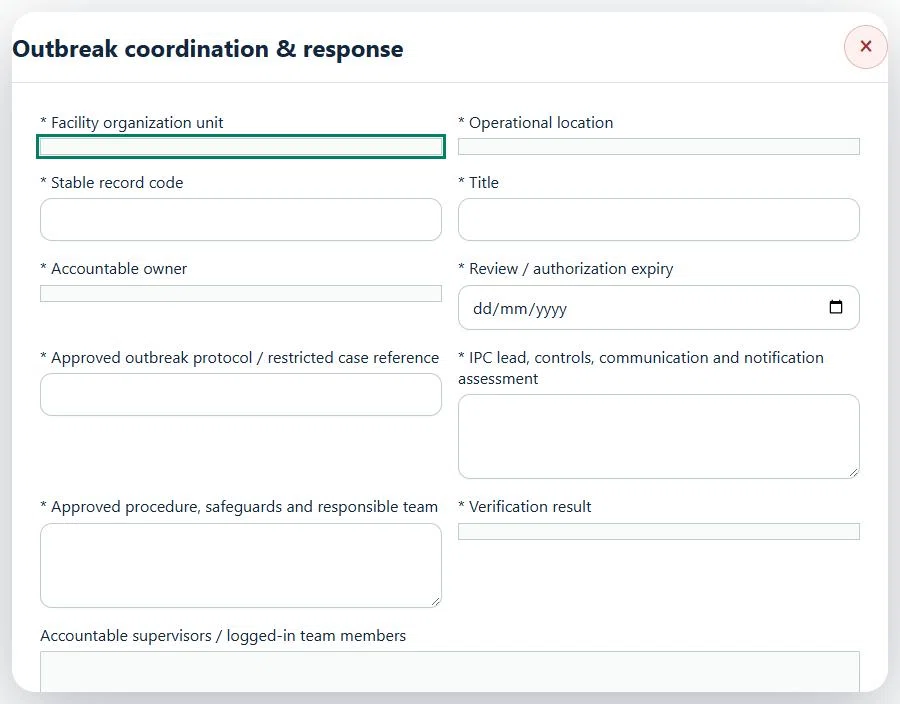
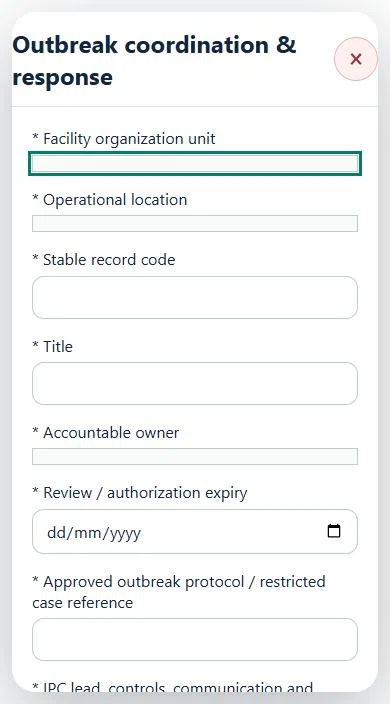
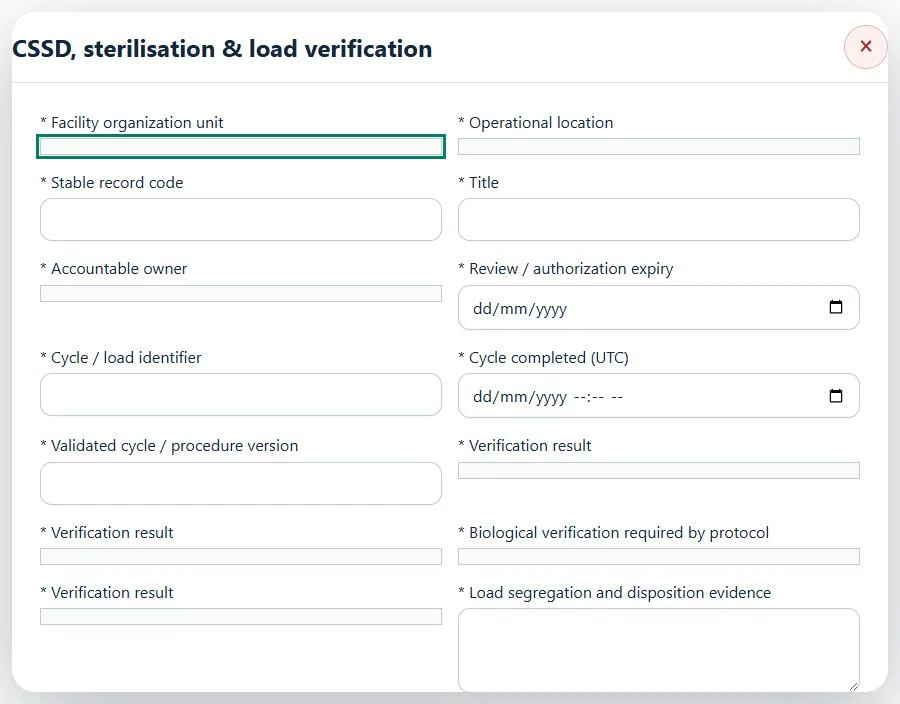
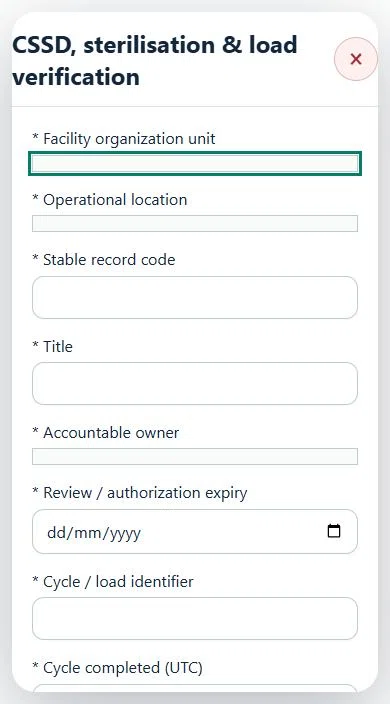
Record these details: Scope / procedure reference
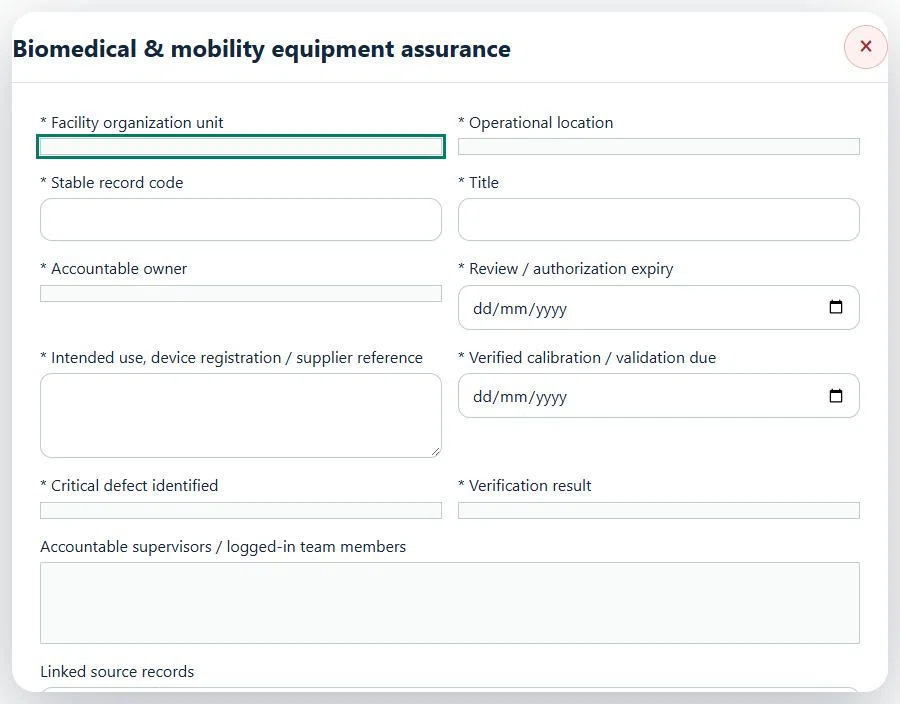
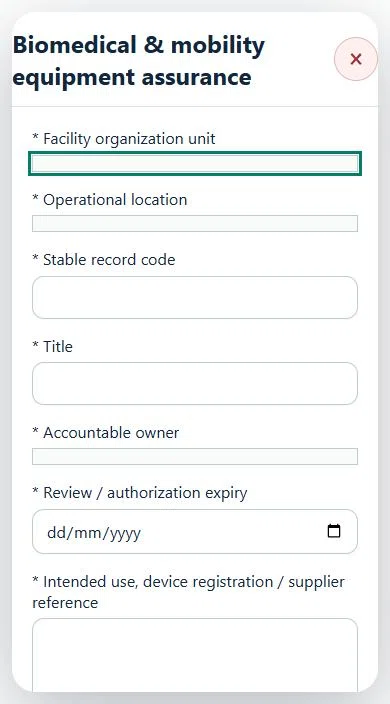
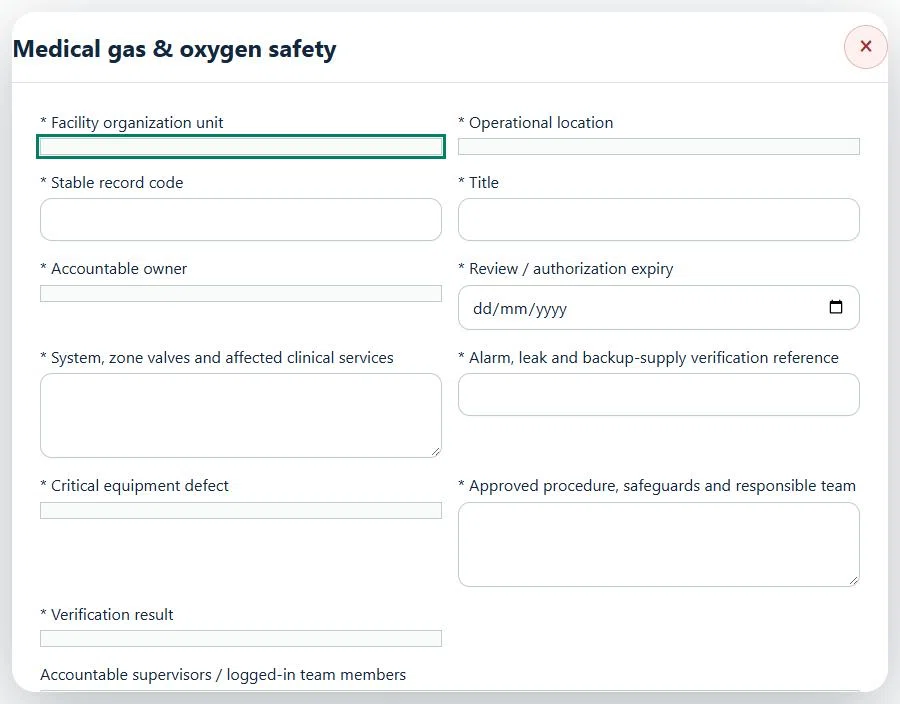
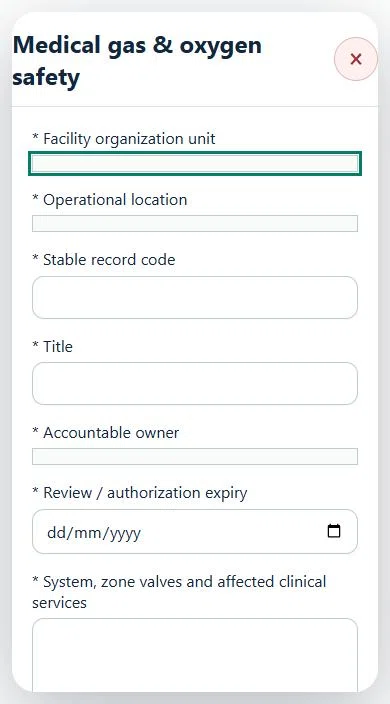
Record these details: Scope / procedure reference
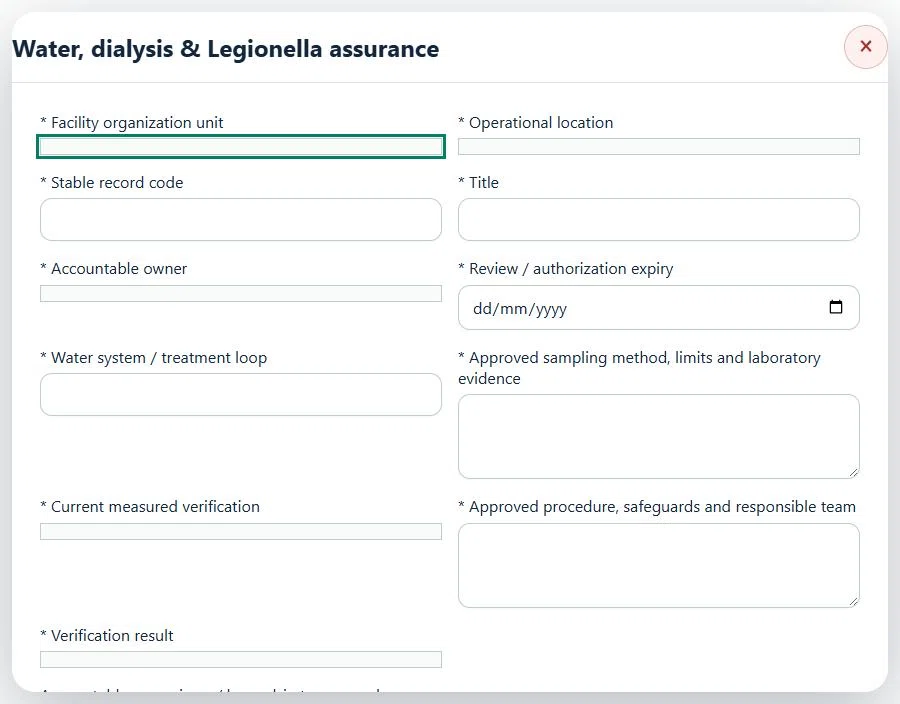
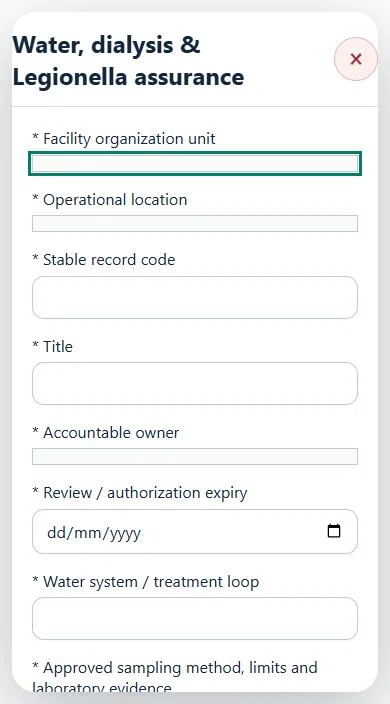
Record these details: Scope / procedure reference
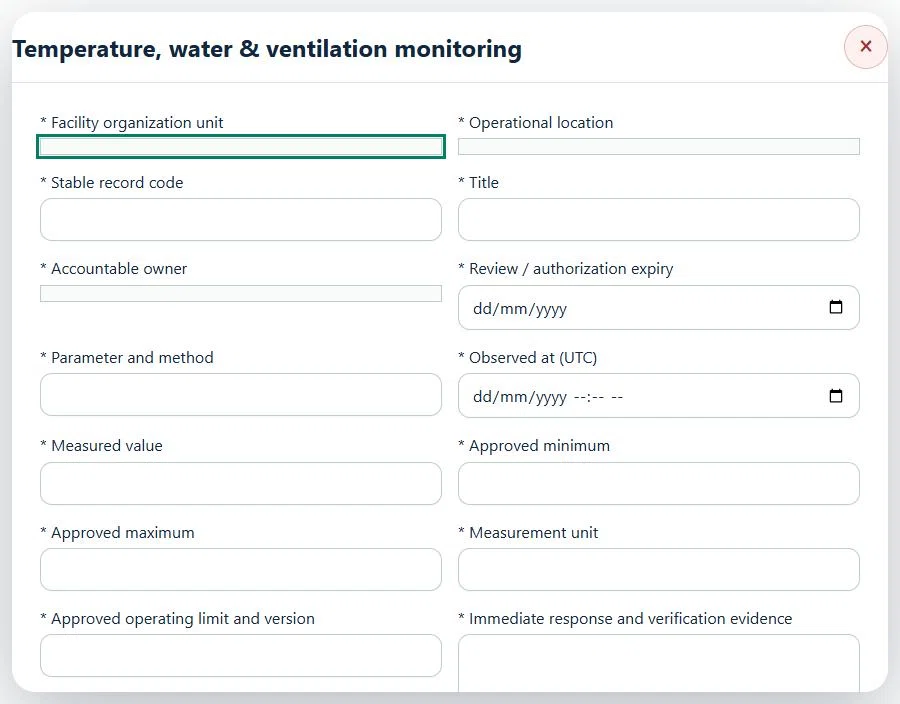
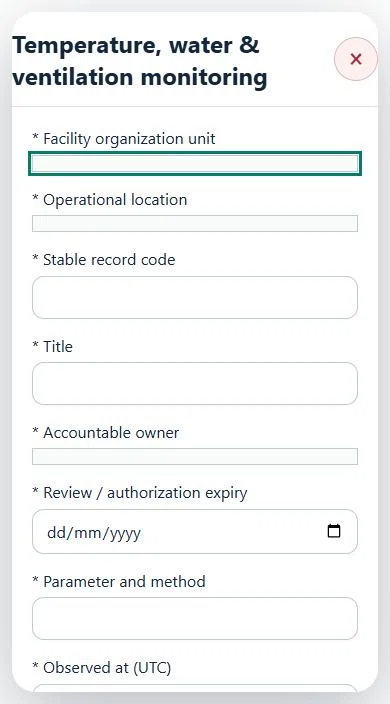
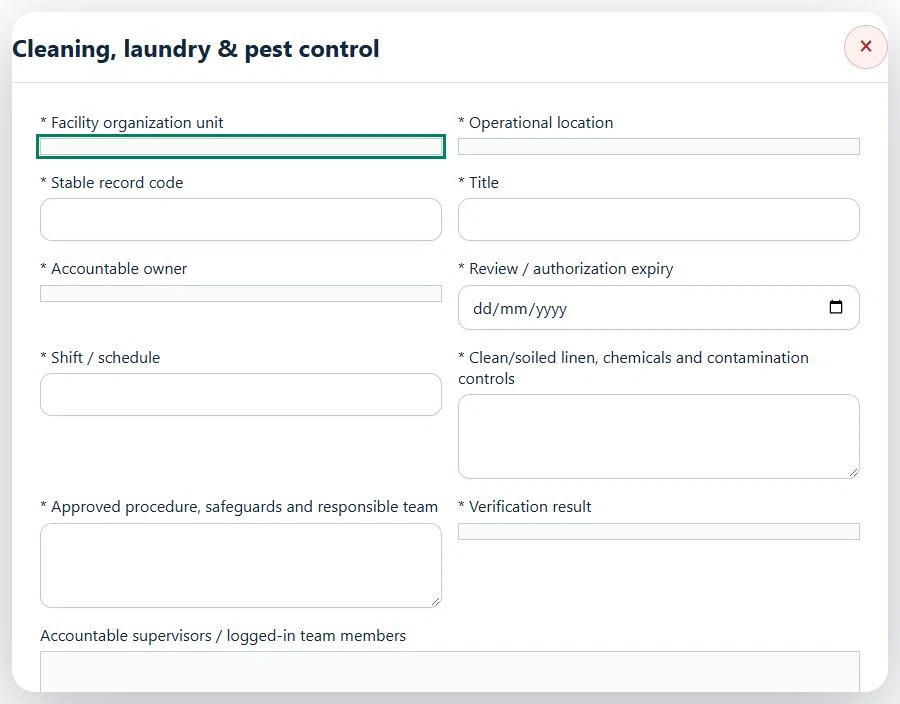
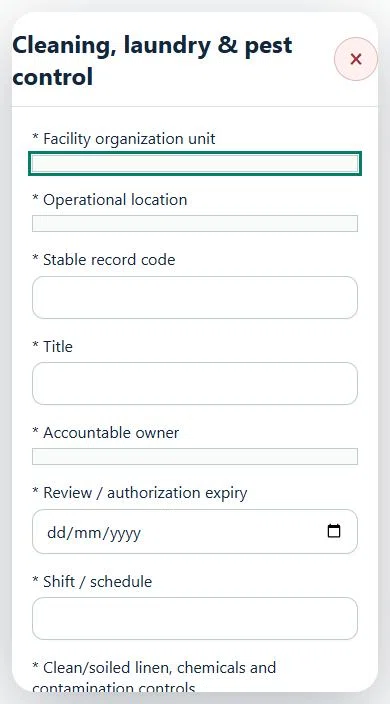
Record these details: Scope / procedure reference
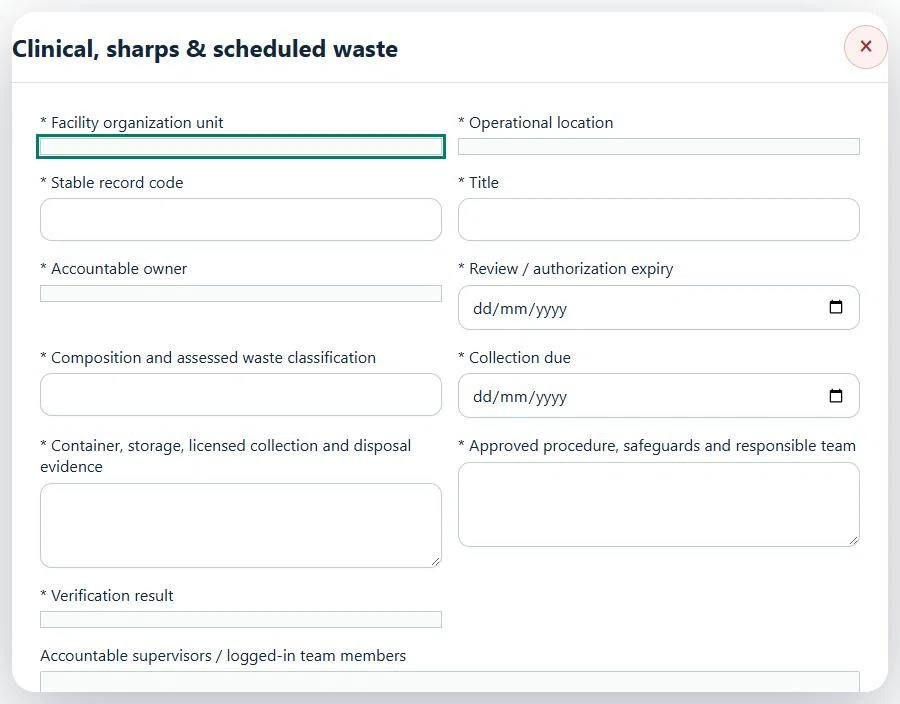
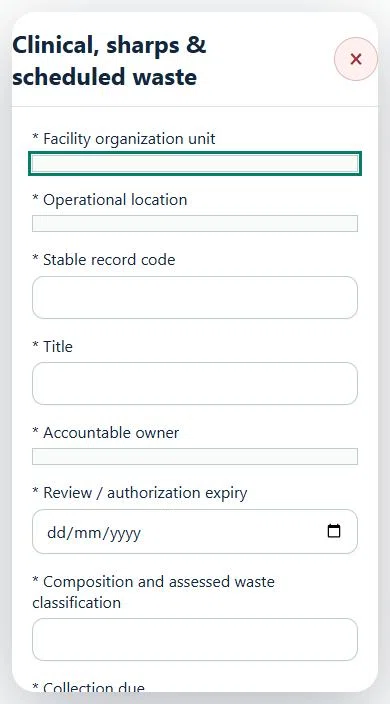
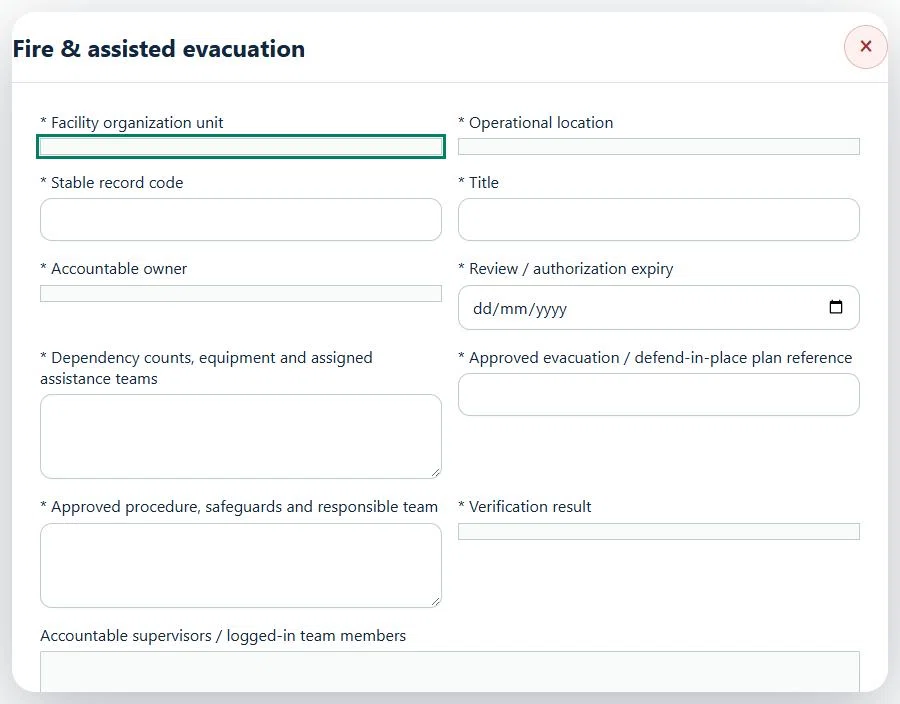
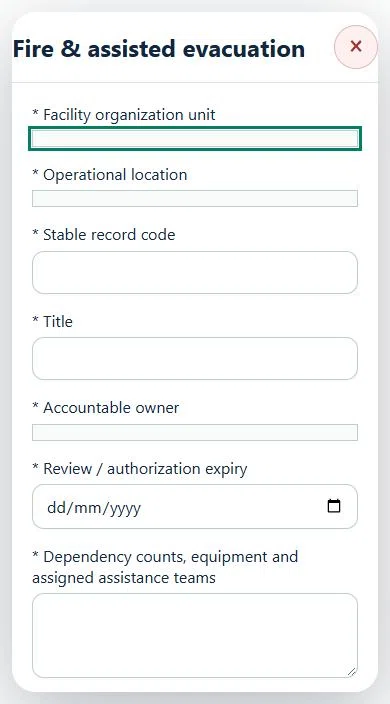
Record these details: Scope / procedure reference
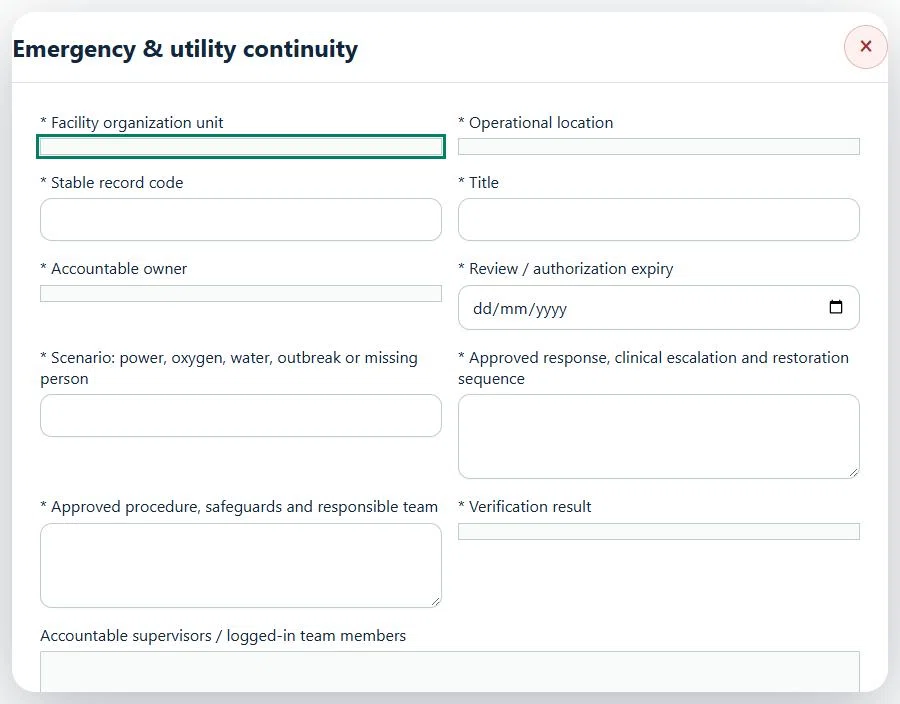
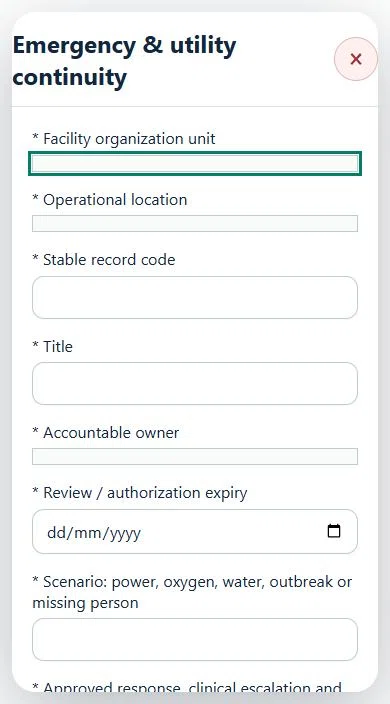
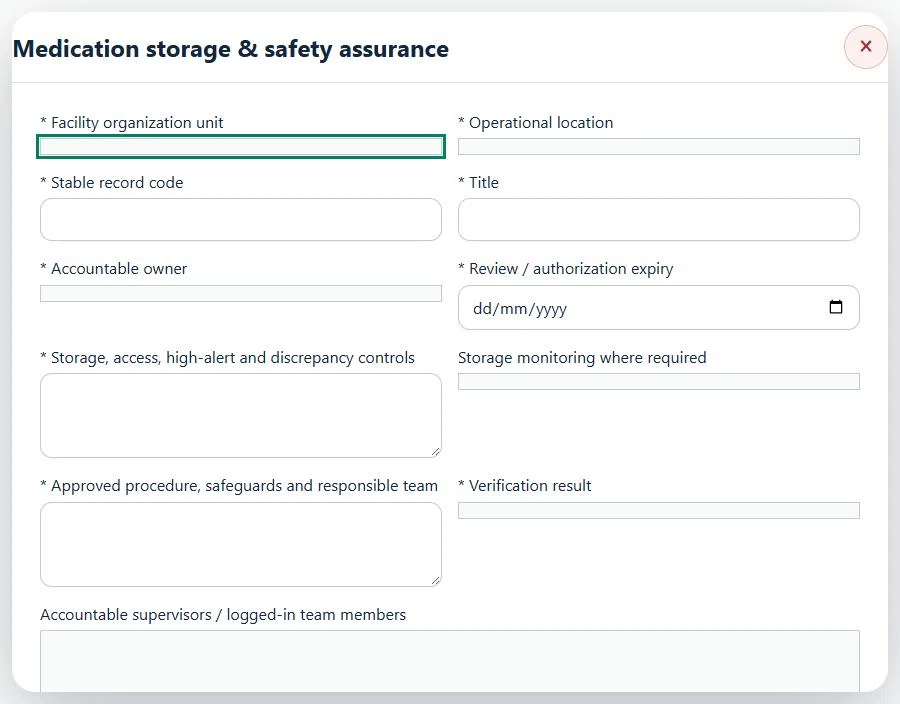
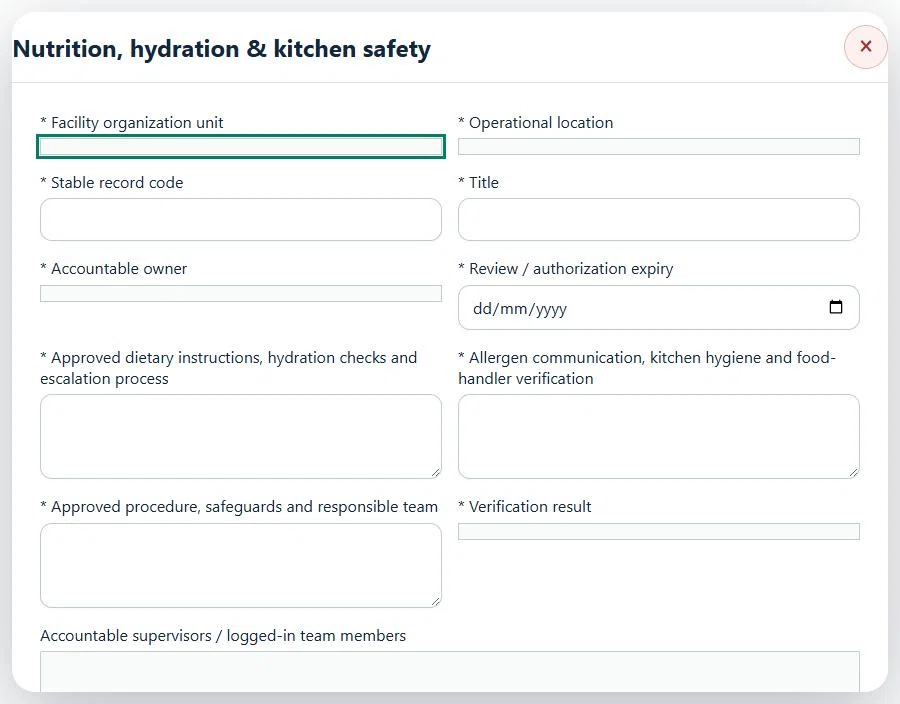
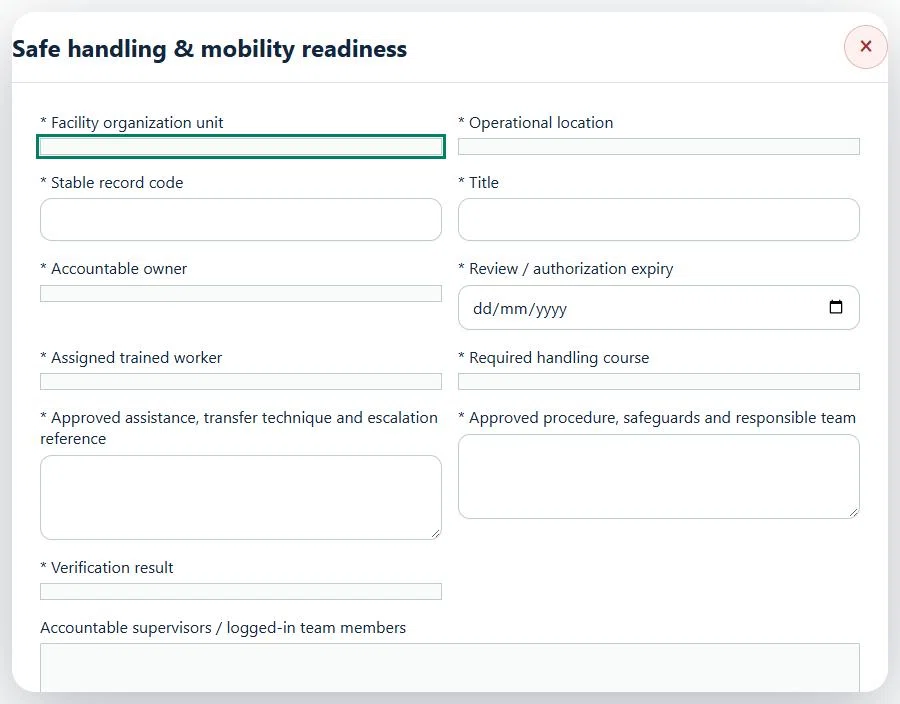
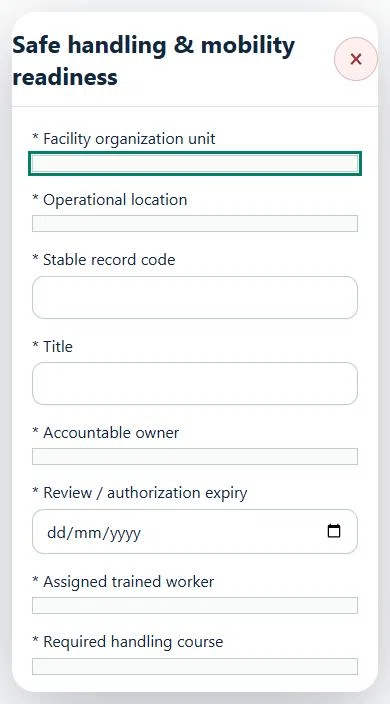
Record these details: Scope / procedure reference
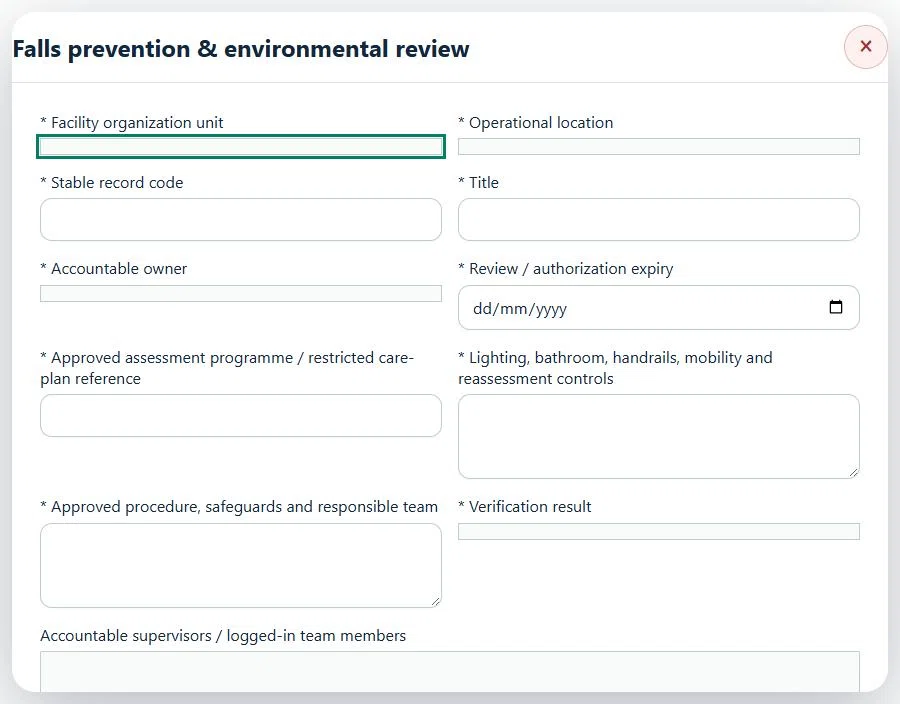
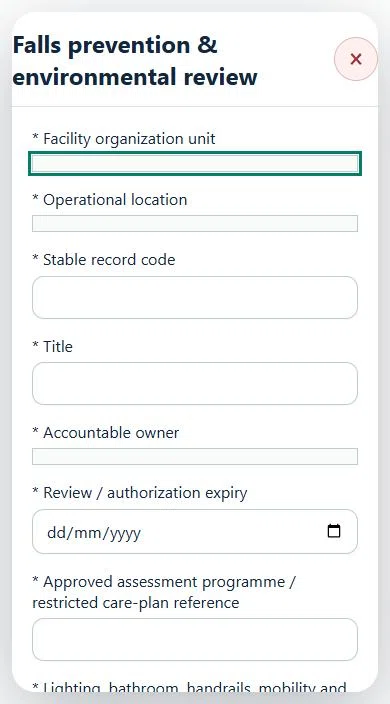
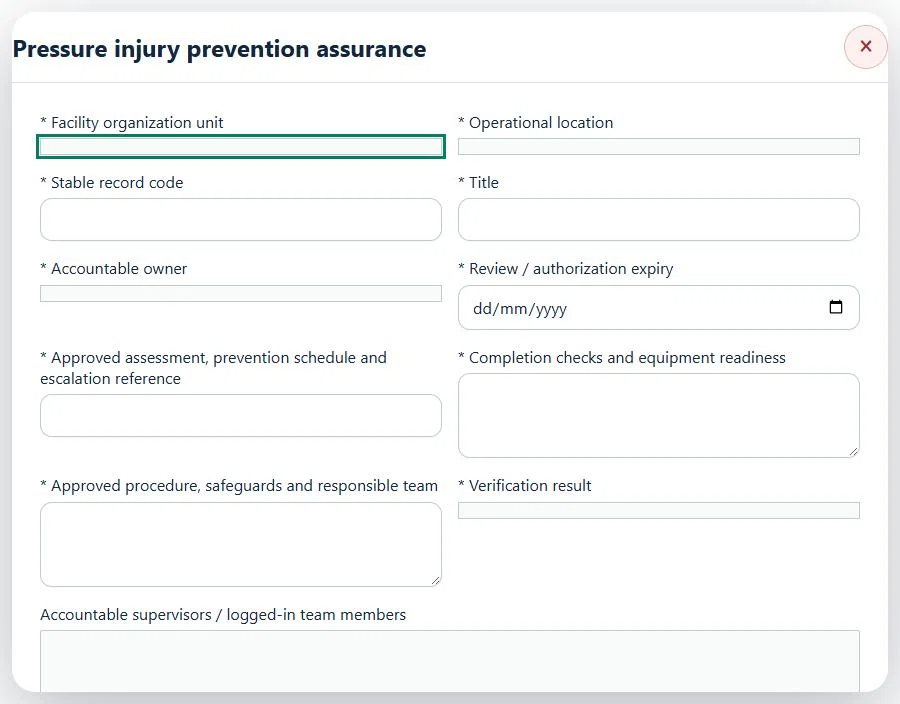
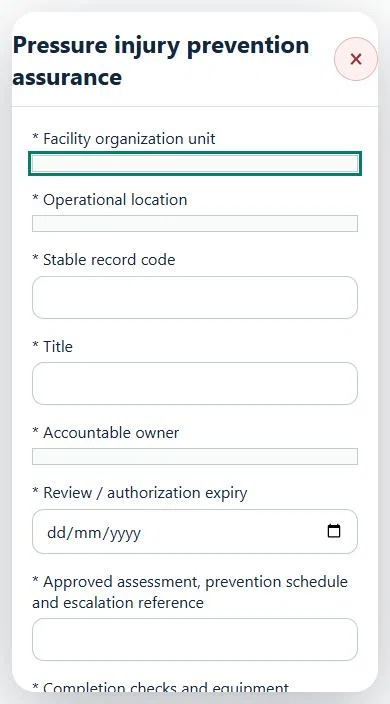
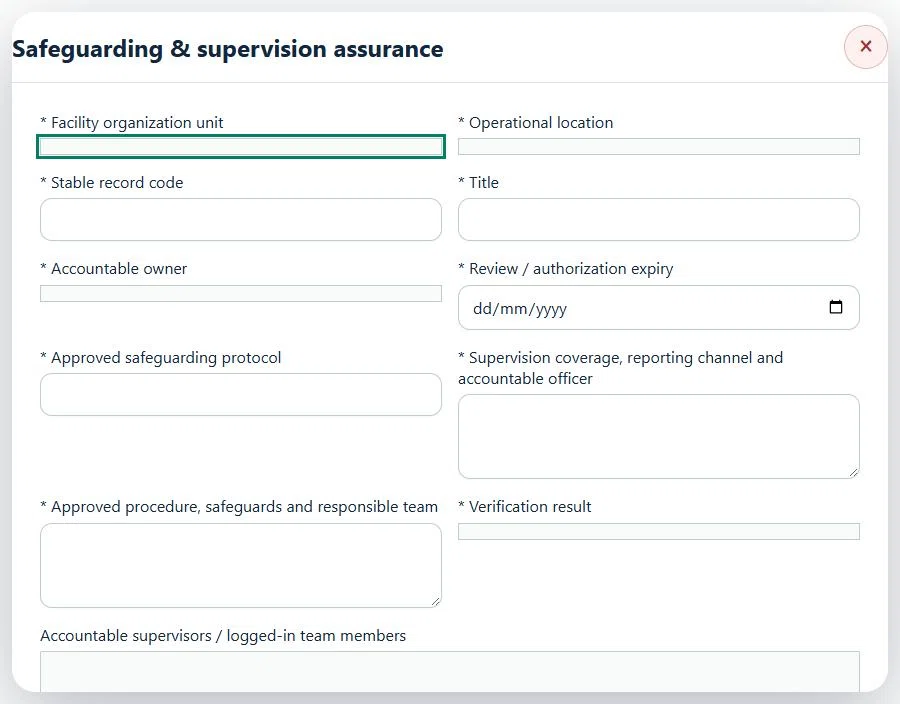
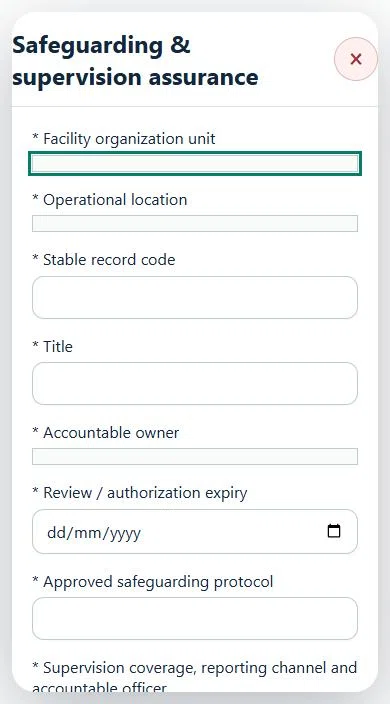
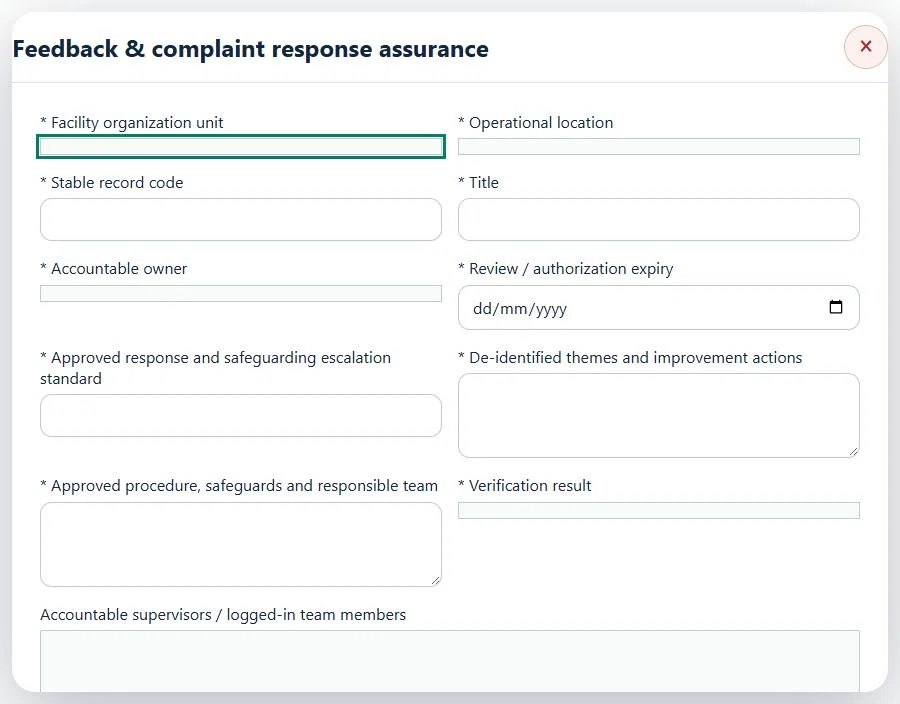
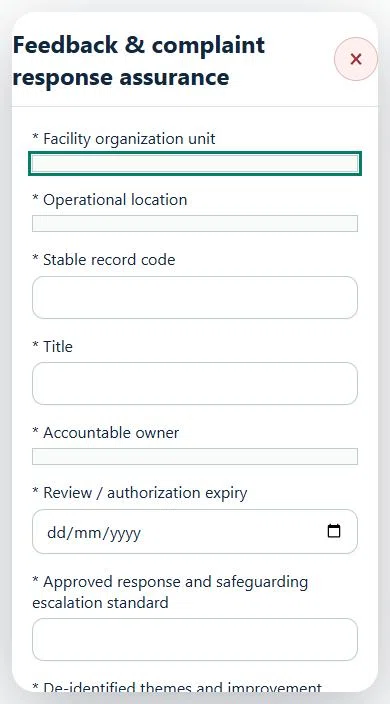
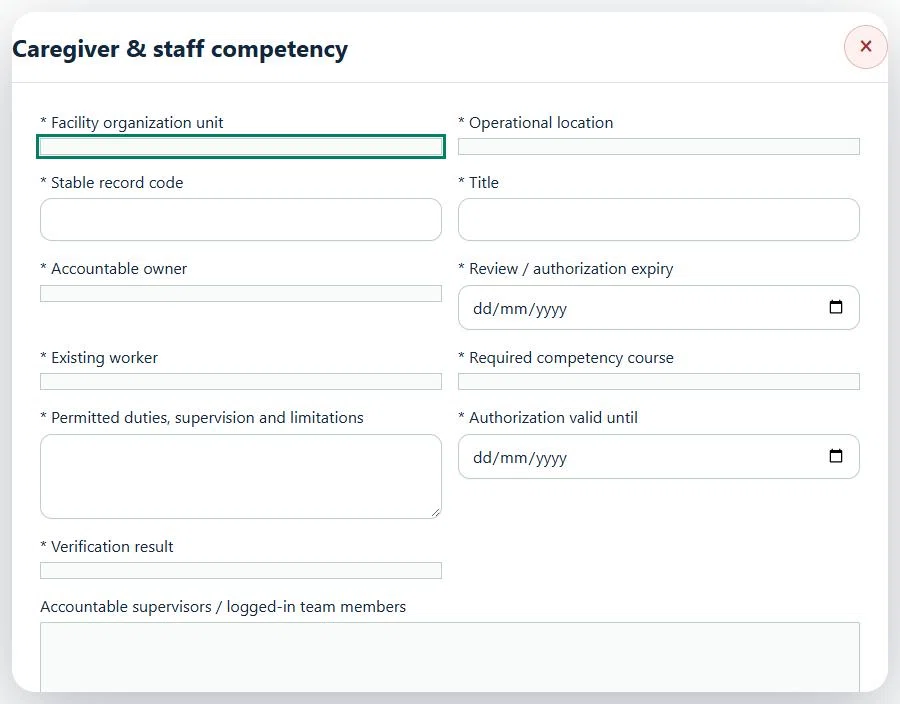
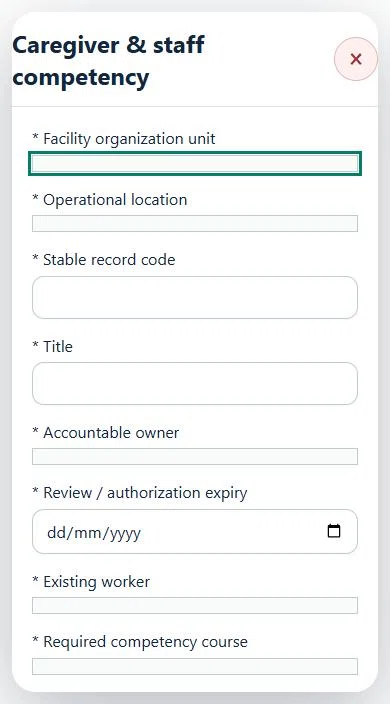
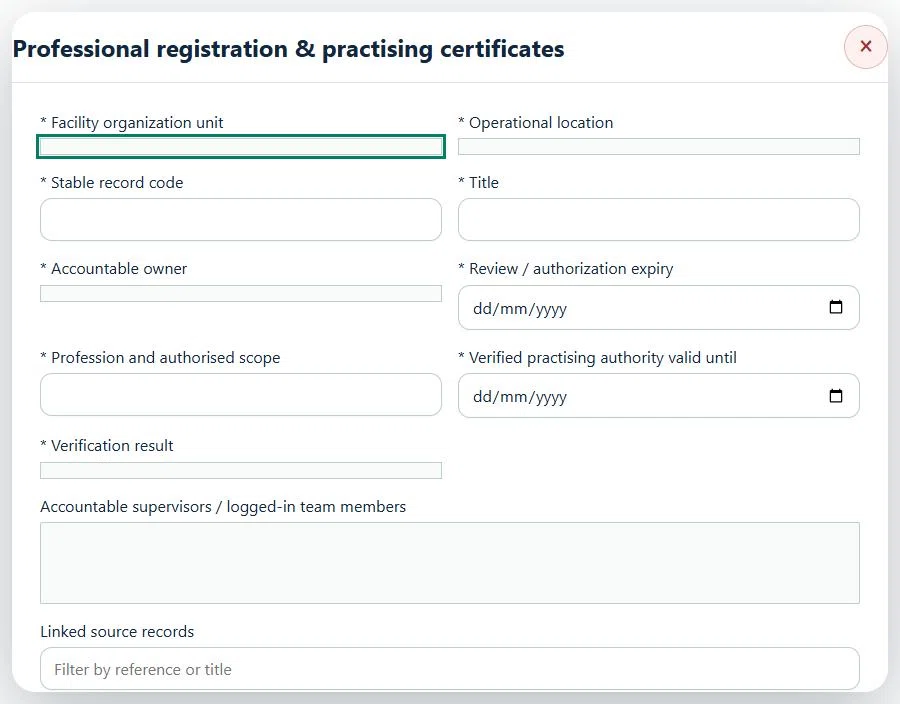
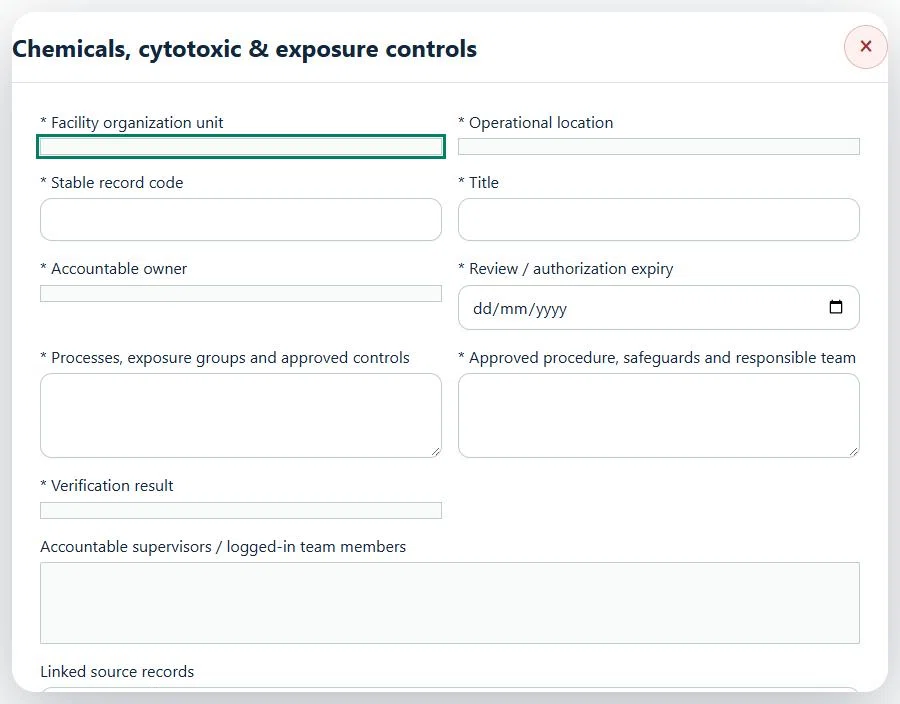
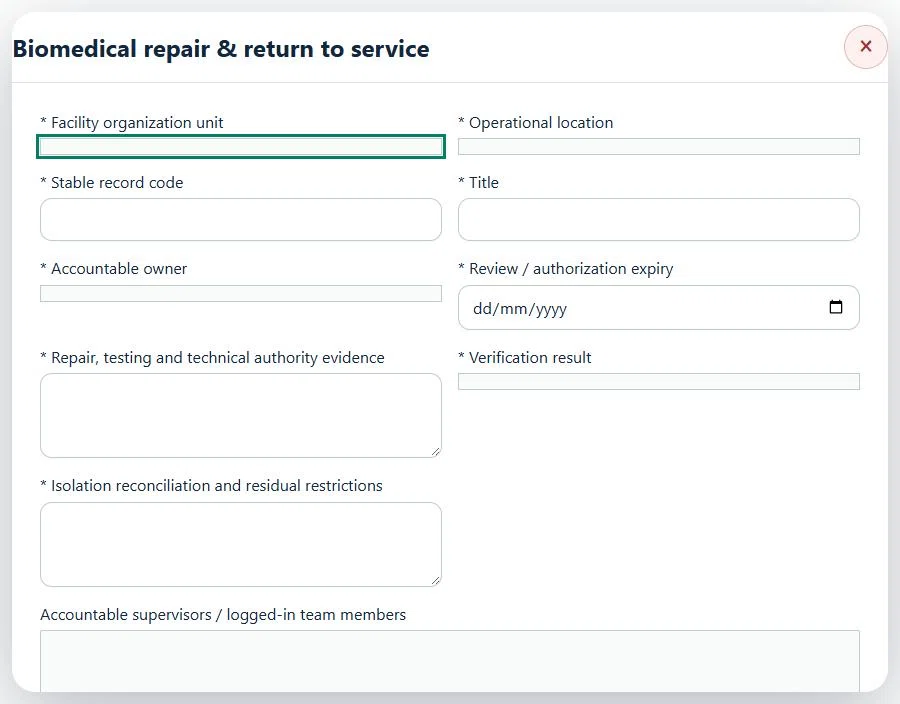
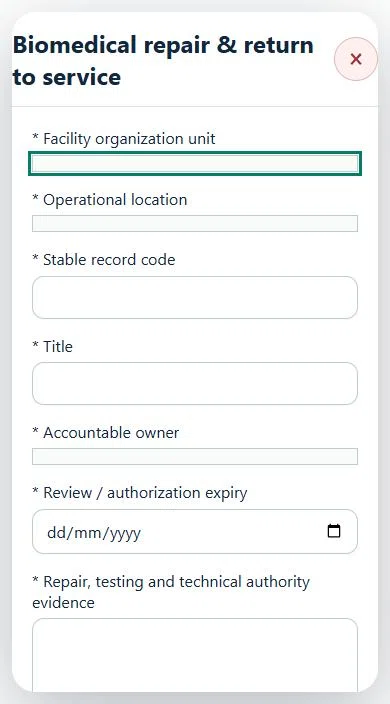
Record these details: Scope / procedure reference
A directly linked, active PTW within its validity window is required before this activity starts.
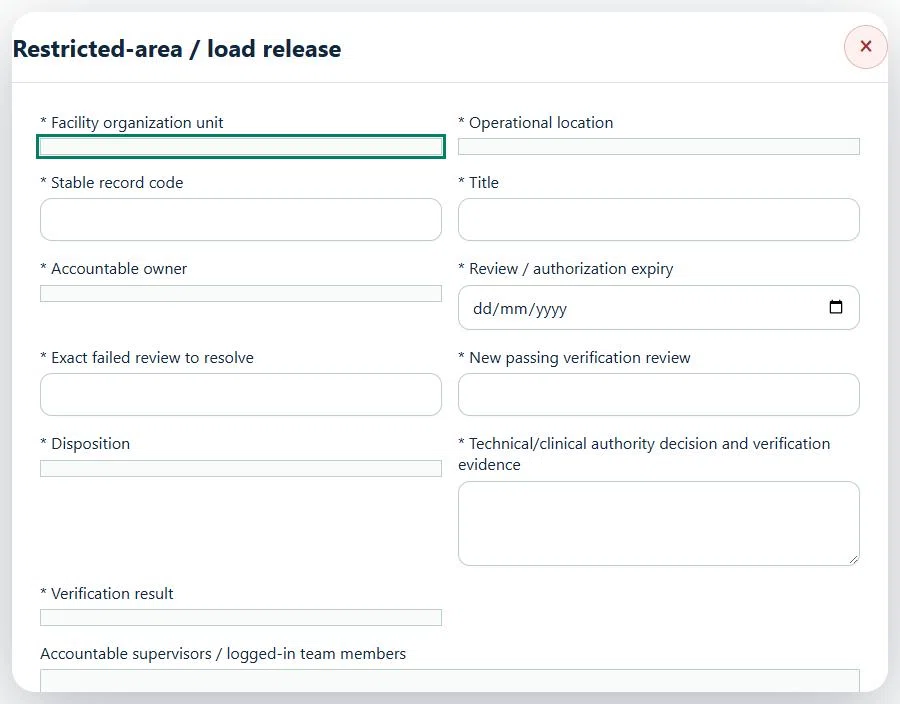
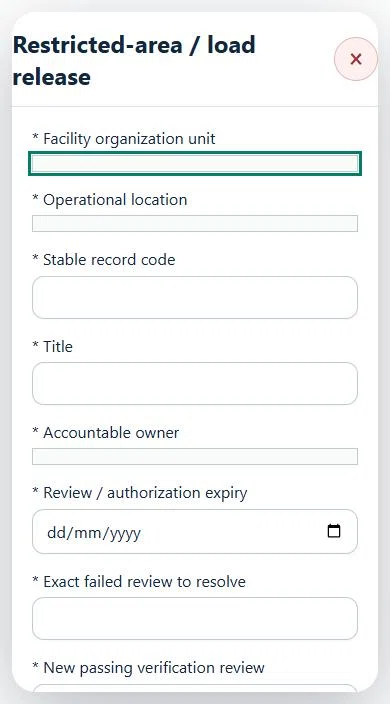
No instructions match this search. Try an activity, record type or action.
CONNECTED HSE MODULES
These links open instructions in this same User Guide. Keep assets, permits, risk assessments and corrective actions in their owning modules.
NEED HELP?
Do not include restricted medical, identity or personal data in a support request.