Journeys, loading bays, vehicle movement, storage, racking and cold-chain work.
Search by function, activity, role or workflow action.
Browse by operating domain
Dedicated workspace
Plan a loading operation, check segregation and equipment, link the Work Package and JSA, then record controlled dispatch.
Use the standard User Guide button in the topbar whenever you need help. All industry instructions are maintained here.
01START HEREYour workflow from setup to closureWho does what, in which order, and how source controls apply.
Set up access and working scope
The organization administrator selects the industry, enables available workspaces and assigns roles with organization-unit scope. Additional workspaces can be disabled from Industry workspaces; the default workspace cannot be disabled. Disabling retains records and history. Package entitlements still control available functions.
Activity workflow
Create the activity with its operating context, location, owner, planned dates and internal, contractor or mixed workforce.
Open Detail, complete the readiness checks, resolve failed checks and attach evidence that passes scanning. Use Work controls to link saved records from the correct organization unit.
Submit for review. A reviewer independent of the creator and owner approves the activity.
Start within the approved date window. Permit-required work also needs a directly linked active PTW within its validity window.
Complete the work, attach completion evidence and request verification. An independent reviewer closes it after directly linked PTW and CAPA are resolved.
Open shared modules without leaving your industry
Open your industry workspace and select the required module from the grouped menu, such as HIRARC, Permit to work, CAPA or Assets & certificates. Resources → Shared services lists the available connections.
The register opens within the industry page. Select Open workspace to review a record and follow its linked Work Package, JSA, permit or other source record in the same industry context.
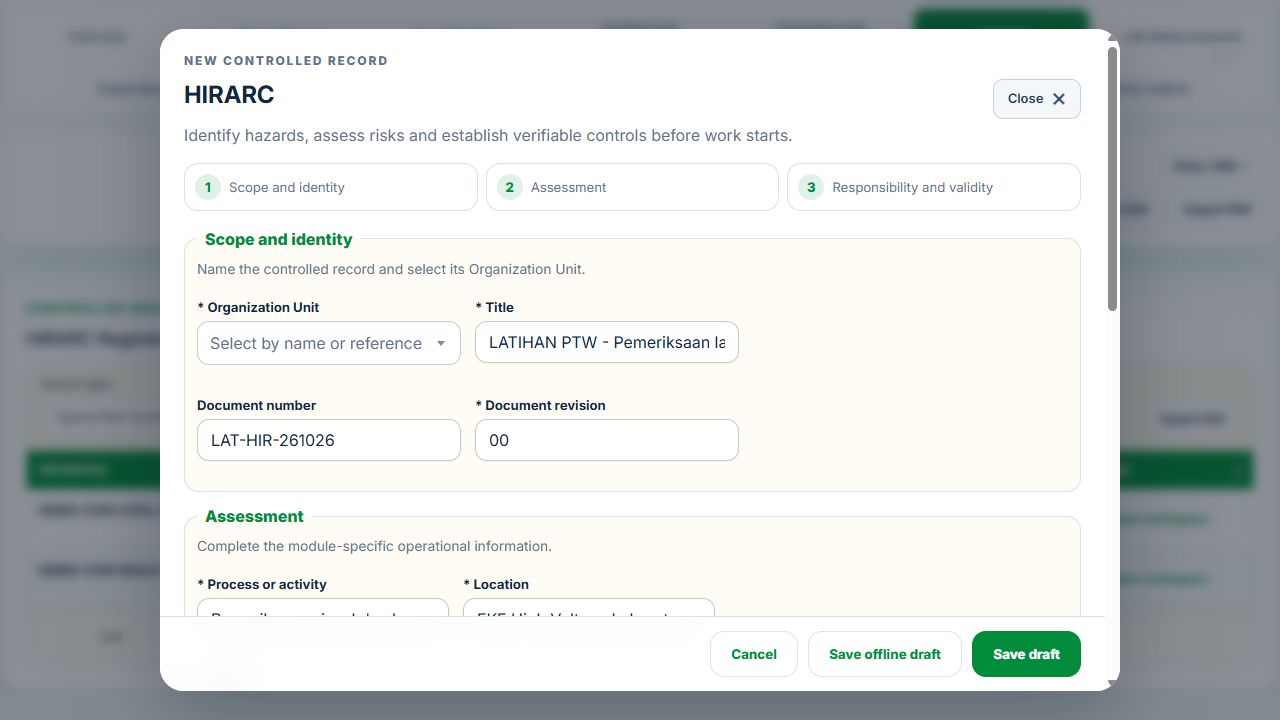
Use New record, Add, Edit or Renew where available. The original form opens in a modal. Select the correct site and organization unit; registers follow the module’s filters and your authorized scope.
Save or submit through the form’s existing controls. Required evidence, assignment, status and independent approval still apply. Use Close at the upper right to dismiss the form; closing a modal does not close the business record.
Use the record’s Print / PDF control for its controlled document. Printing and downloads open separately. On mobile the same forms fill the screen, with scrollable content and accessible Close controls.
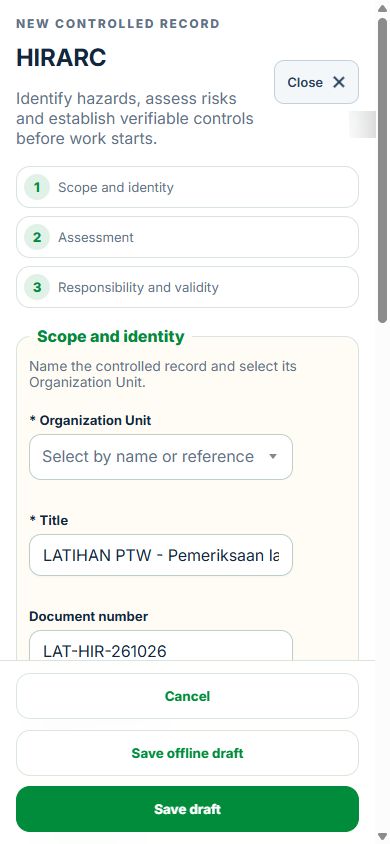
Desktop · Original HIRARC form and Close controlMobile · Same fields and actions, full-screen form
How linked controls work
Work controls shows the source record, current status, direct links and dependencies reached through a Work Package or PTW. A typed reference does not create a relationship. Activity approval does not approve a Work Package, verify LOTO or activate a permit. Follow each source record's own approval and release workflow; reopen Detail to refresh its status.
Use Add and Edit to open the permitted form. Detail holds evidence, linked records, workflow and history. On mobile, table rows become labeled cards with the same actions.
Logistics, Warehousing & Distribution
Use the Logistics workspace to plan safe work, execute operations, hand over goods and independently verify releases. Shared HSE records stay authoritative. A Logistics checkbox never approves a PTW, renews a certificate or returns Equipment to service.
1. Choose the operating scope and people
Open Industry workspaces → Logistics. Select the assigned warehouse / depot and its zone, bay or descendants. The filter applies to records, charts and GIS.
In Planning → Site register, create the site root and the relevant floors, zones, aisles, racks, quarantine areas, docks, yards or cold rooms. Link a shared GIS location. These locations reuse the Organization Unit.
In Operating profile, choose Warehouse / Distribution Centre, Fleet / 3PL, Cold Chain, Dangerous Goods, Food & Pharmaceutical Distribution, or Bonded / Port / Air Cargo. Select additional profiles where the site combines operations. Submit the profile for independent acceptance.
The manager plans and assigns work. The assigned operator records checks and handovers. A separate designated reviewer authorizes hold releases, product disposition and final verification. The creator, owner and people who performed the work cannot approve their own work.
2. Open shared modules inside Logistics
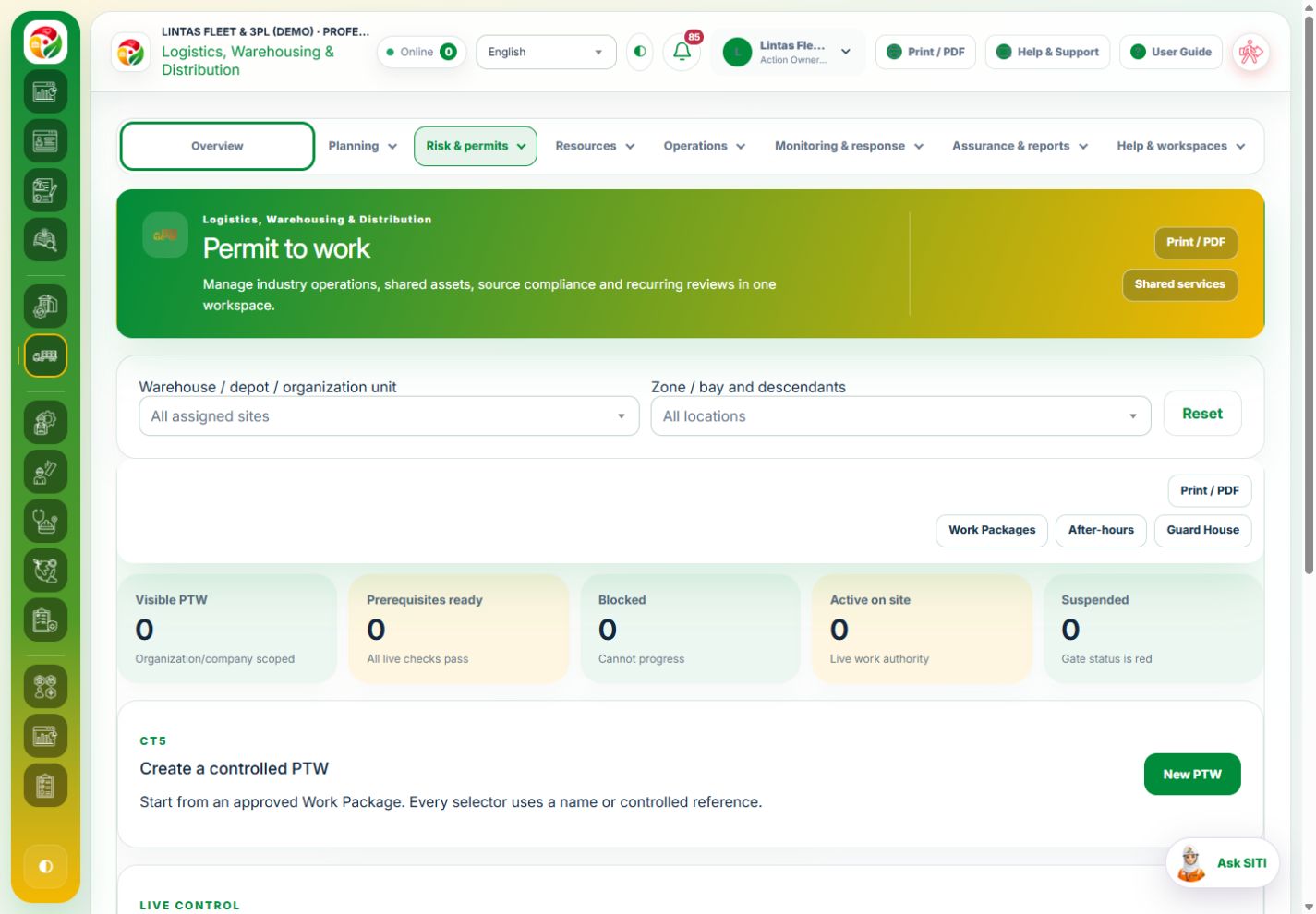
Choose the module directly from the industry menu, such as Risk & permits → Permit to work or Resources → Assets & certificates (Equipment). The module register opens in the Logistics page, with the industry menu and selected site retained.
Use Resources → Shared services to browse all available shared modules. The page URL remains under Logistics, so refreshing or sharing the link keeps the module context.
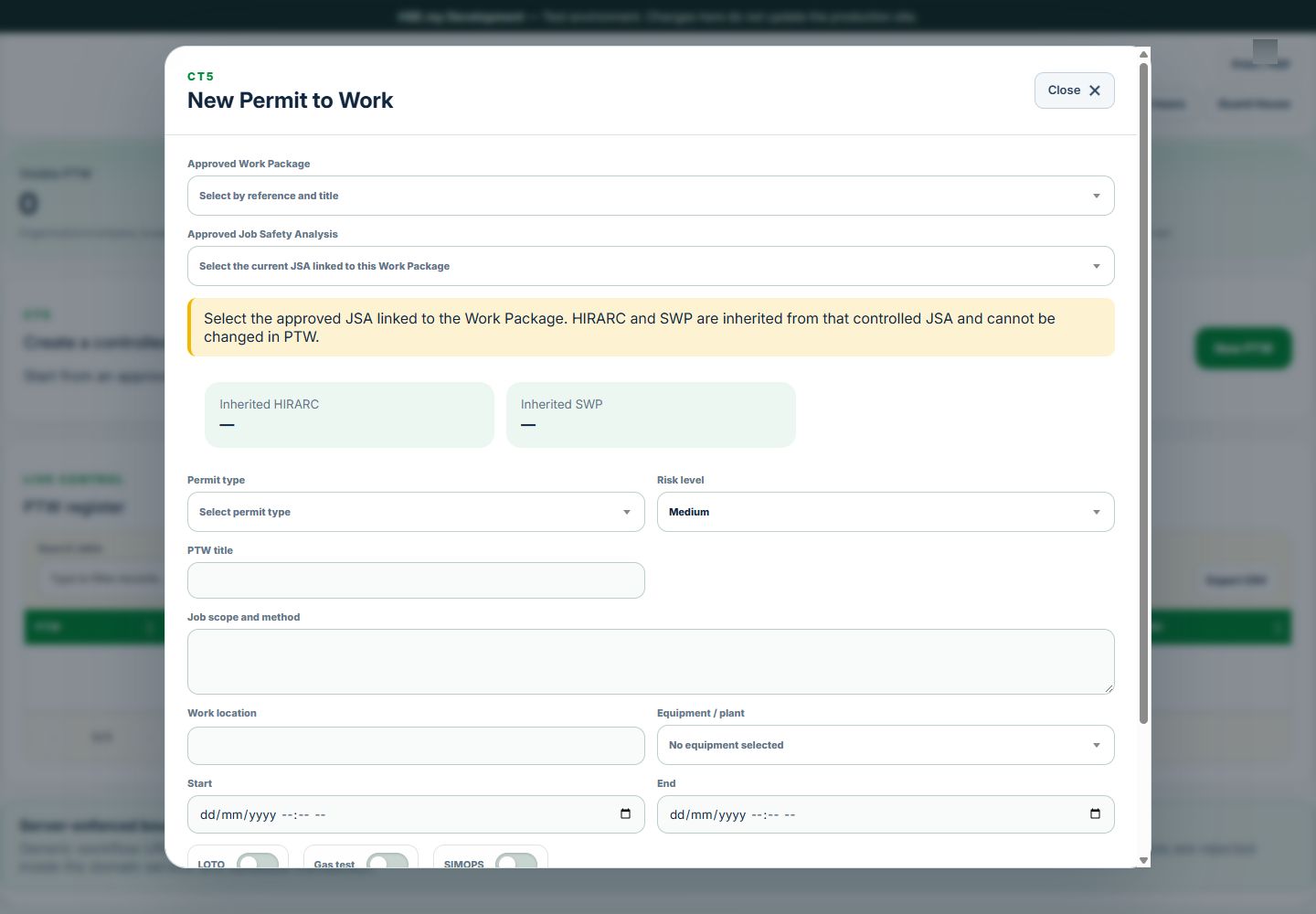
Use the original New record, New PTW or edit action. Only the form opens in a modal. Save or cancel, then continue in the register. Existing role, package, Organization Unit, assignment and status rules still apply.
For Equipment, open the asset and choose Certificates / renew. Prepare the replacement and obtain its normal independent verification. All evidence, history and source links remain attached to the same Equipment record.
After saving, use the industry menu to return to Operations & handovers. Open the operation and choose Update linked records to link the saved source. No duplicate shared record is created.
On mobile the register stays in the same page and the form expands to fit the screen. Use Close × at the right of the form header to return to the register. Close does not save; use Save draft or the applicable submission action first. In a saved record’s Detail modal, Print / PDF is beside Close. The print selection dialog has its own Close button. See desktop, mobile and dark-mode examples →
The module register stays within Logistics; the industry menu remains available.The original PTW form opens in Logistics. Close dismisses it; Save draft and Save & submit are separate form actions. View mobile image
3. Plan and execute an operation
Open Operations → Operations & handovers → Plan operation.
Choose the workflow, site and operational location. Enter a meaningful title, consignment / batch / job reference, scope and operating limits. Assign the responsible operator and a different independent reviewer. Enter the completion date and time in UTC as labelled.
Select the shared records and accepted Logistics reviews that apply. Equipment-dependent operations require exactly one Equipment record. If the operation follows an import, select the observation; its Equipment is linked automatically.
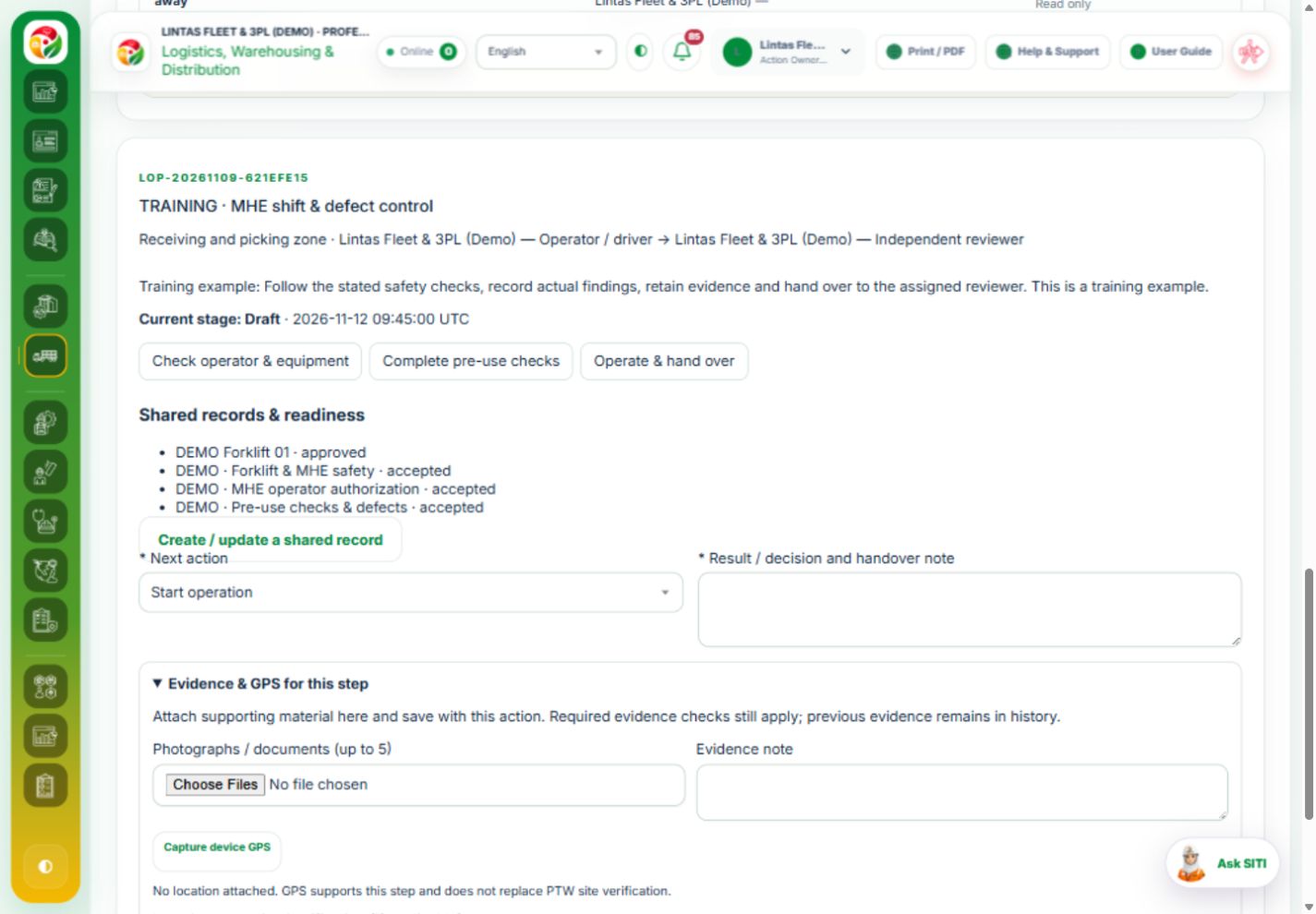
Save, then open the operation. Choose Start operation. At each displayed stage, record actual results and the handover note, confirm completed checks, and attach evidence or device GPS in the same form.
If a check fails, choose Hold / quarantine and explain the restriction. Record the corrective work in the shared source. Add recovery evidence after the hold; evidence from a previous cycle cannot release a new hold.
The independent reviewer checks the updated sources and evidence, then chooses Independently release hold. The operation returns to the interrupted stage. Complete the remaining work and hand over for verification.
For independent steps, only the assigned eligible reviewer sees the verification action. At final closure, linked Work Packages, PTW, CAPA and After-hours must be closed or cancelled, LOTO restoration must be verified, and required asset releases and source reviews must be current.
Read-only information explains when another person owns the action. Closed operations keep their evidence and history. The independent reviewer may Reopen with reason; this creates a new held cycle with fresh evidence required.
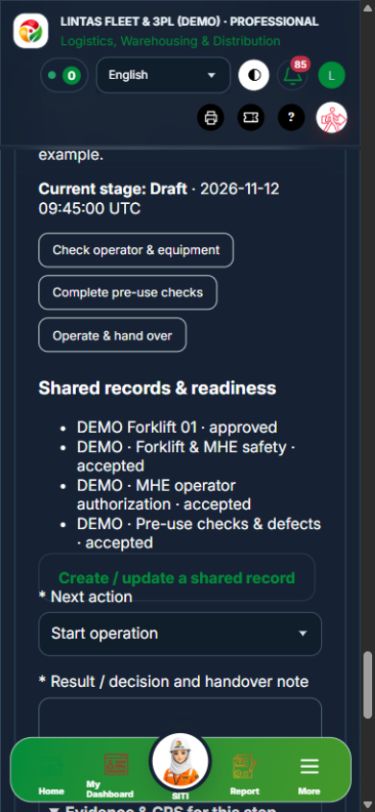
Each operation shows its stage, responsible people, linked records and permitted next action.Mobile: review the sources, choose the next action and record evidence in the same step.
4. Operational workflows
Task
Working sequence
Release requirement
Receiving & put-away
Arrival and documents → condition / compatibility inspection → approved storage location and handover
Current warehouse review; resolve damage before confirming a passed check.
MHE shift
Named operator authorization → current pre-use check → operation and end-of-shift handover
Same Equipment, named operator and valid competency. A failed check restricts Equipment and creates scheduled maintenance.
Accepted DG review and clean release evidence. Applicable requirements remain part of the legal applicability assessment.
Cold chain / food / pharma
Identify affected batches and quarantine → assess exposure and equipment → independent product disposition → verify restoration
Explicit release / return / rework / disposal decision, accepted cold-chain review, source corrective work and evidence.
Maintenance
Scope, people and risk controls → authorized repair → independent verification and restoration
Use the shared Work Package → JSA → PTW / LOTO / After-hours workflow as applicable. Logistics cannot bypass it.
Returns / rejected stock
Identify and quarantine → inspect → independently authorize disposition → reconcile goods and follow-up → verify closure
Recorded disposition and clean evidence; linked CAPA must be complete.
Assurance improvement
Assess legal / traffic / emergency / health / environmental or transporter requirement → implement controls → independently verify effectiveness
Link the relevant source reviews and actions. Record the objective, actual result and next review date.
5. Dispatch, live journeys and delivery
Prepare the vehicle, driver authorization, current pre-use review, dock release, route, rest arrangements and journey window. Link the relevant HIRARC and SWP.
Submit the dispatch review. Independent acceptance is separate from departure; current source readiness is checked again when Departed is recorded.
The assigned driver or dispatcher records Check-in with the condition note and, where available, GPS. A second overlapping active journey for the same driver / vehicle is blocked.
Record Held for an exception. A separate verifier confirms recovery evidence and current dispatch readiness before Resumed. When the dispatch assessment was revised, select its current revision.
At Arrived, enter the receiving person's name and delivery / handover reference. Confirm safe unloading and cargo reconciliation and attach proof of delivery in the same step. If unloading or reconciliation fails, use Hold and resolve the exception.
The separate verifier checks delivery evidence and records Completed. Closed journeys leave the active / late journey counts and do not become ready-to-dispatch again.
6. Monitoring, reminders, reporting and imports
The overview combines existing readiness KPIs, six-month reporting graphs, location GIS, open / held operations and active / late journeys. Counts use the user's assigned scope. Missing verified reporting periods leave rates unavailable.
Operations and active journey deadlines appear in My Actions. Assignment, hold, review and closure notifications use in-app, email and PWA preferences. Email follows the selected Immediately / Daily / Weekly setting and joins the existing action digest. Delivery requires the existing dispatcher; no localhost scheduled task is installed by this change.
Integrations accepts CSV or the authenticated import adapter for temperature, distance, speed and hours. Use the displayed column names and UTC format. Repeated identical source-system / external-ID values are idempotent; changed payloads are rejected.
Use Plan follow-up operation for an imported exception. Select its imported observation and the appropriate workflow. The designated verifier reconciles the observation with a current accepted review of the same Equipment. Importing a value never approves a permit or releases an asset.
Live vendor-specific WMS / TMS / IoT connections require that vendor's credentials and field mapping. This release supplies the controlled import and follow-up workflow, not a preconnected external vendor.
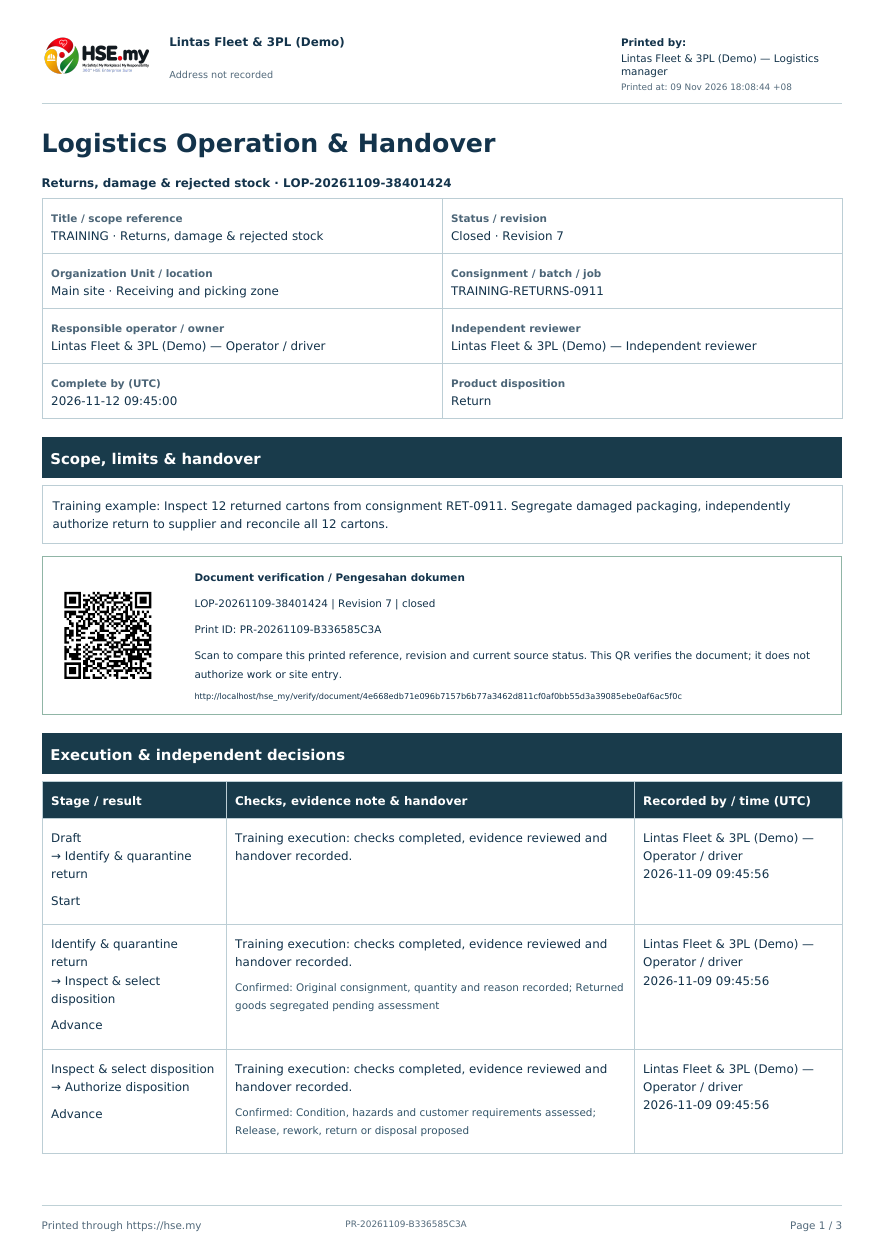
Print / PDF in the operation header opens the controlled printout with source links, stage history, evidence / GPS attachments and QR verification under existing print permissions.
Shared functions are documented in their operating-domain guides: worker and contractor onboarding, competency, HIRARC Library and L/S/R, JSA, toolbox, work authorizations, inspections, events / investigation / CAPA, equipment certification, legal compliance, emergency readiness, committee, health and environment. Open those same forms from Logistics; approval rules are unchanged.
Controlled operation printout: reference, status, people, decisions and document QR. Evidence and recorded GPS follow as attachments.
02Logistics, Warehousing & DistributionOverview, scope and navigationStart with the right operating context.
How to use this section
Open the enabled industry from the navigation rail or the mobile More menu. Expand the grouped top menu to choose the next stage of work.
Select the organization unit and available project, factory or site context. KPI cards, graphs, maps and registers reflect the scope supported by that workspace.
Follow a KPI or source link to the underlying record. A missing or incomplete reporting value is not an assumed zero.
On mobile, registers become labeled cards. Use the same Detail, Edit and permitted workflow controls from each card.
Mobile · Logistics
03Logistics, Warehousing & DistributionLoading bays & dispatchCheck dock interfaces, restraints, driver briefing and release readiness.
How to use this section
Choose Add on the relevant activity card. Enter its organization unit, location, owner, planned dates and internal, contractor or mixed workforce.
Save the draft, open Detail and complete the readiness checks below. Explain failed or not-applicable answers; resolve failed checks and attach supporting evidence before review.
Open Work controls to link saved HSE source records. A typed reference alone does not create a relationship or grant approval.
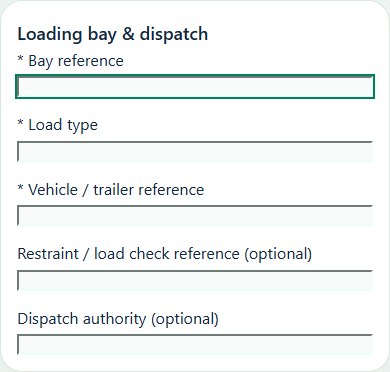
Desktop · Loading bay & dispatch · Activity formMobile · Loading bay & dispatch · Activity form
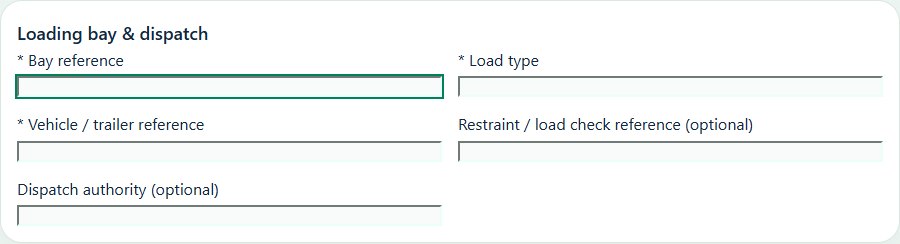
Loading bay & dispatch
Record these details: Bay reference · Load type · Vehicle / trailer reference · Restraint / load check reference · Dispatch authority
Readiness checks
Vehicle immobilization and dock interface checked
Pedestrian separation and reversing controls checked
Choose Add on the relevant activity card. Enter its organization unit, location, owner, planned dates and internal, contractor or mixed workforce.
Save the draft, open Detail and complete the readiness checks below. Explain failed or not-applicable answers; resolve failed checks and attach supporting evidence before review.
Open Work controls to link saved HSE source records. A typed reference alone does not create a relationship or grant approval.
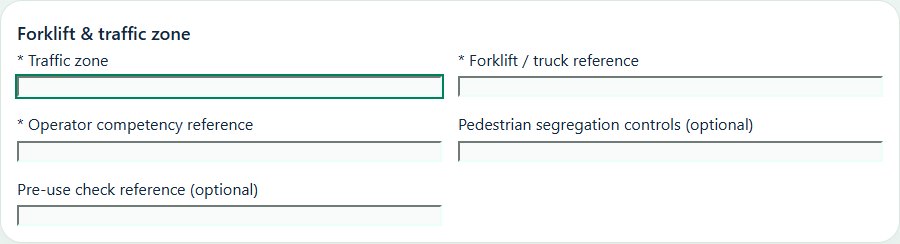
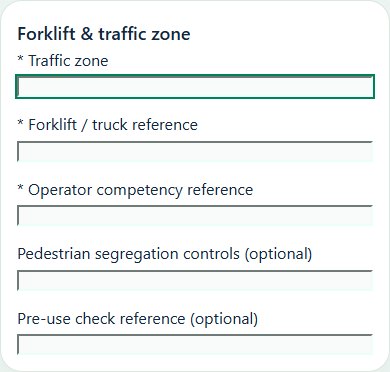
Record these details: Traffic zone · Forklift / truck reference · Operator competency reference · Pedestrian segregation controls · Pre-use check reference
Readiness checks
Pre-use checks completed
Authorized operator and load limits checked
Pedestrians and crossings protected
Charging / refuelling area controlled
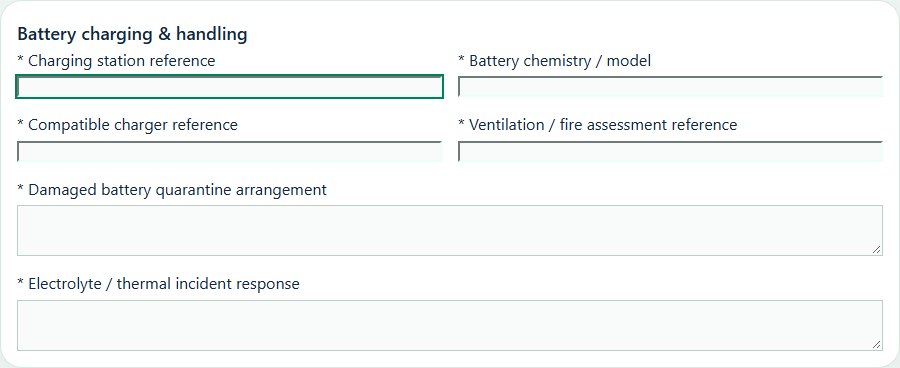
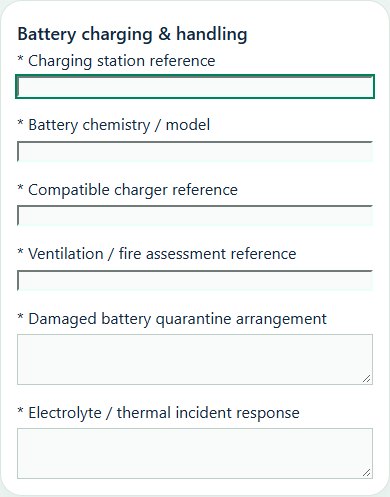
Battery charging & handling
Record these details: Charging station reference · Battery chemistry / model · Compatible charger reference · Ventilation / fire assessment reference · Damaged battery quarantine arrangement · Electrolyte / thermal incident response
Readiness checks
Battery and charger compatibility confirmed
Cables, connectors and handling equipment inspected
Ventilation and ignition controls suit the battery chemistry
Damaged batteries isolated from normal charging
Trained response and emergency equipment available
Access and post-charge release checks recorded
05Logistics, Warehousing & DistributionRacking & dangerous goodsReview rack condition, loading limits and dangerous-goods segregation and handling.
How to use this section
Choose Add on the relevant activity card. Enter its organization unit, location, owner, planned dates and internal, contractor or mixed workforce.
Save the draft, open Detail and complete the readiness checks below. Explain failed or not-applicable answers; resolve failed checks and attach supporting evidence before review.
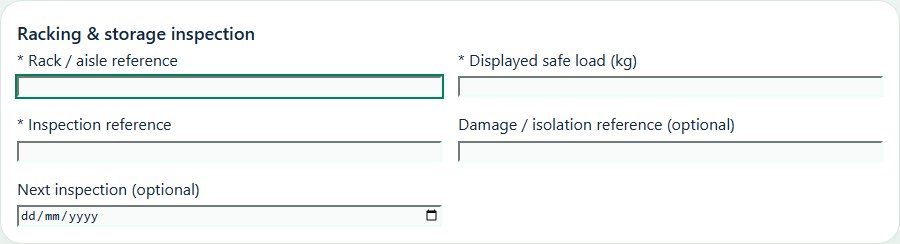
Open Work controls to link saved HSE source records. A typed reference alone does not create a relationship or grant approval.
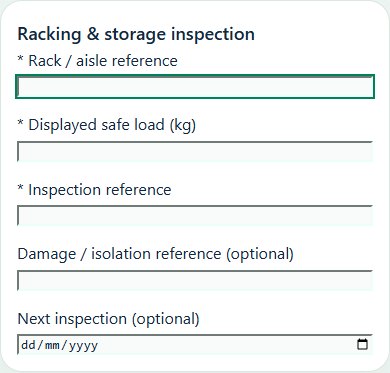
Record these details: Rack / aisle reference · Displayed safe load (kg) · Inspection reference · Damage / isolation reference · Next inspection
Readiness checks
Damage, anchors and bracing checked
Loads and pallets within approved limits
Aisles and fire protection clear
Damaged bays isolated and follow-up assigned
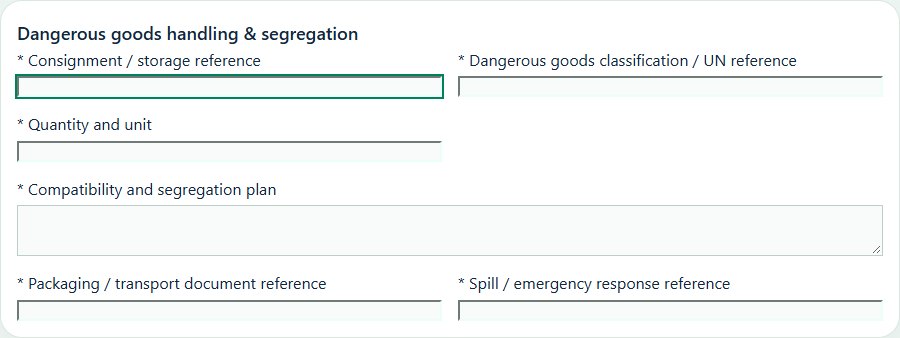
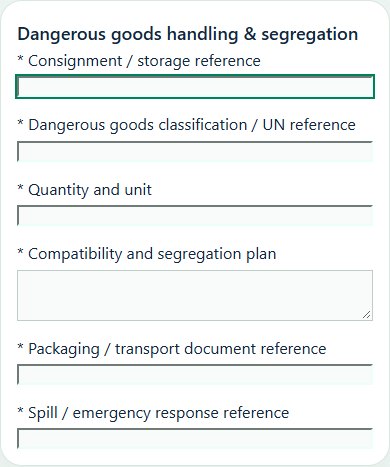
Dangerous goods handling & segregation
Record these details: Consignment / storage reference · Dangerous goods classification / UN reference · Quantity and unit · Compatibility and segregation plan · Packaging / transport document reference · Spill / emergency response reference
Readiness checks
Goods identified against current source documents
Packaging, markings and damage inspected
Incompatible goods and ignition sources segregated
Authorized handlers and suitable equipment confirmed
Spill containment and emergency information accessible
Choose Add on the relevant activity card. Enter its organization unit, location, owner, planned dates and internal, contractor or mixed workforce.
Save the draft, open Detail and complete the readiness checks below. Explain failed or not-applicable answers; resolve failed checks and attach supporting evidence before review.
Open Work controls to link saved HSE source records. A typed reference alone does not create a relationship or grant approval.
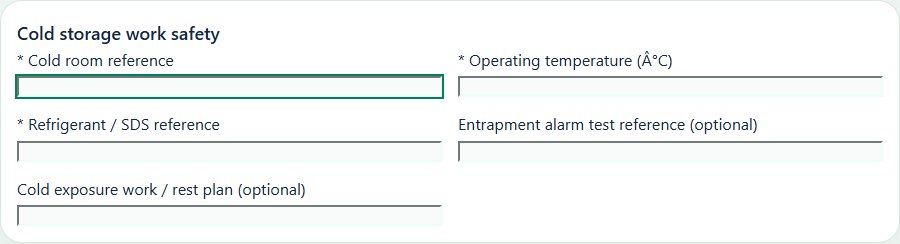
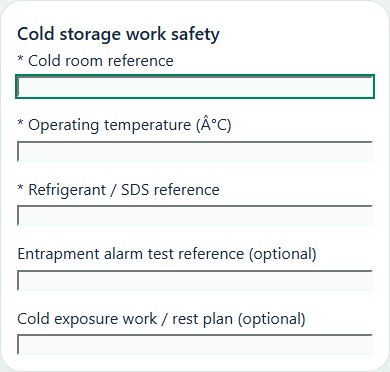
Desktop · Cold storage work safety · Activity formMobile · Cold storage work safety · Activity form
Cold storage work safety
Record these details: Cold room reference · Operating temperature (°C) · Refrigerant / SDS reference · Entrapment alarm test reference · Cold exposure work / rest plan
Readiness checks
Entrapment release and alarms checked
Cold exposure and work duration controlled
Refrigerant leak response reviewed
Floors, ice and manual handling controlled
07Logistics, Warehousing & DistributionJourneys & driver readinessPlan routes, driving and rest schedules, check-ins and delivery-site risks.
How to use this section
Choose Add on the relevant activity card. Enter its organization unit, location, owner, planned dates and internal, contractor or mixed workforce.
Save the draft, open Detail and complete the readiness checks below. Explain failed or not-applicable answers; resolve failed checks and attach supporting evidence before review.
Open Work controls to link saved HSE source records. A typed reference alone does not create a relationship or grant approval.
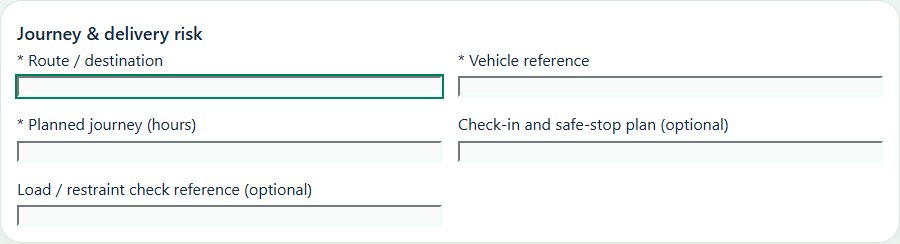
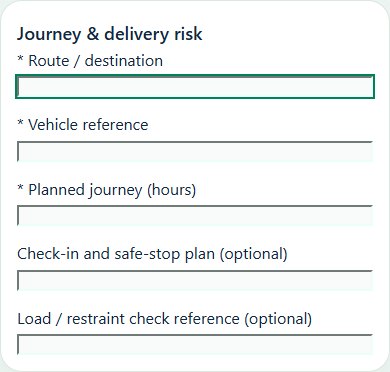
Record these details: Route / destination · Vehicle reference · Planned journey (hours) · Check-in and safe-stop plan · Load / restraint check reference
Readiness checks
Driver readiness and rest arrangements checked
Vehicle roadworthiness and load checked
Route, weather and delivery hazards reviewed
Communication and emergency contacts confirmed
Driver fitness & rest planning
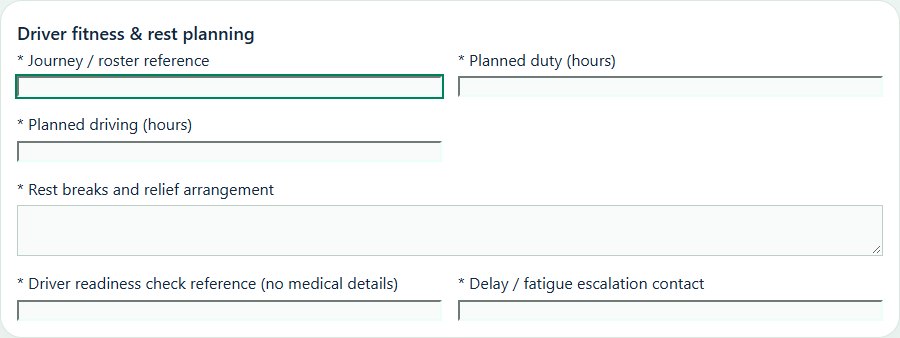
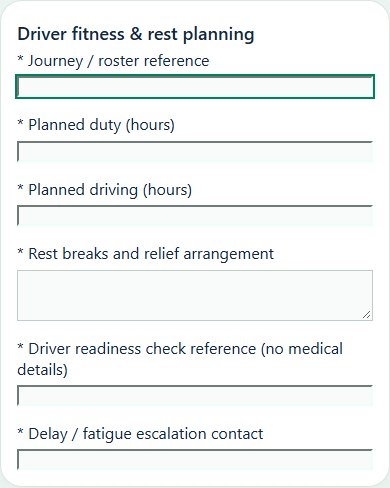
Record these details: Journey / roster reference · Planned duty (hours) · Planned driving (hours) · Rest breaks and relief arrangement · Driver readiness check reference (no medical details) · Delay / fatigue escalation contact
Readiness checks
Duty and rest plan checked against approved transport policy
Driver can report unfitness without pressure to depart
Route and delivery windows allow planned breaks
Relief, safe stopping and check-in arrangements confirmed
Delay and fatigue escalation briefed
Dispatch acceptance and exceptions recorded
08Logistics, Warehousing & DistributionWarehouse inspectionsFollow warehouse housekeeping, access, fire protection and assigned findings.
How to use this section
Choose Add on the relevant activity card. Enter its organization unit, location, owner, planned dates and internal, contractor or mixed workforce.
Save the draft, open Detail and complete the readiness checks below. Explain failed or not-applicable answers; resolve failed checks and attach supporting evidence before review.
Open Work controls to link saved HSE source records. A typed reference alone does not create a relationship or grant approval.
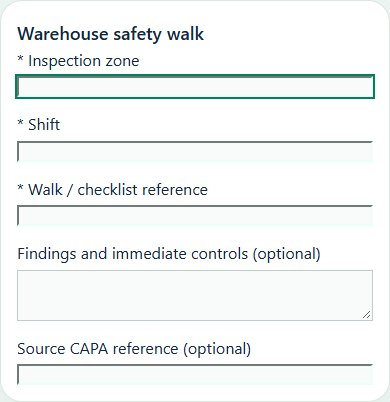
Desktop · Warehouse safety walk · Activity formMobile · Warehouse safety walk · Activity form
Warehouse safety walk
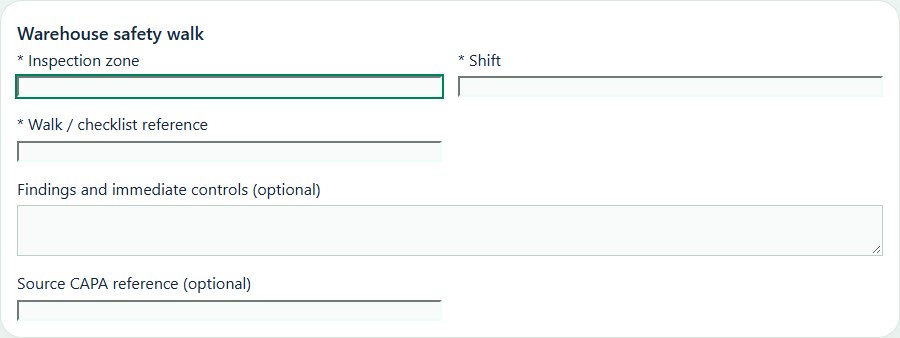
Record these details: Inspection zone · Shift · Walk / checklist reference · Findings and immediate controls · Source CAPA reference
Readiness checks
Housekeeping and walkways clear
Storage and hazardous goods segregated
Fire exits and emergency equipment accessible
Findings assigned to responsible owners
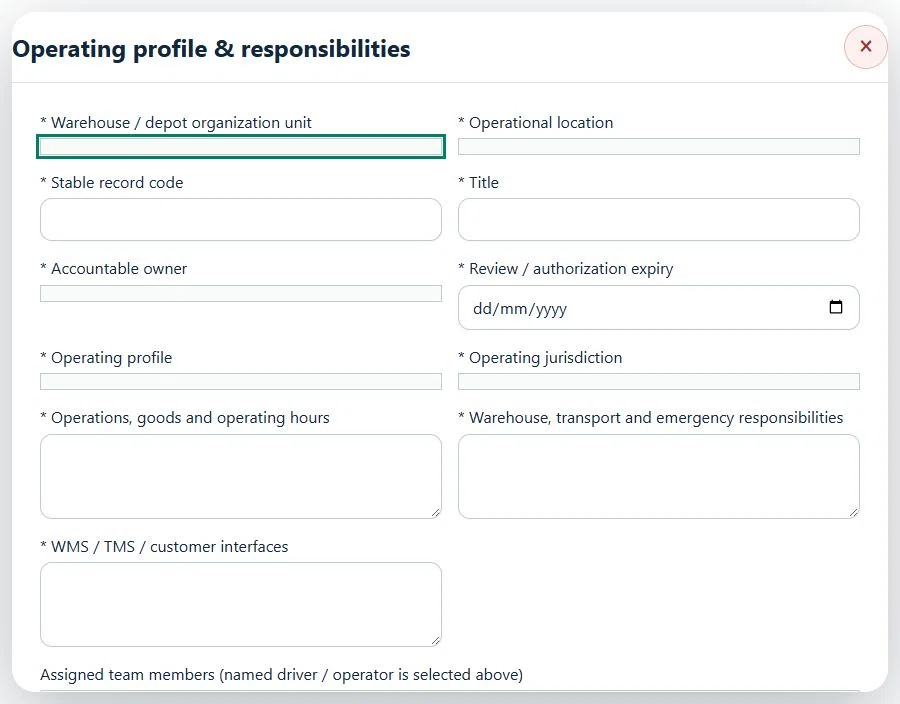
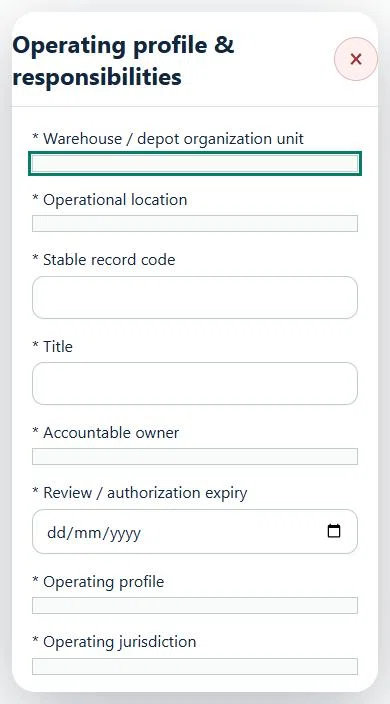
09Logistics, Warehousing & DistributionOperating profile & responsibilitiesPrepare a source-linked assurance record and obtain independent acceptance.
How to use this section
Select the operating context, owner and review due date. Record: Primary operating profile; Additional operating profiles; Operating jurisdiction; Operations, goods and operating hours; Warehouse, transport and emergency responsibilities; WMS / TMS / customer interfaces.
Link the relevant saved source records and any required accepted dependencies. Save the draft and attach supporting evidence in Detail.
Submit for independent review; resolve rejected or incomplete evidence before resubmitting. Acceptance does not approve or release the linked source work.
Use a new revision for changes to accepted records. Follow source links to resolve expired evidence, changed sources or failed prerequisites before progressing work.
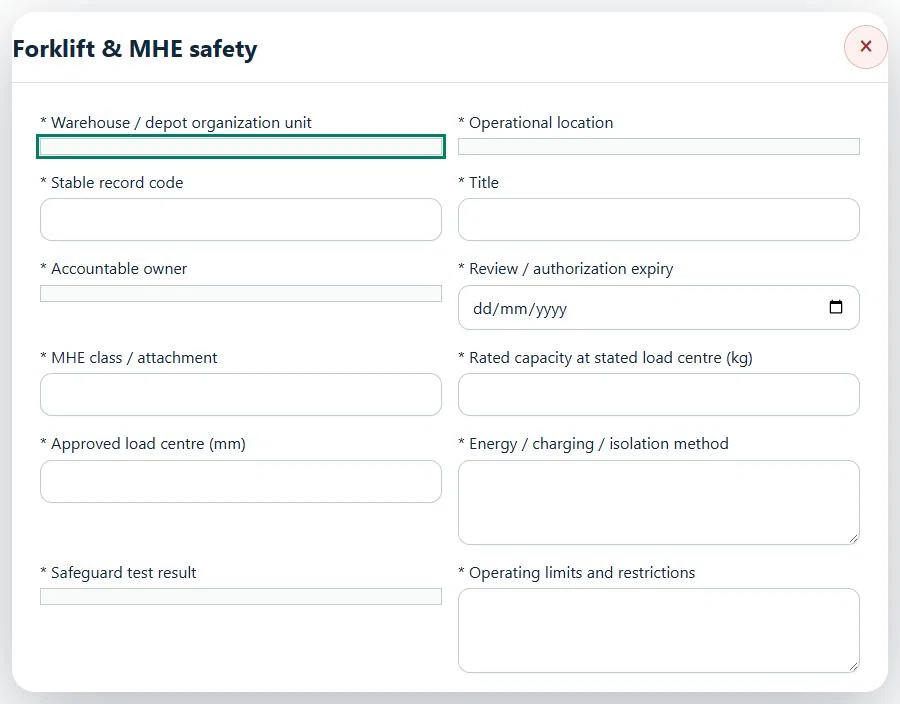
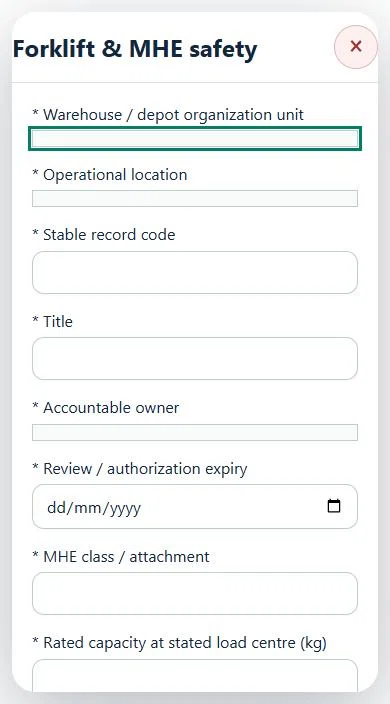
10Logistics, Warehousing & DistributionForklift & MHE safetyPrepare a source-linked assurance record and obtain independent acceptance.
How to use this section
Select the operating context, owner and review due date. Record: MHE class / attachment; Rated capacity at stated load centre (kg); Approved load centre (mm); Energy / charging / isolation method; Safeguard test result; Operating limits and restrictions.
Link the relevant saved source records and any required accepted dependencies. Save the draft and attach supporting evidence in Detail.
Submit for independent review; resolve rejected or incomplete evidence before resubmitting. Acceptance does not approve or release the linked source work.
Use a new revision for changes to accepted records. Follow source links to resolve expired evidence, changed sources or failed prerequisites before progressing work.
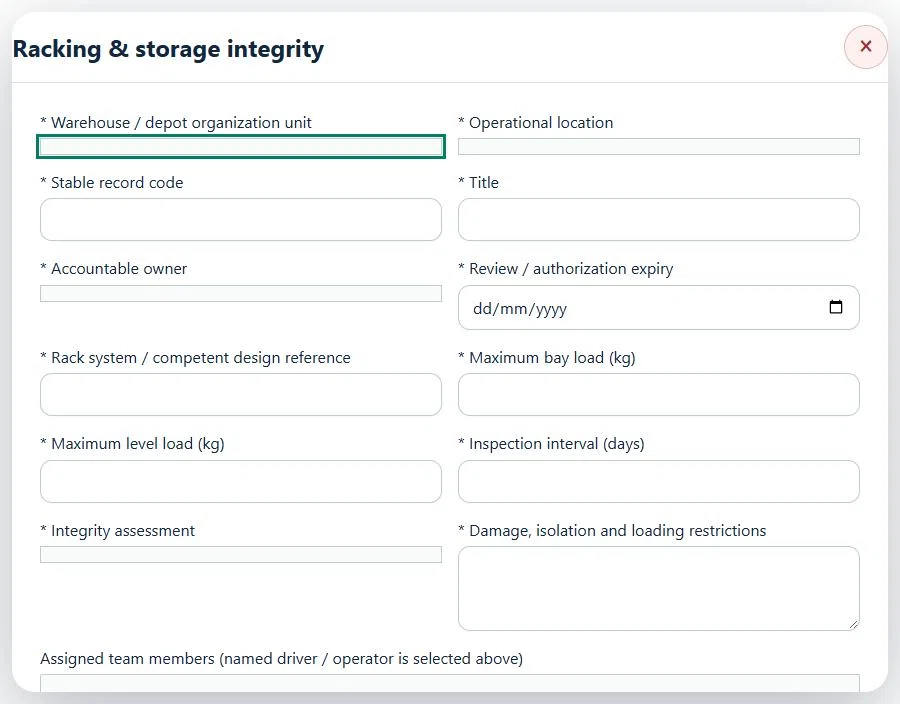
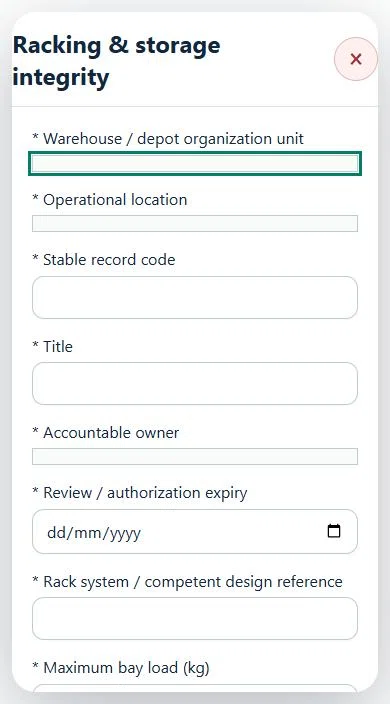
11Logistics, Warehousing & DistributionRacking & storage integrityPrepare a source-linked assurance record and obtain independent acceptance.
How to use this section
Select the operating context, owner and review due date. Record: Rack system / competent design reference; Maximum bay load (kg); Maximum level load (kg); Inspection interval (days); Integrity assessment; Damage, isolation and loading restrictions.
Link the relevant saved source records and any required accepted dependencies. Save the draft and attach supporting evidence in Detail.
Submit for independent review; resolve rejected or incomplete evidence before resubmitting. Acceptance does not approve or release the linked source work.
Use a new revision for changes to accepted records. Follow source links to resolve expired evidence, changed sources or failed prerequisites before progressing work.
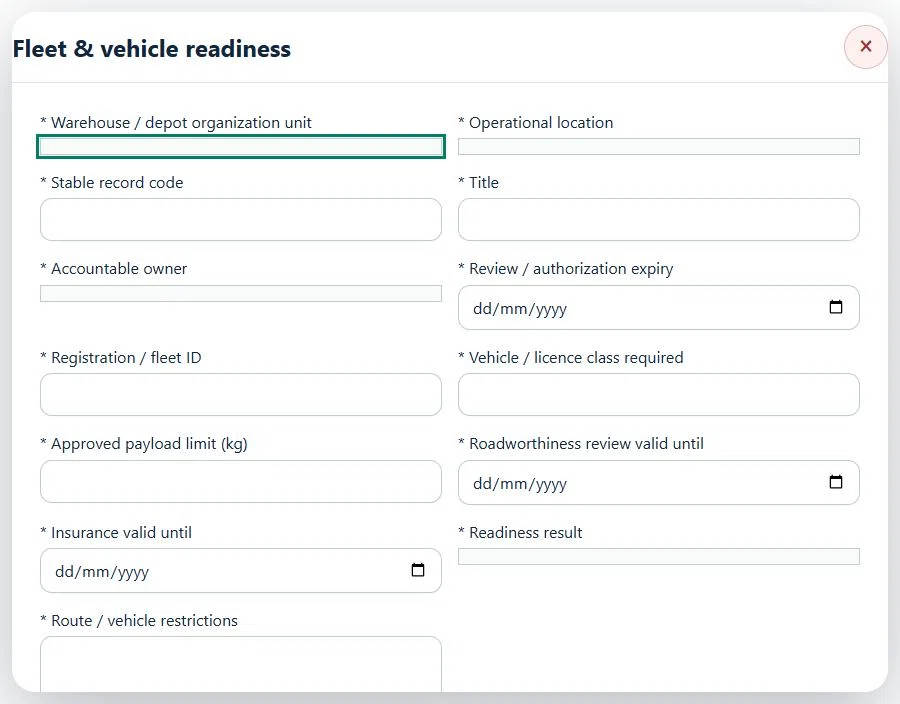
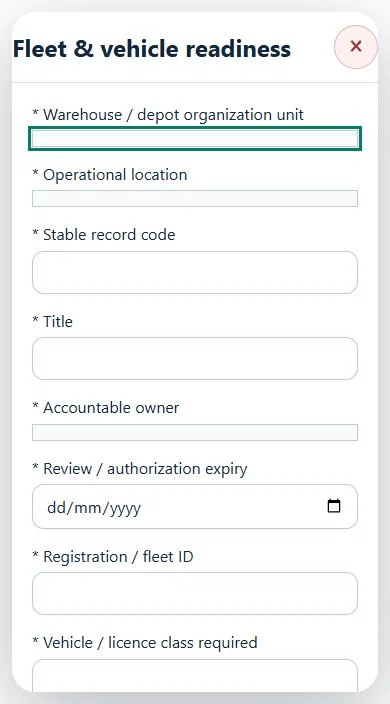
12Logistics, Warehousing & DistributionFleet & vehicle readinessPrepare a source-linked assurance record and obtain independent acceptance.
How to use this section
Select the operating context, owner and review due date. Record: Registration / fleet ID; Vehicle / licence class required; Approved payload limit (kg); Roadworthiness review valid until; Insurance valid until; Readiness result; Route / vehicle restrictions.
Link the relevant saved source records and any required accepted dependencies. Save the draft and attach supporting evidence in Detail.
Submit for independent review; resolve rejected or incomplete evidence before resubmitting. Acceptance does not approve or release the linked source work.
Use a new revision for changes to accepted records. Follow source links to resolve expired evidence, changed sources or failed prerequisites before progressing work.
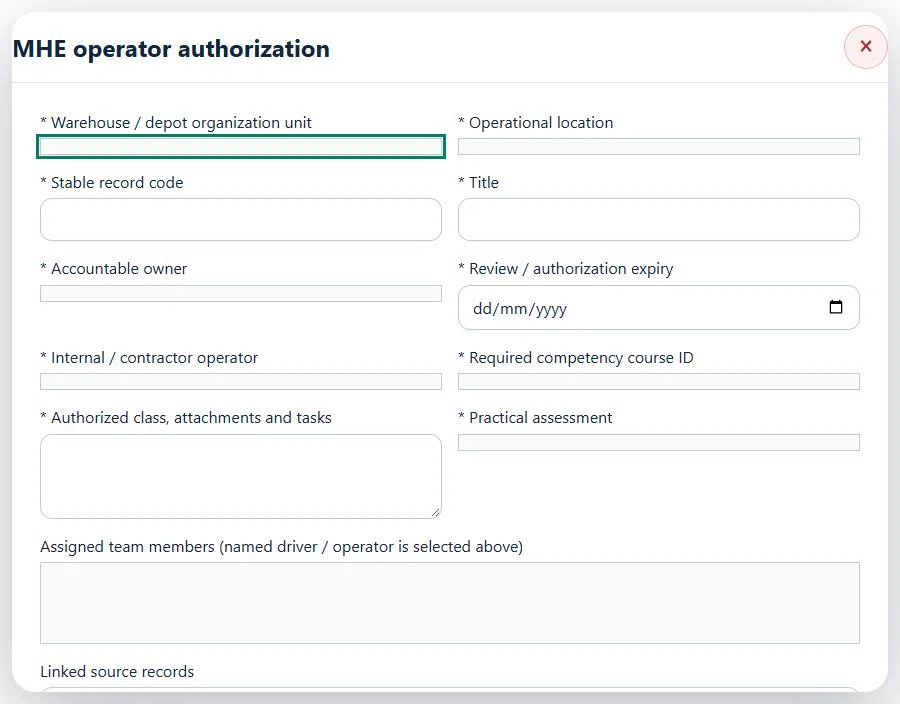
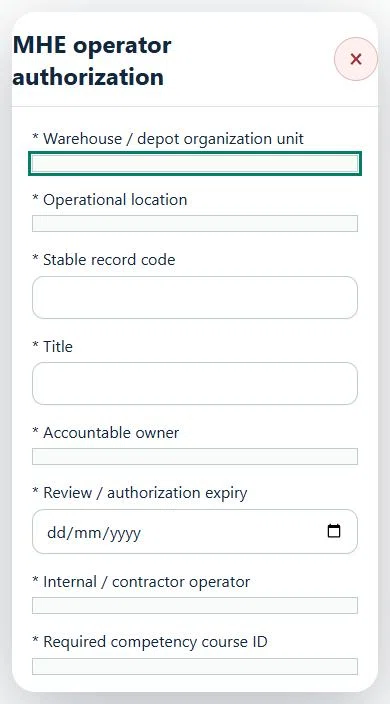
13Logistics, Warehousing & DistributionMHE operator authorizationPrepare a source-linked assurance record and obtain independent acceptance.
How to use this section
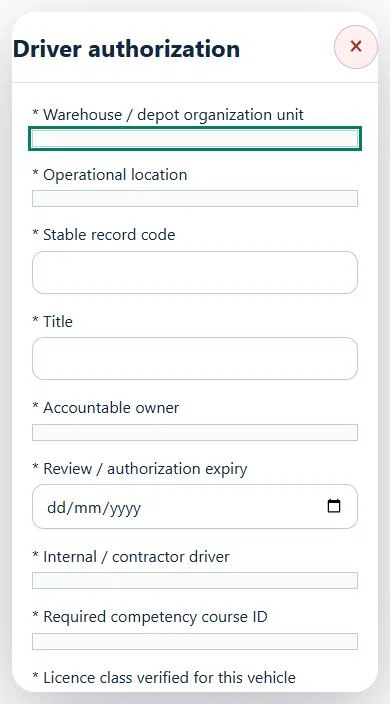
Select the operating context, owner and review due date. Record: Internal / contractor operator; Required competency course ID; Authorized class, attachments and tasks; Practical assessment.
Link the relevant saved source records and any required accepted dependencies. Save the draft and attach supporting evidence in Detail.
Submit for independent review; resolve rejected or incomplete evidence before resubmitting. Acceptance does not approve or release the linked source work.
Use a new revision for changes to accepted records. Follow source links to resolve expired evidence, changed sources or failed prerequisites before progressing work.
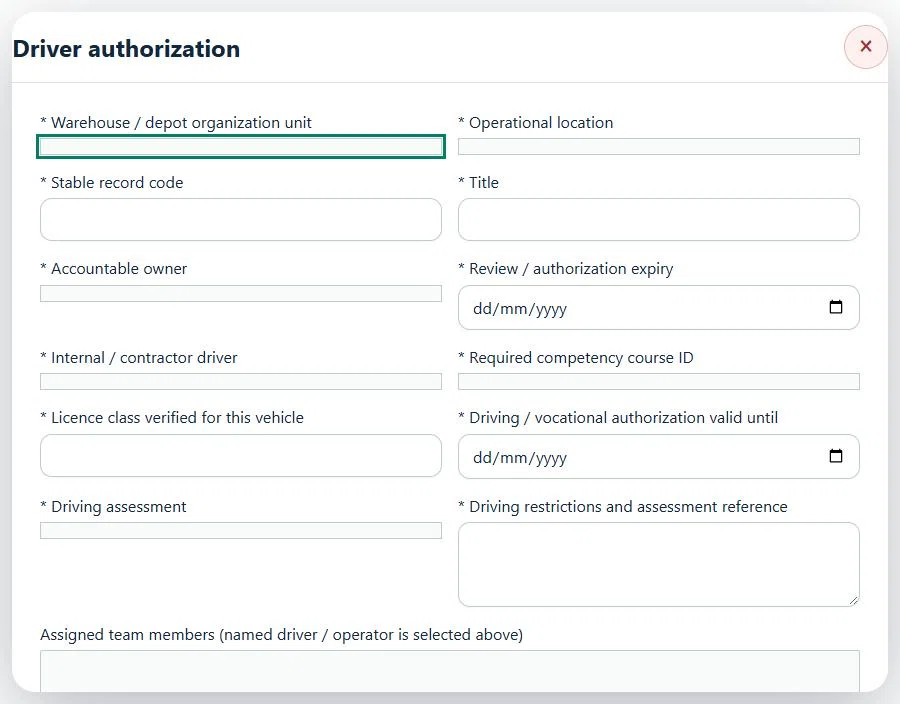
14Logistics, Warehousing & DistributionDriver authorizationPrepare a source-linked assurance record and obtain independent acceptance.
How to use this section
Select the operating context, owner and review due date. Record: Internal / contractor driver; Required competency course ID; Licence class verified for this vehicle; Driving / vocational authorization valid until; Driving assessment; Driving restrictions and assessment reference.
Link the relevant saved source records and any required accepted dependencies. Save the draft and attach supporting evidence in Detail.
Submit for independent review; resolve rejected or incomplete evidence before resubmitting. Acceptance does not approve or release the linked source work.
Use a new revision for changes to accepted records. Follow source links to resolve expired evidence, changed sources or failed prerequisites before progressing work.
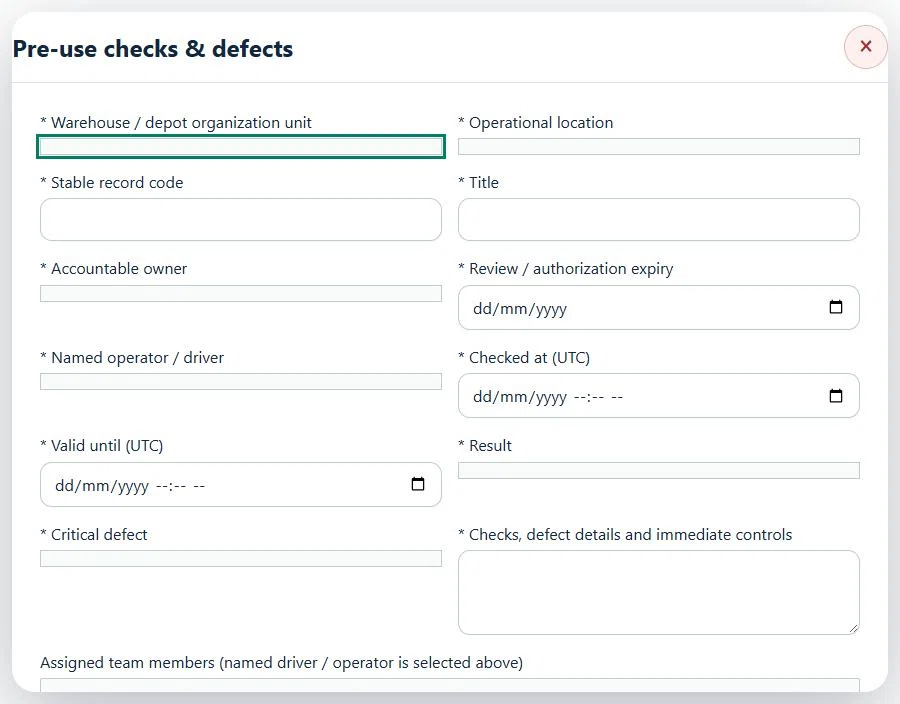
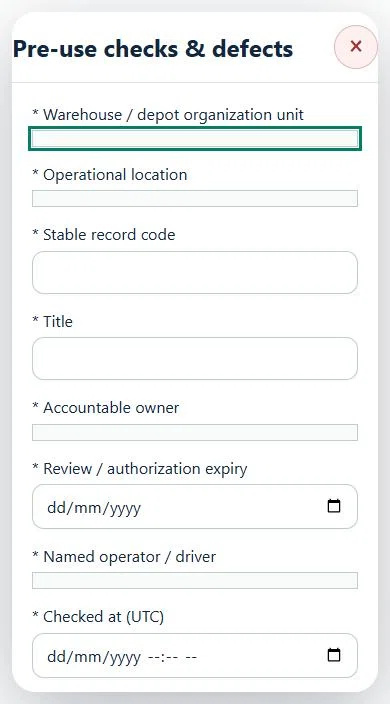
15Logistics, Warehousing & DistributionPre-use checks & defectsPrepare a source-linked assurance record and obtain independent acceptance.
How to use this section
Select the operating context, owner and review due date. Record: Named operator / driver; Checked at (UTC); Valid until (UTC); Result; Critical defect; Checks, defect details and immediate controls.
Link the relevant saved source records and any required accepted dependencies. Save the draft and attach supporting evidence in Detail.
Submit for independent review; resolve rejected or incomplete evidence before resubmitting. Acceptance does not approve or release the linked source work.
Use a new revision for changes to accepted records. Follow source links to resolve expired evidence, changed sources or failed prerequisites before progressing work.
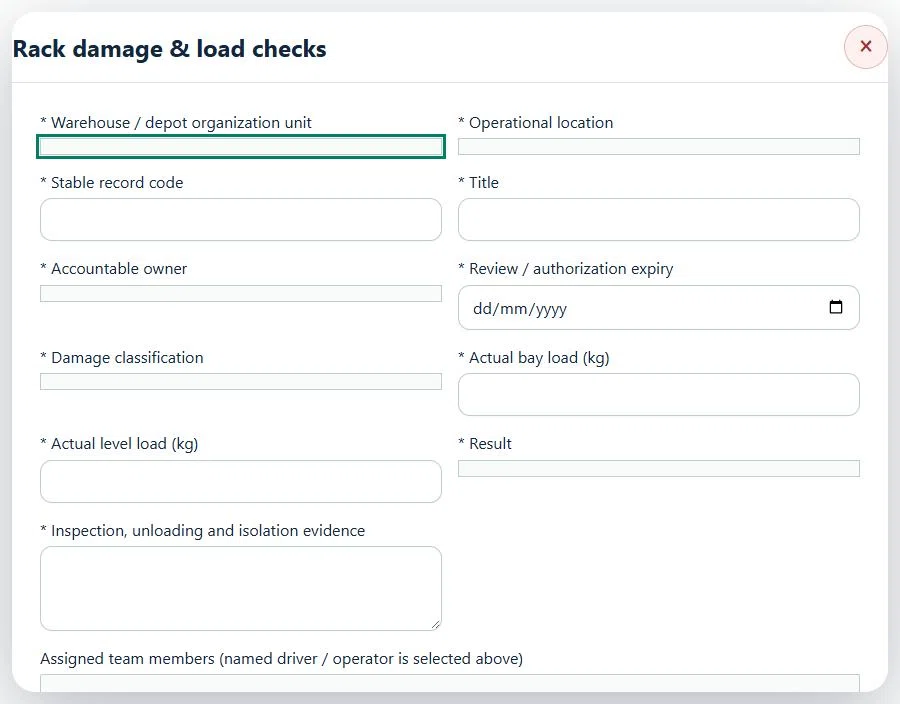
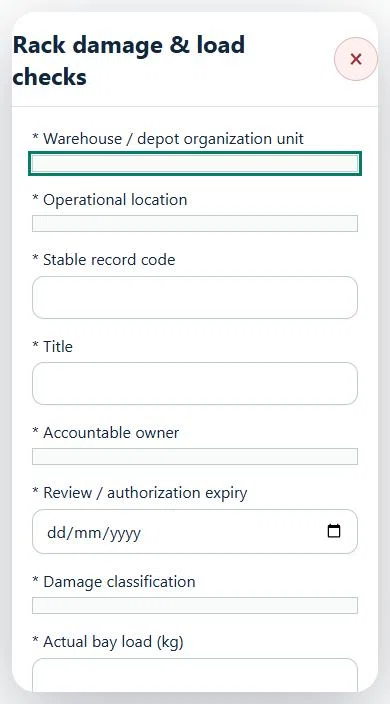
16Logistics, Warehousing & DistributionRack damage & load checksPrepare a source-linked assurance record and obtain independent acceptance.
How to use this section
Select the operating context, owner and review due date. Record: Damage classification; Actual bay load (kg); Actual level load (kg); Result; Inspection, unloading and isolation evidence.
Link the relevant saved source records and any required accepted dependencies. Save the draft and attach supporting evidence in Detail.
Submit for independent review; resolve rejected or incomplete evidence before resubmitting. Acceptance does not approve or release the linked source work.
Use a new revision for changes to accepted records. Follow source links to resolve expired evidence, changed sources or failed prerequisites before progressing work.
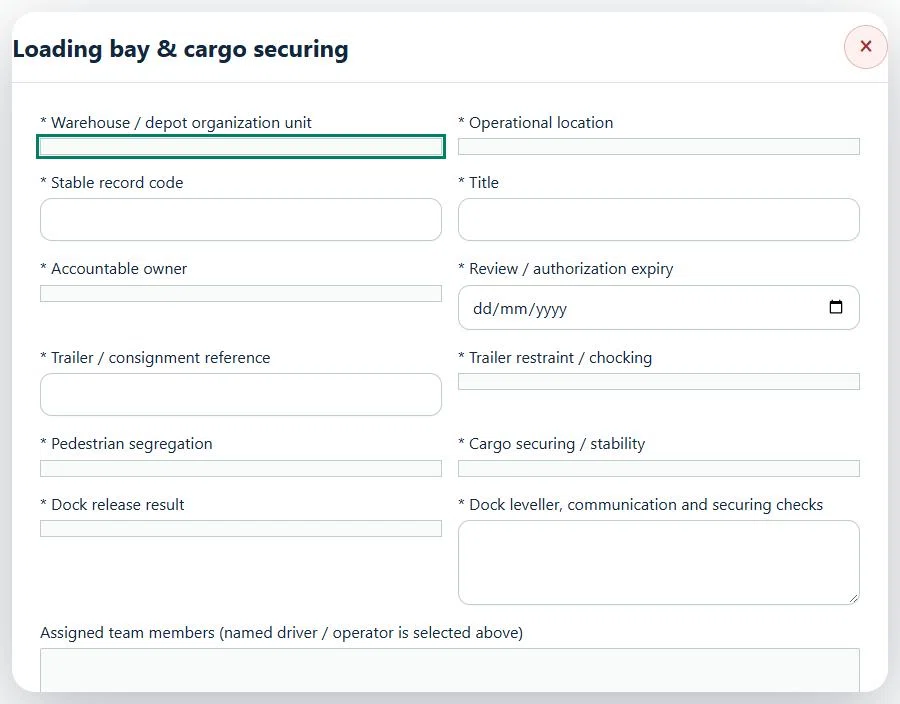
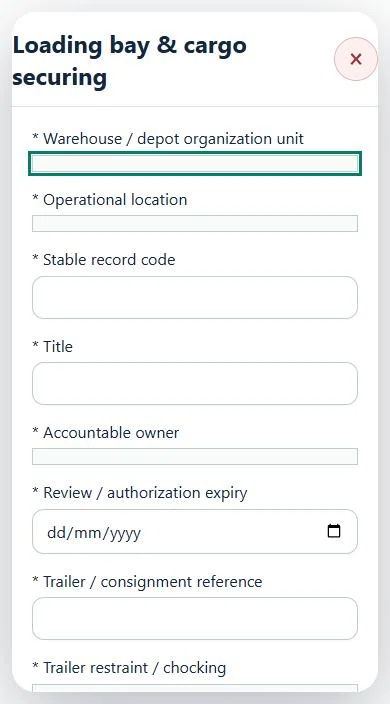
17Logistics, Warehousing & DistributionLoading bay & cargo securingPrepare a source-linked assurance record and obtain independent acceptance.
How to use this section
Select the operating context, owner and review due date. Record: Trailer / consignment reference; Trailer restraint / chocking; Pedestrian segregation; Cargo securing / stability; Dock release result; Dock leveller, communication and securing checks.
Link the relevant saved source records and any required accepted dependencies. Save the draft and attach supporting evidence in Detail.
Submit for independent review; resolve rejected or incomplete evidence before resubmitting. Acceptance does not approve or release the linked source work.
Use a new revision for changes to accepted records. Follow source links to resolve expired evidence, changed sources or failed prerequisites before progressing work.
Desktop · Loading bay & cargo securing · Highlight: * Warehouse / depot organization unitMobile · Loading bay & cargo securing · Highlight: * Warehouse / depot organization unit
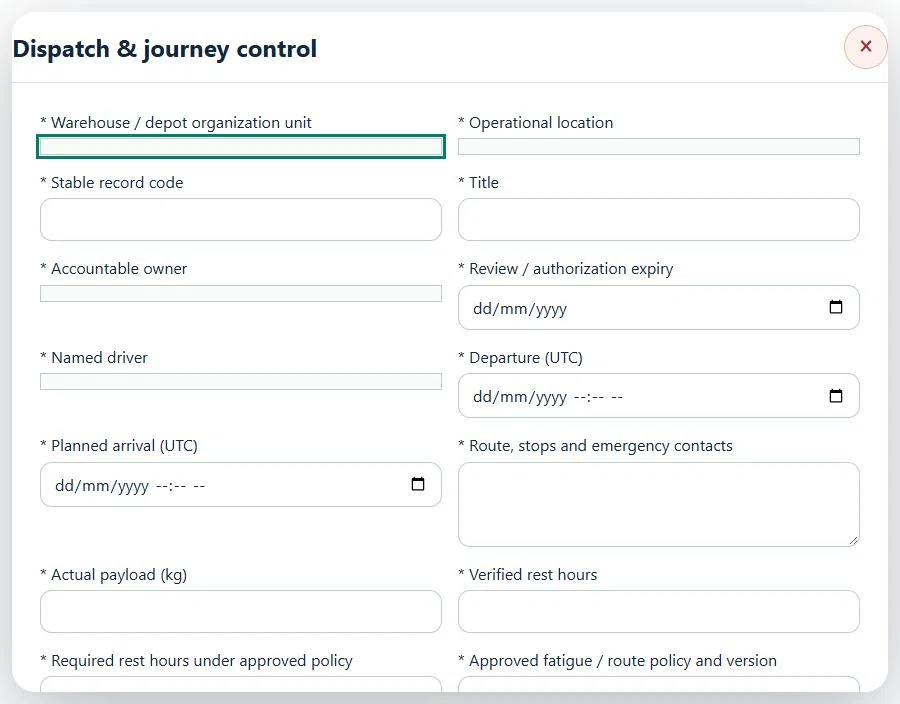
18Logistics, Warehousing & DistributionDispatch & journey controlPrepare a source-linked assurance record and obtain independent acceptance.
How to use this section
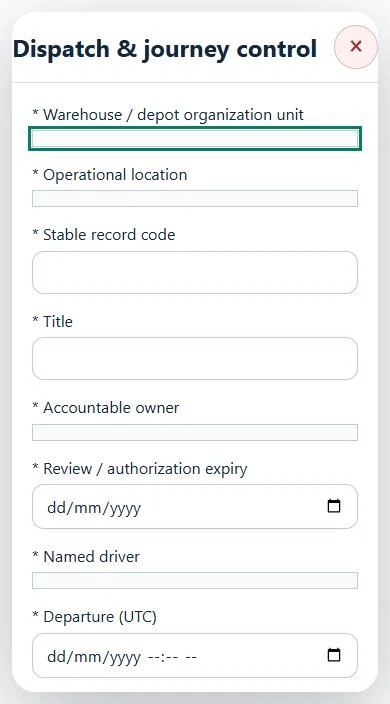
Select the operating context, owner and review due date. Record: Named driver; Departure (UTC); Planned arrival (UTC); Route, stops and emergency contacts; Actual payload (kg); Verified rest hours; Required rest hours under approved policy; Approved fatigue / route policy and version; Driver readiness / fatigue; Weather, route and emergency review; Load securing; Accepted loading-bay review ID.
Link the relevant saved source records and any required accepted dependencies. Save the draft and attach supporting evidence in Detail.
Submit for independent review; resolve rejected or incomplete evidence before resubmitting. Acceptance does not approve or release the linked source work.
Use a new revision for changes to accepted records. Follow source links to resolve expired evidence, changed sources or failed prerequisites before progressing work.
Desktop · Dispatch & journey control · Highlight: * Warehouse / depot organization unitMobile · Dispatch & journey control · Highlight: * Warehouse / depot organization unit
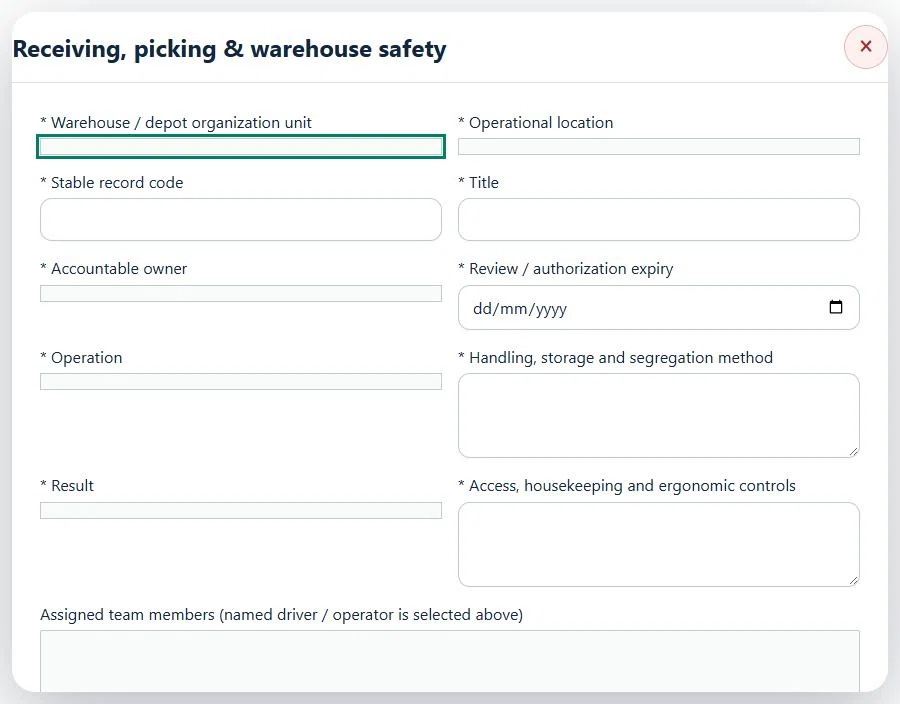
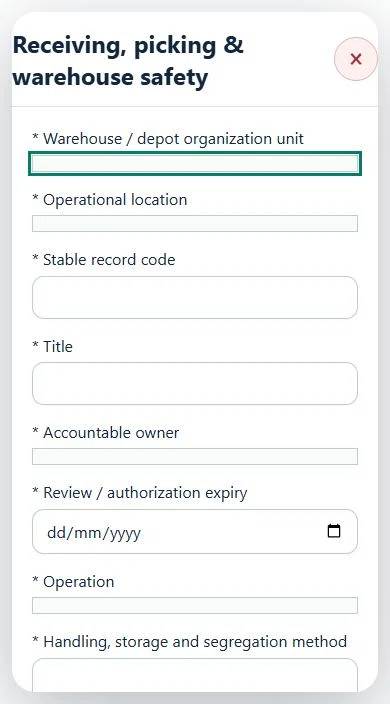
19Logistics, Warehousing & DistributionReceiving, picking & warehouse safetyPrepare a source-linked assurance record and obtain independent acceptance.
How to use this section
Select the operating context, owner and review due date. Record: Operation; Handling, storage and segregation method; Result; Access, housekeeping and ergonomic controls.
Link the relevant saved source records and any required accepted dependencies. Save the draft and attach supporting evidence in Detail.
Submit for independent review; resolve rejected or incomplete evidence before resubmitting. Acceptance does not approve or release the linked source work.
Use a new revision for changes to accepted records. Follow source links to resolve expired evidence, changed sources or failed prerequisites before progressing work.
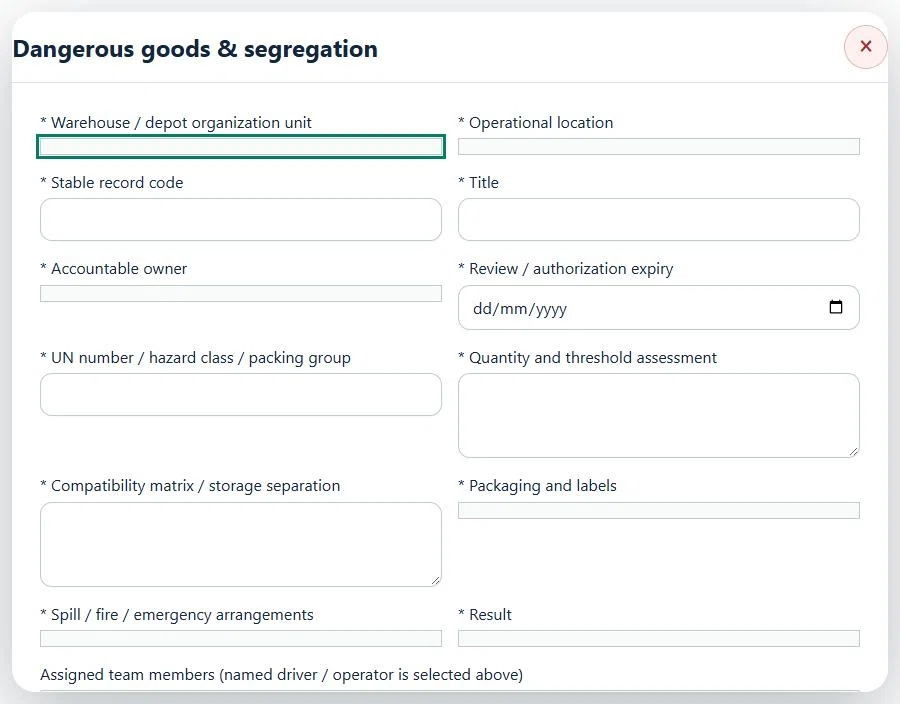
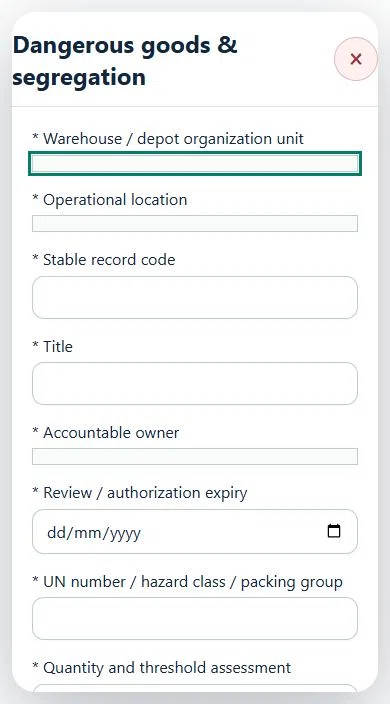
20Logistics, Warehousing & DistributionDangerous goods & segregationPrepare a source-linked assurance record and obtain independent acceptance.
How to use this section
Select the operating context, owner and review due date. Record: UN number / hazard class / packing group; Quantity and threshold assessment; Compatibility matrix / storage separation; Packaging and labels; Spill / fire / emergency arrangements; Result.
Link the relevant saved source records and any required accepted dependencies. Save the draft and attach supporting evidence in Detail.
Submit for independent review; resolve rejected or incomplete evidence before resubmitting. Acceptance does not approve or release the linked source work.
Use a new revision for changes to accepted records. Follow source links to resolve expired evidence, changed sources or failed prerequisites before progressing work.
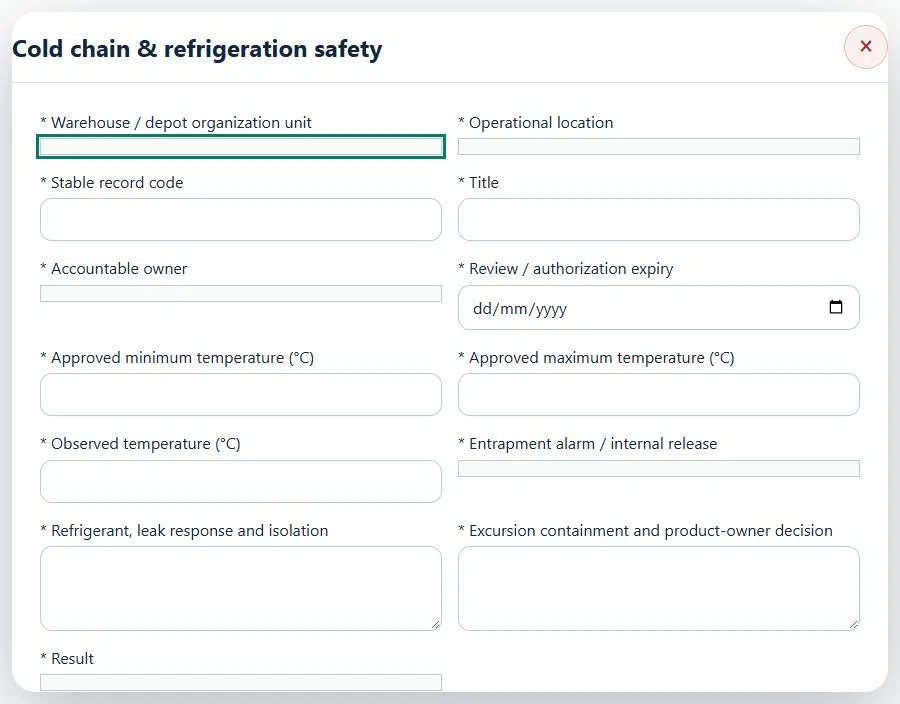
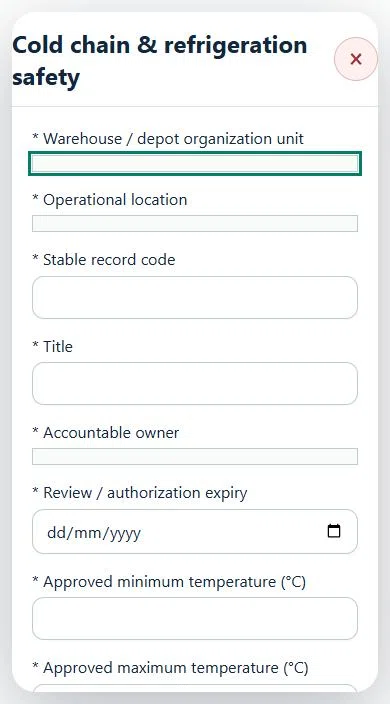
21Logistics, Warehousing & DistributionCold chain & refrigeration safetyPrepare a source-linked assurance record and obtain independent acceptance.
How to use this section
Select the operating context, owner and review due date. Record: Approved minimum temperature (°C); Approved maximum temperature (°C); Observed temperature (°C); Entrapment alarm / internal release; Refrigerant, leak response and isolation; Excursion containment and product-owner decision; Result.
Link the relevant saved source records and any required accepted dependencies. Save the draft and attach supporting evidence in Detail.
Submit for independent review; resolve rejected or incomplete evidence before resubmitting. Acceptance does not approve or release the linked source work.
Use a new revision for changes to accepted records. Follow source links to resolve expired evidence, changed sources or failed prerequisites before progressing work.
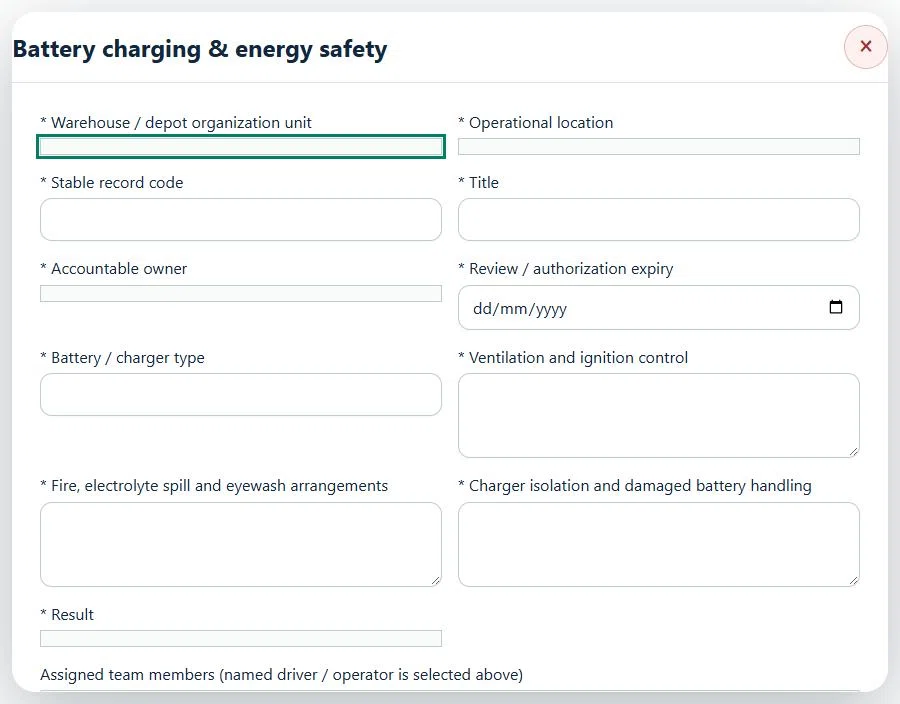
22Logistics, Warehousing & DistributionBattery charging & energy safetyPrepare a source-linked assurance record and obtain independent acceptance.
How to use this section
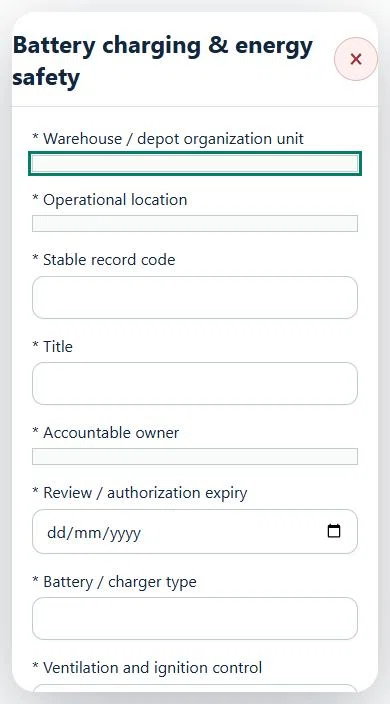
Select the operating context, owner and review due date. Record: Battery / charger type; Ventilation and ignition control; Fire, electrolyte spill and eyewash arrangements; Charger isolation and damaged battery handling; Result.
Link the relevant saved source records and any required accepted dependencies. Save the draft and attach supporting evidence in Detail.
Submit for independent review; resolve rejected or incomplete evidence before resubmitting. Acceptance does not approve or release the linked source work.
Use a new revision for changes to accepted records. Follow source links to resolve expired evidence, changed sources or failed prerequisites before progressing work.
Desktop · Battery charging & energy safety · Highlight: * Warehouse / depot organization unitMobile · Battery charging & energy safety · Highlight: * Warehouse / depot organization unit
23Logistics, Warehousing & DistributionYard, routes & pedestrian protectionPrepare a source-linked assurance record and obtain independent acceptance.
How to use this section
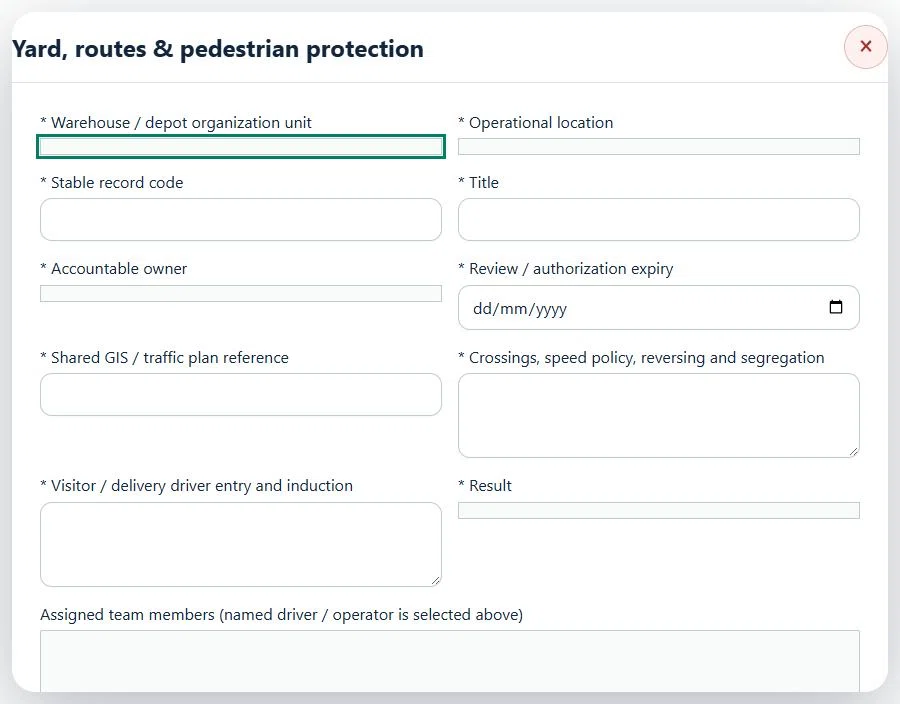
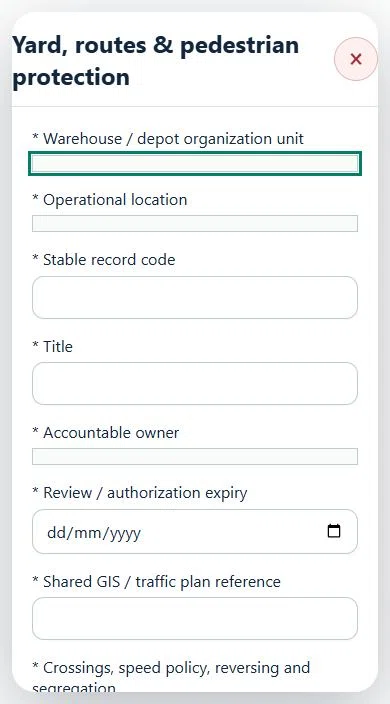
Select the operating context, owner and review due date. Record: Shared GIS / traffic plan reference; Crossings, speed policy, reversing and segregation; Visitor / delivery driver entry and induction; Result.
Link the relevant saved source records and any required accepted dependencies. Save the draft and attach supporting evidence in Detail.
Submit for independent review; resolve rejected or incomplete evidence before resubmitting. Acceptance does not approve or release the linked source work.
Use a new revision for changes to accepted records. Follow source links to resolve expired evidence, changed sources or failed prerequisites before progressing work.
24Logistics, Warehousing & DistributionTransporter & contractor assurancePrepare a source-linked assurance record and obtain independent acceptance.
How to use this section
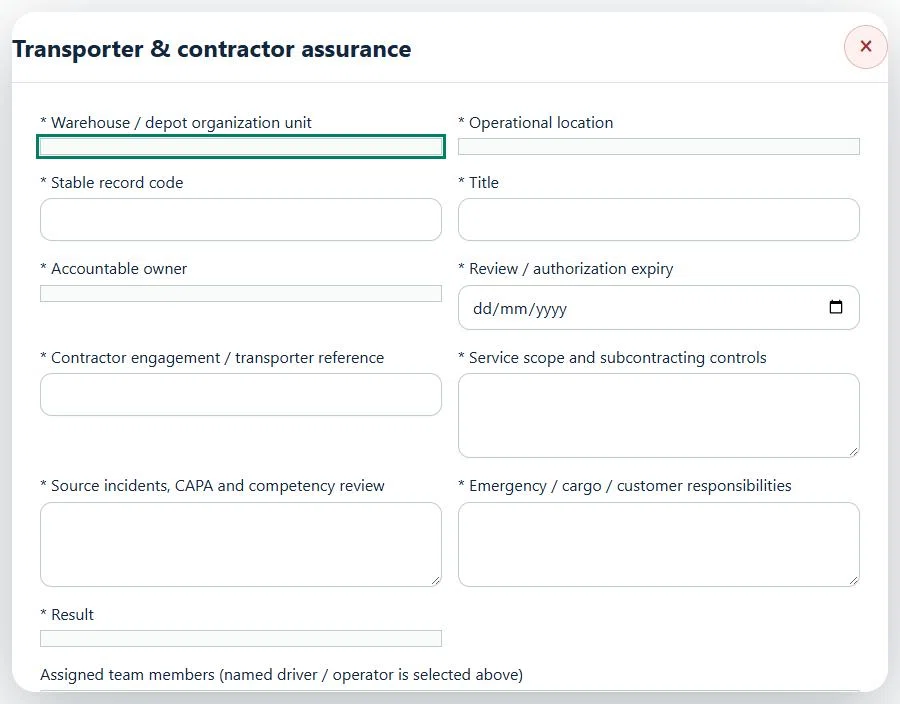
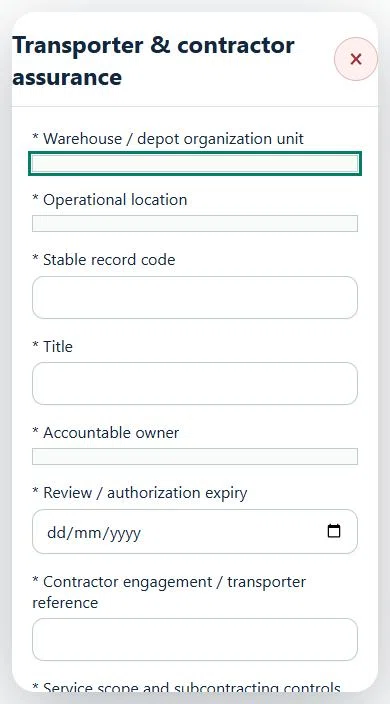
Select the operating context, owner and review due date. Record: Contractor engagement / transporter reference; Service scope and subcontracting controls; Source incidents, CAPA and competency review; Emergency / cargo / customer responsibilities; Result.
Link the relevant saved source records and any required accepted dependencies. Save the draft and attach supporting evidence in Detail.
Submit for independent review; resolve rejected or incomplete evidence before resubmitting. Acceptance does not approve or release the linked source work.
Use a new revision for changes to accepted records. Follow source links to resolve expired evidence, changed sources or failed prerequisites before progressing work.
25Logistics, Warehousing & DistributionErgonomics, exposure & wellbeingPrepare a source-linked assurance record and obtain independent acceptance.
How to use this section
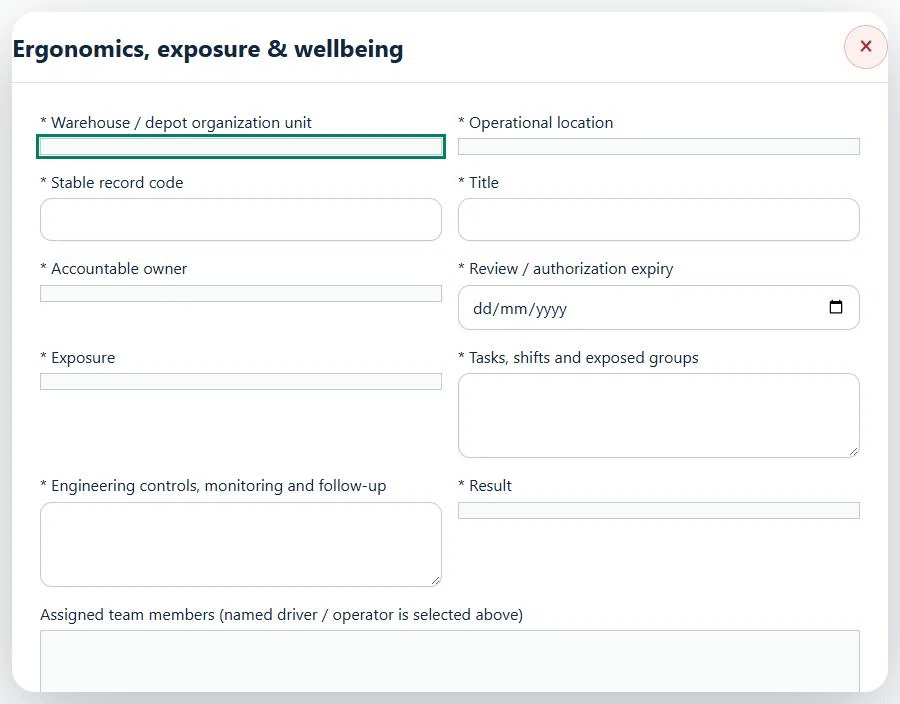
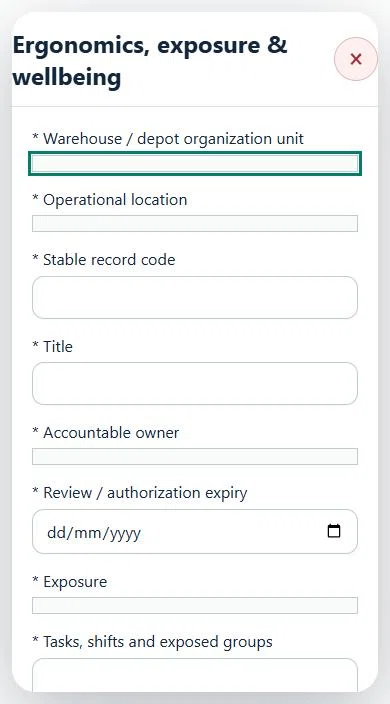
Select the operating context, owner and review due date. Record: Exposure; Tasks, shifts and exposed groups; Engineering controls, monitoring and follow-up; Result.
Link the relevant saved source records and any required accepted dependencies. Save the draft and attach supporting evidence in Detail.
Submit for independent review; resolve rejected or incomplete evidence before resubmitting. Acceptance does not approve or release the linked source work.
Use a new revision for changes to accepted records. Follow source links to resolve expired evidence, changed sources or failed prerequisites before progressing work.
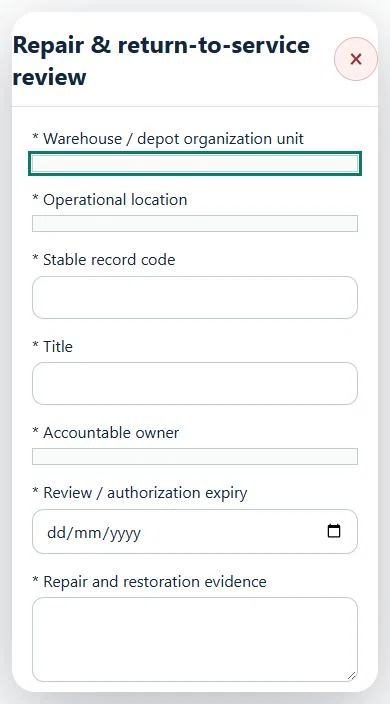
26Logistics, Warehousing & DistributionRepair & return-to-service reviewPrepare a source-linked assurance record and obtain independent acceptance.
How to use this section
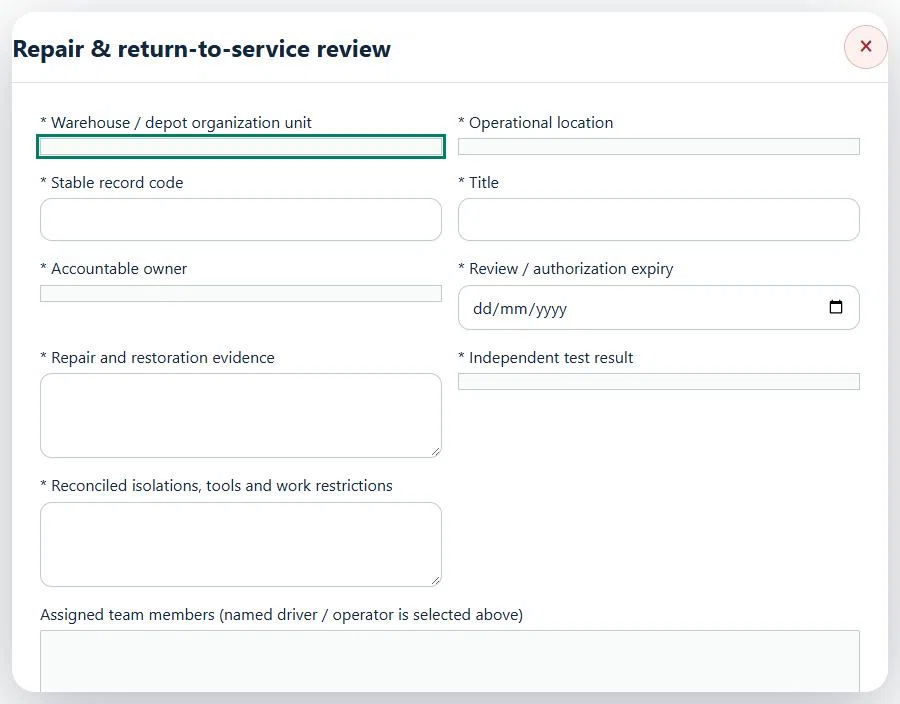
Select the operating context, owner and review due date. Record: Repair and restoration evidence; Independent test result; Reconciled isolations, tools and work restrictions.
Link the relevant saved source records and any required accepted dependencies. Save the draft and attach supporting evidence in Detail.
Submit for independent review; resolve rejected or incomplete evidence before resubmitting. Acceptance does not approve or release the linked source work.
Use a new revision for changes to accepted records. Follow source links to resolve expired evidence, changed sources or failed prerequisites before progressing work.
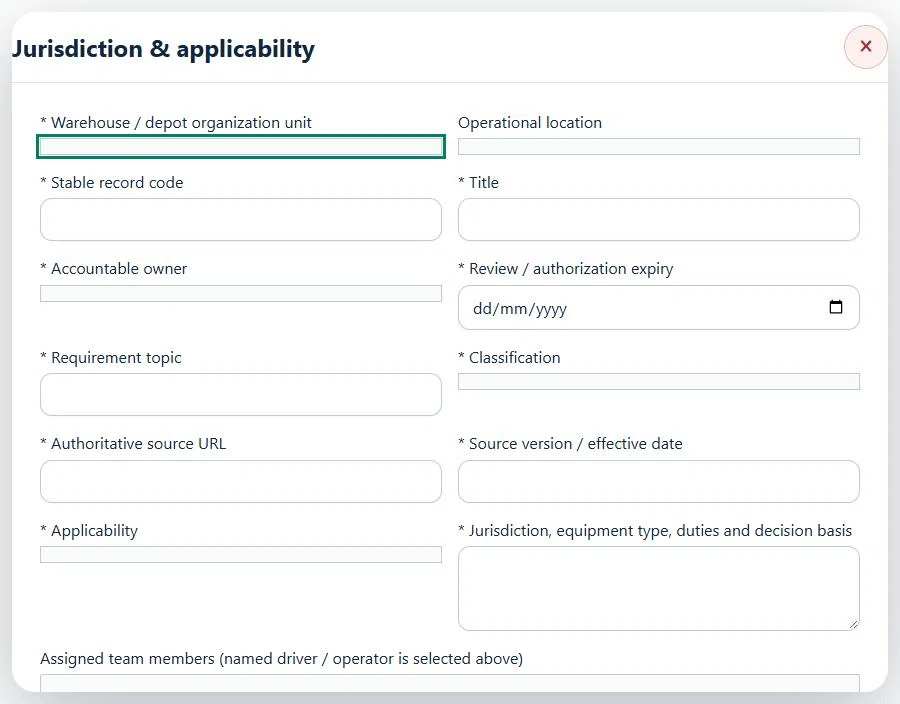
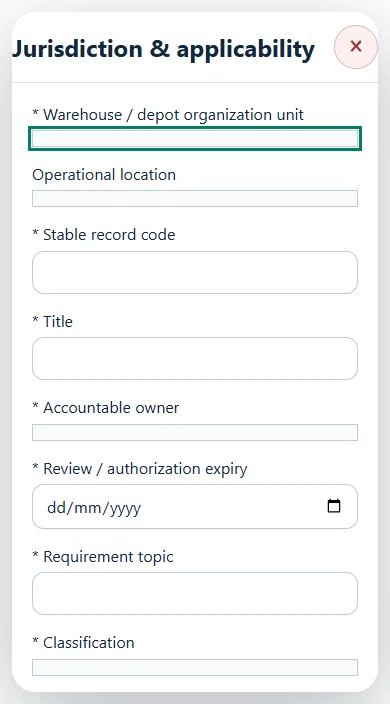
27Logistics, Warehousing & DistributionJurisdiction & applicabilityPrepare a source-linked assurance record and obtain independent acceptance.
How to use this section
Select the operating context, owner and review due date. Record: Requirement topic; Classification; Authoritative source URL; Source version / effective date; Applicability; Jurisdiction, equipment type, duties and decision basis.
Link the relevant saved source records and any required accepted dependencies. Save the draft and attach supporting evidence in Detail.
Submit for independent review; resolve rejected or incomplete evidence before resubmitting. Acceptance does not approve or release the linked source work.
Use a new revision for changes to accepted records. Follow source links to resolve expired evidence, changed sources or failed prerequisites before progressing work.
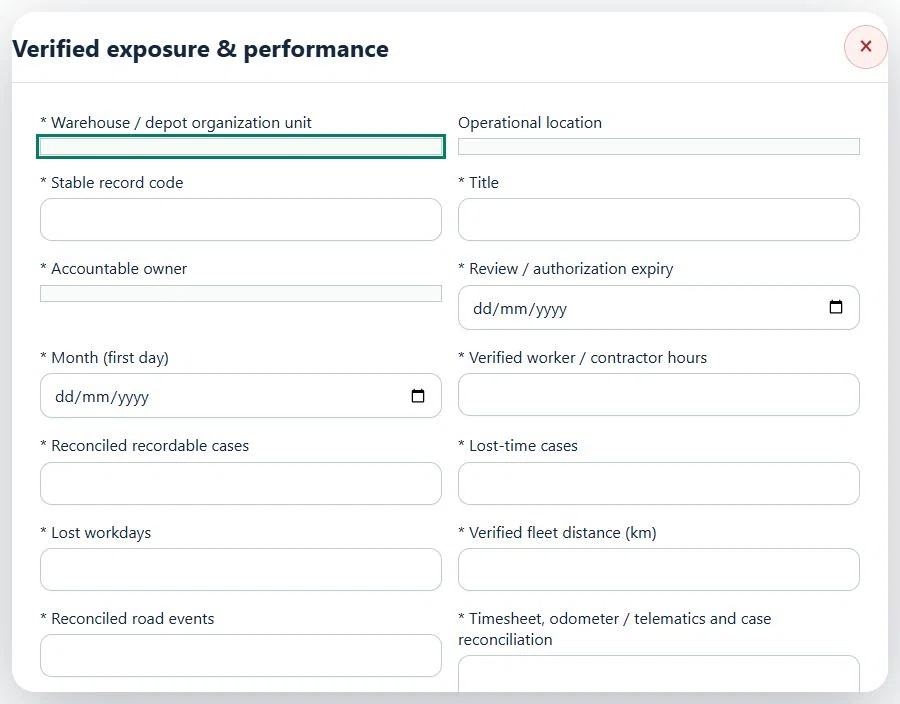
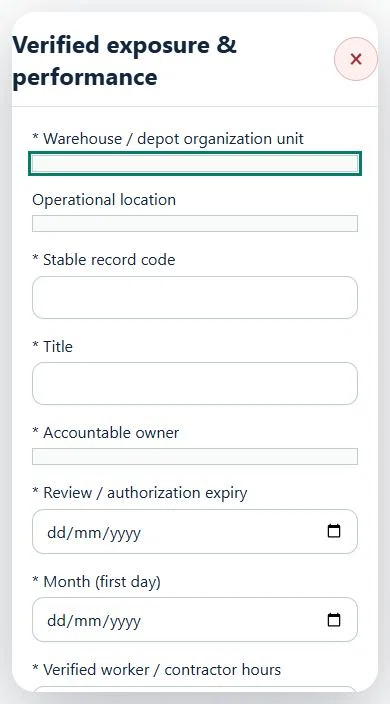
28Logistics, Warehousing & DistributionVerified exposure & performancePrepare a source-linked assurance record and obtain independent acceptance.
How to use this section
Select the operating context, owner and review due date. Record: Month (first day); Verified worker / contractor hours; Reconciled recordable cases; Lost-time cases; Lost workdays; Verified fleet distance (km); Reconciled road events; Timesheet, odometer / telematics and case reconciliation.
Link the relevant saved source records and any required accepted dependencies. Save the draft and attach supporting evidence in Detail.
Submit for independent review; resolve rejected or incomplete evidence before resubmitting. Acceptance does not approve or release the linked source work.
Use a new revision for changes to accepted records. Follow source links to resolve expired evidence, changed sources or failed prerequisites before progressing work.
29Logistics, Warehousing & DistributionAssets, certificates, calendar and reportingUse one source record across industry views.
How to use this section
Assets & equipment is a filtered view of Equipment. Use its shared Add, Edit and Detail forms, certificate records and approval workflow.
Certificates & compliance summarizes source certificates and linked legal obligations. Amend the source record instead of entering a duplicate certificate.
All industries use Equipment Certificates & renewals: required types, PIC reminders, draft evidence, independent verification and retained replacement history. Use Maintenance & work controls for internal, contractor or mixed repair work and controlled return to service.
Use Calendar & recurring work to plan due dates. A new cycle creates a fresh draft and requires fresh readiness checks and approval.
Apply the desired scope and filters before exporting CSV or PDF. Open Action Inbox for assigned reviews and follow-up.